
Quick select tool always feathers
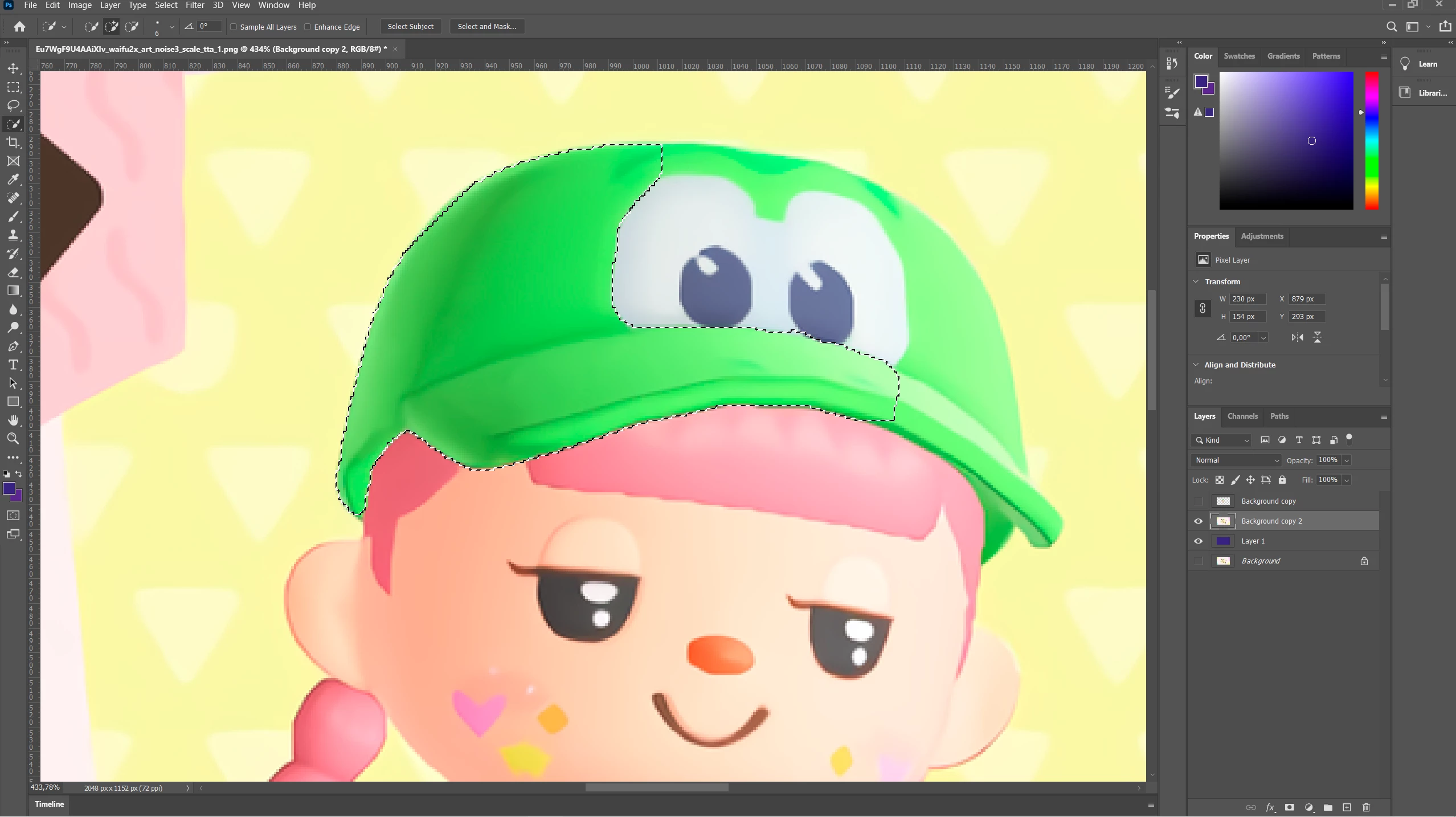
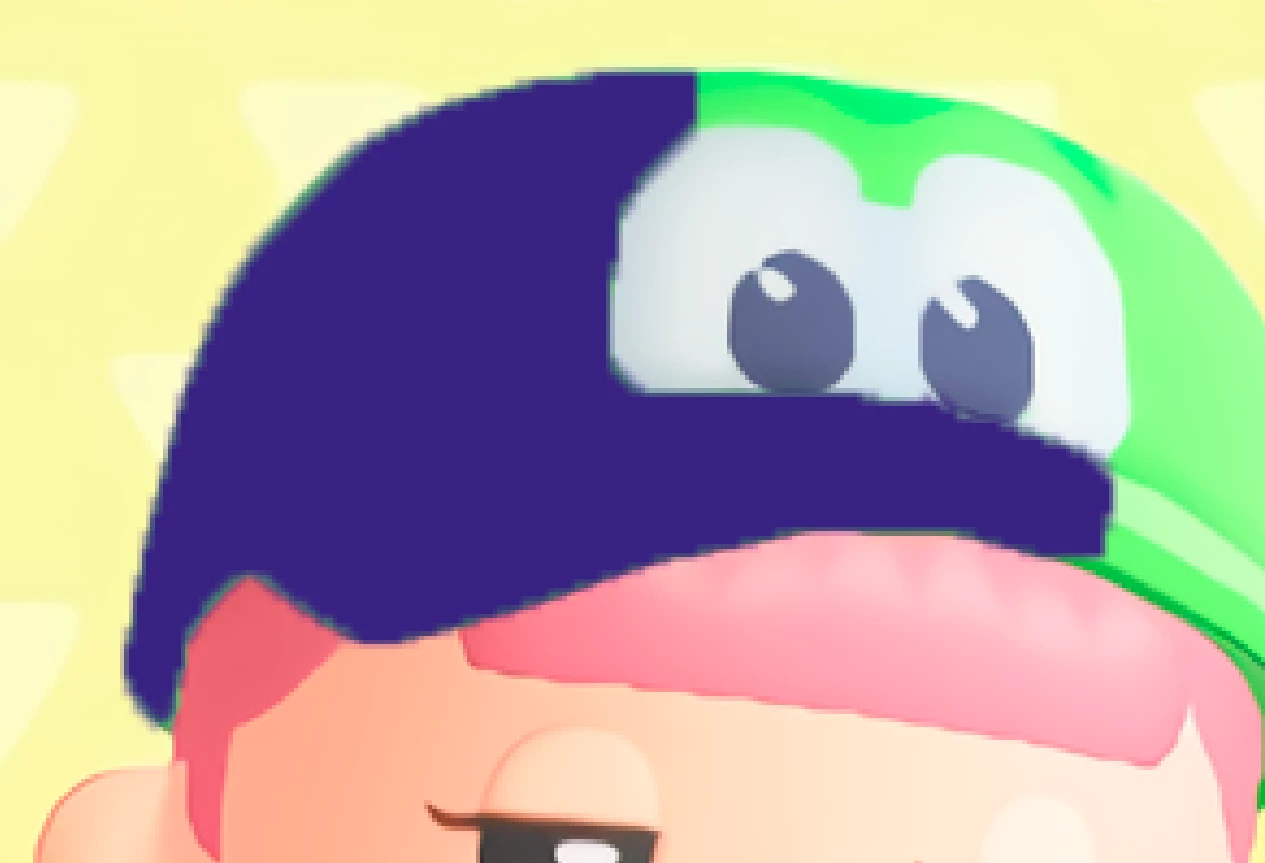
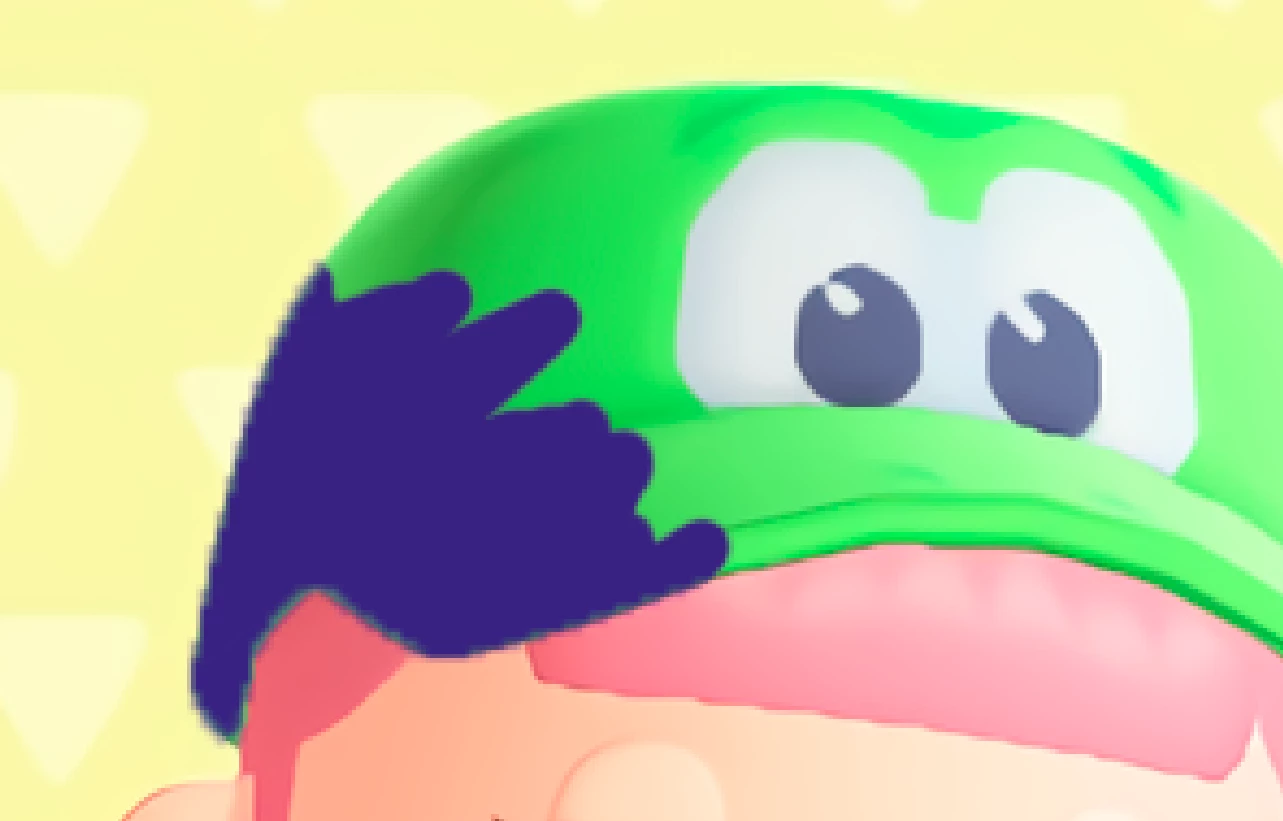
Everytime I use the quick select tool it adds what looks to be like a 2-4 pixels feather to both inner and outer edges of the select. This does not happen with any other selection tools. It doesn't matter if I just delete the selection's content or erase it with the eraser or fill it in with a brush. It is quite annoying as it doubles my work when trying to cut images.
Currently I am using Photoshop version 21.2.4 but this has been a problem for almost a year and I've updated Photoshop many times in that time.
I have tried resetting all tools. I have reinstalled everything from Adobe on my PC multiple times trying to fix this. I can't seem to find anything related specifically to this when looking for help.
The selection:
How it looks deleted:
How it looks erased:
 AdChoices