Question
Quick selection tool
Hello,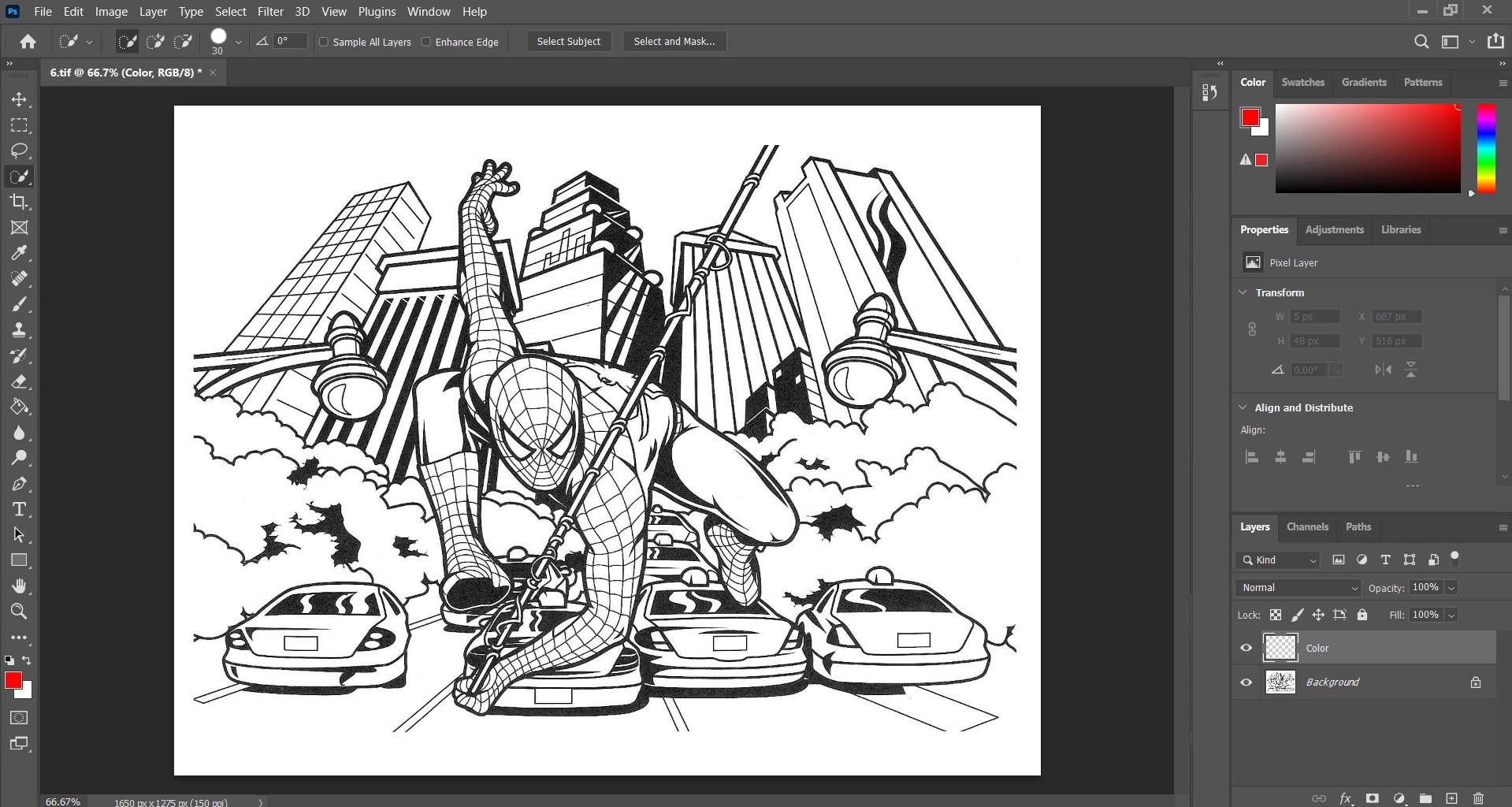 I am trying to use the auto enhanced feature but I don't see it at all when I use the tool. I've tried youtube I've asked others and I don't know whats going on.

Hello, I am trying to use the auto enhanced feature but I don't see it at all when I use the tool. I've tried youtube I've asked others and I don't know whats going on.
Already have an account? Login
Enter your E-mail address. We'll send you an e-mail with instructions to reset your password.
 AdChoices