
Radial Gradient Oval shape doesn't work
Hi.
When I try to create a radial gradient in the shape of an oval, it seems like Photoshop is not able to create the oval shape but instead all of the shapes are circles.
In the first image, you can see I created a regular radial gradient in the shape of a circle.
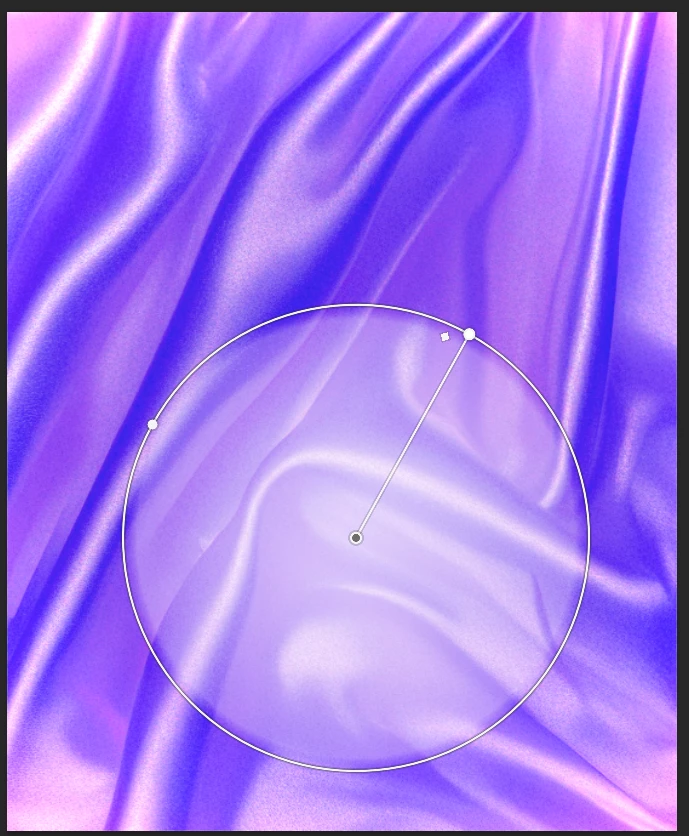
But when I move the border of the circle to make an oval, it seems like Photoshop is not taking any changes.
Attempt 1:
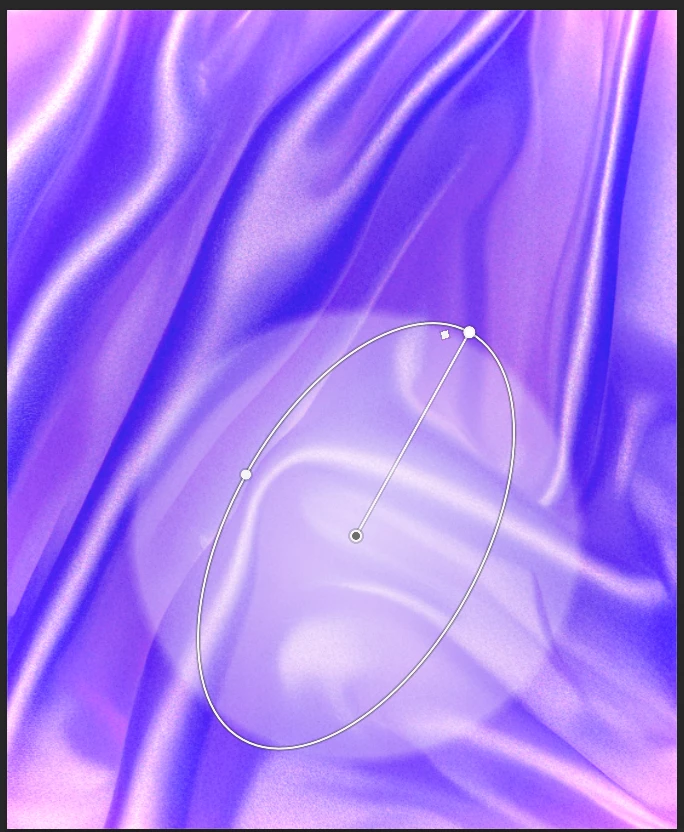
Attempt 2:
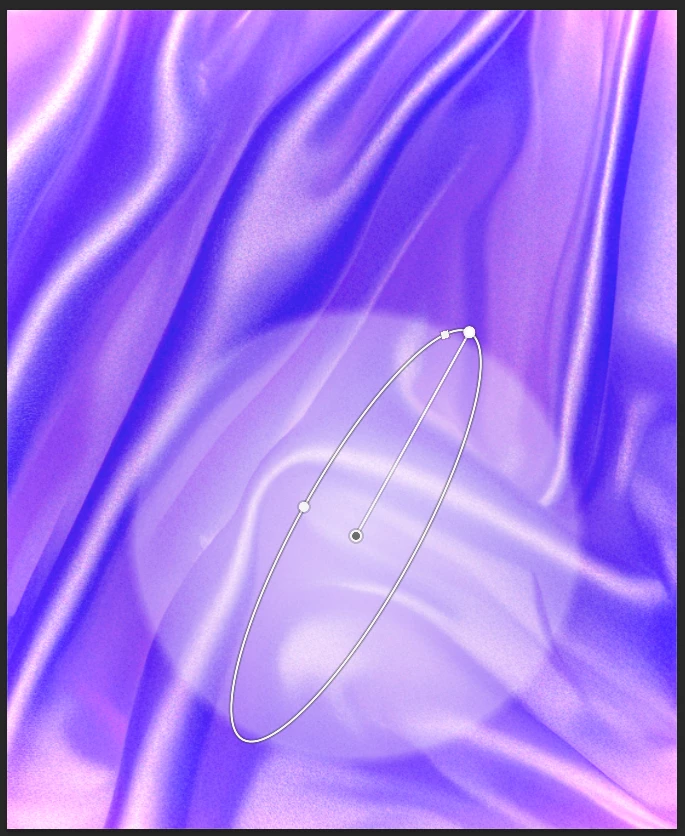
Attempt 3:
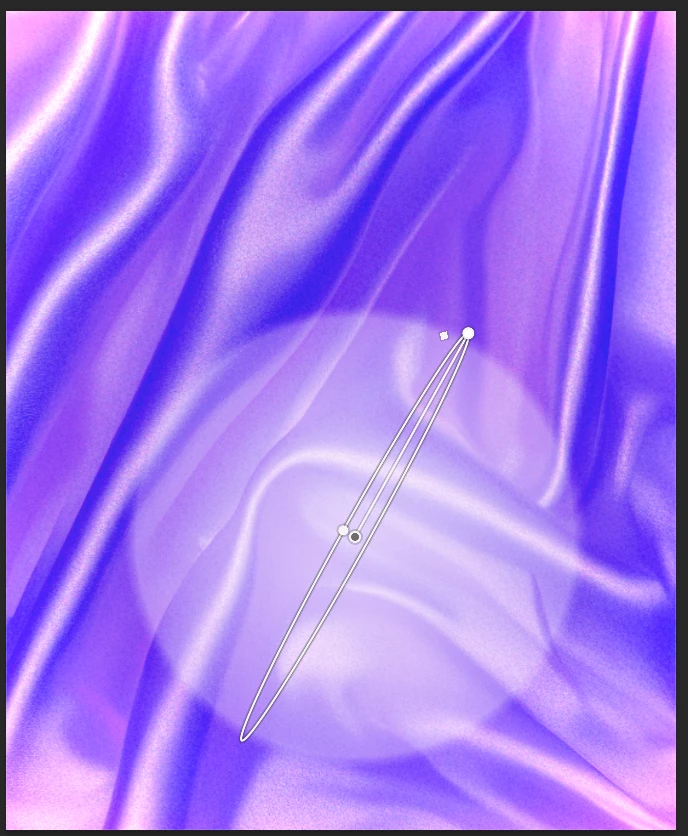
As you can see in the three previous attempts, I tried to change the circle border so I can get an oval shape, but apparently Photoshop is not applying those changes.
I would like to know if there's something wrong with the way I'm doing it or if this is some sort of bug or technical issue.
This is happening for Photoshop 2025 (I remember have used this feature on '23 and '24 and it worked correctly).
Thanks in advance.
 AdChoices