Participant
April 12, 2020
Question

Ram Issues - Laptop going to go out the window

  • April 12, 2020
  • 3 replies
  • 623 views

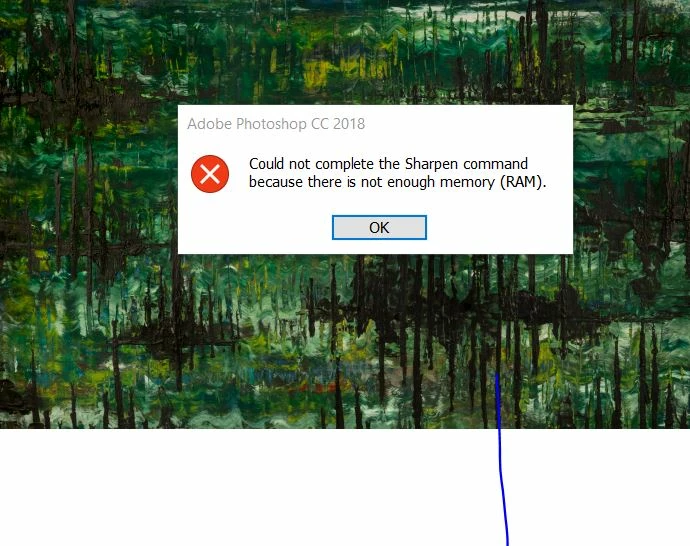
When i open and go to edit any of my images I get the following message.......Shouldnt I be able to open image on the cloud and edit it?


I dont know what to do? I have deleted everything I can off my laptop


Many Thanks , Leyla 
This topic has been closed for replies.

3 replies

Just Shoot Me
Legend
April 12, 2020

First you are running an Older version of Photoshop, PS CC 2018. There are at least 2 major versions newer and several point releases of the newest PS 2020.


What operating system is installed on your computer? And exactly how much RAM is installed?


You can try shutting down other program you have running and only open Photoshop then test.

Just Shoot Me
Legend
April 12, 2020

I moved your post to the proper forum.

Legend
April 12, 2020

Photoshop is an app running in your computer. It can open files from the cloud or from your hard disk, but you don't seem to have enough RAM in your computer. So, how much RAM do you actually have, and how much free hard disk? Please let us know if you need help getting these answers.