
Question
Random brush strokes
I use Photoshop CC2022 and a Wacom Cintiq. For the past 6 months or year, everytime I use the brush tool, it leaves random dots or strokes. Can't seem to figure out how to fix this, and I've seen no posts relating to this. I've tried turning off secondary buttons on pen, using different pens, turning off tip double click distance. Can anyone help?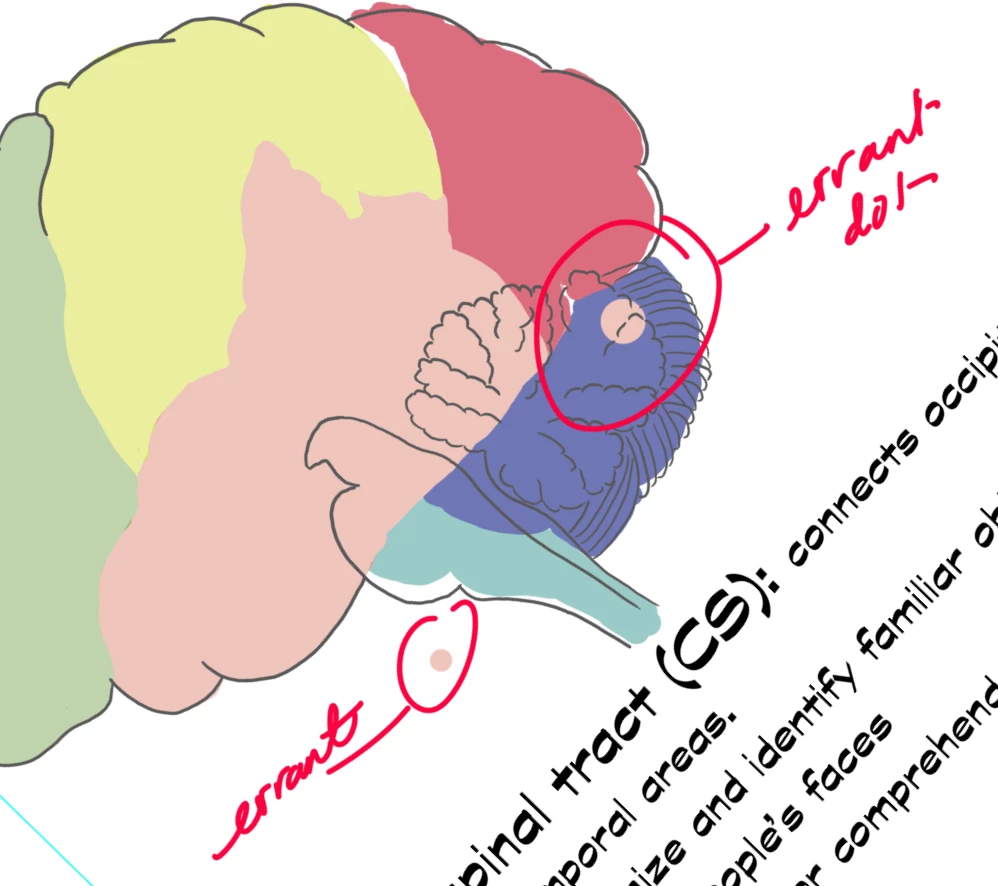
 AdChoices