
Question
random dots when shading/drawing
I downloaded photoshop recently, and while sketching on a huion tablet, an odd bug popped up. The brush kept creating random bright dots that i couldn't even replicate when pressing down as they were perfectly round and bright, they also interrupt lines causing lines to split into two despite pen not being raised.
My tablet is callibrated and otherwise functional and it happens with both huion and wacom tablets. It's not a deal breaker but it's annoying and disruptive to my workflow.
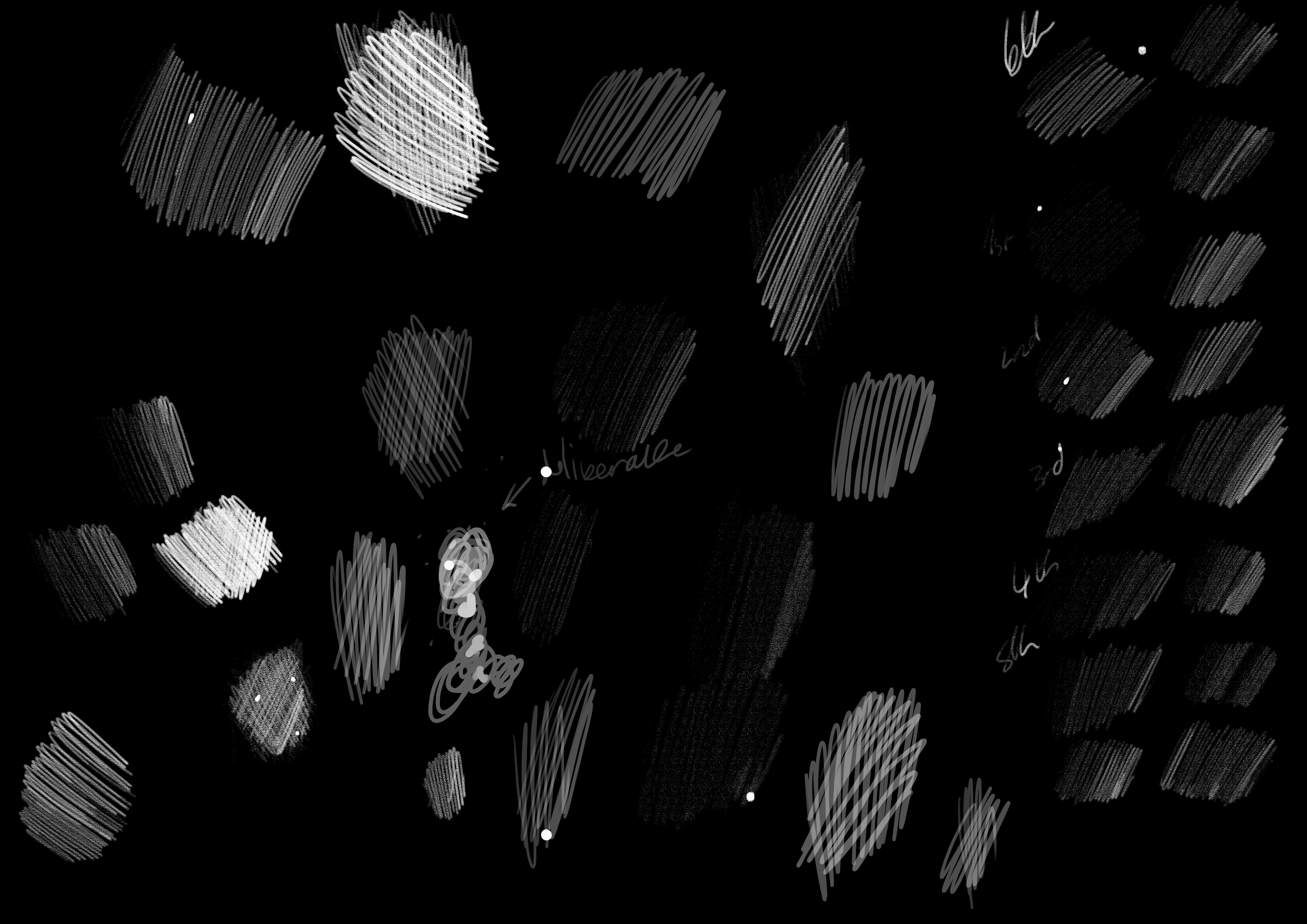
I have uploaded a page of scribbles of trying to get it to show with various brushes and pressures. it happens at all points in the line, beginning middle and end but usually middle, though it does disrupt line flow and cause an end in the middle at times.
 AdChoices