Raw Files Not Opening or Opening in Gray-scale in Photoshop
I do a fair bit of databending and have always used Audacity as my data manipulation software. Ever since 2020 came out though I've been having massive problems. I tried doing searches on similar issues to see if I could find a solution but nothing I tried has worked. The first issue is that most of the time I can't even open the files. I keep getting the same message:
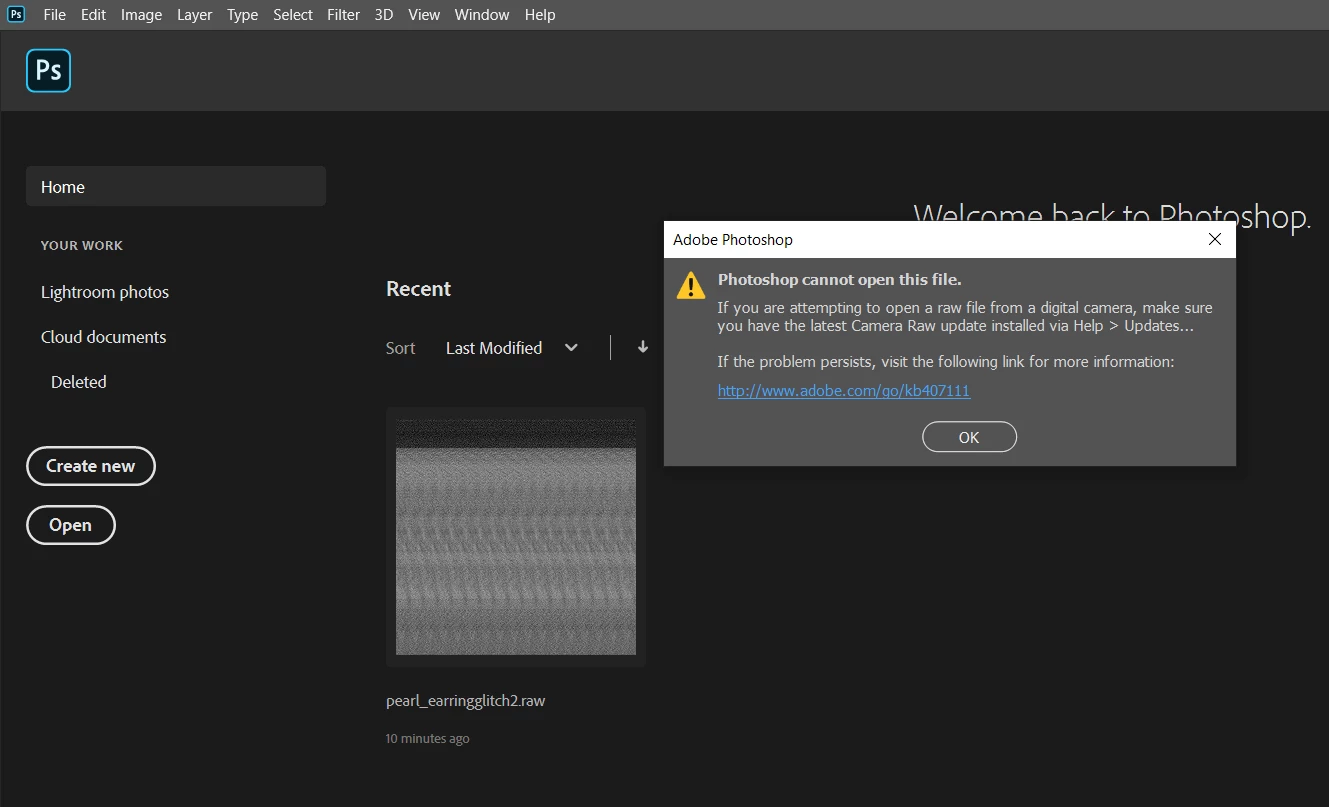
I have tried uninstalling Photoshop, Lightroom, Bridge, and Camera Raw and then re-installing them but the problem persists. On the rare occasion the file does open it opens in grayscale.
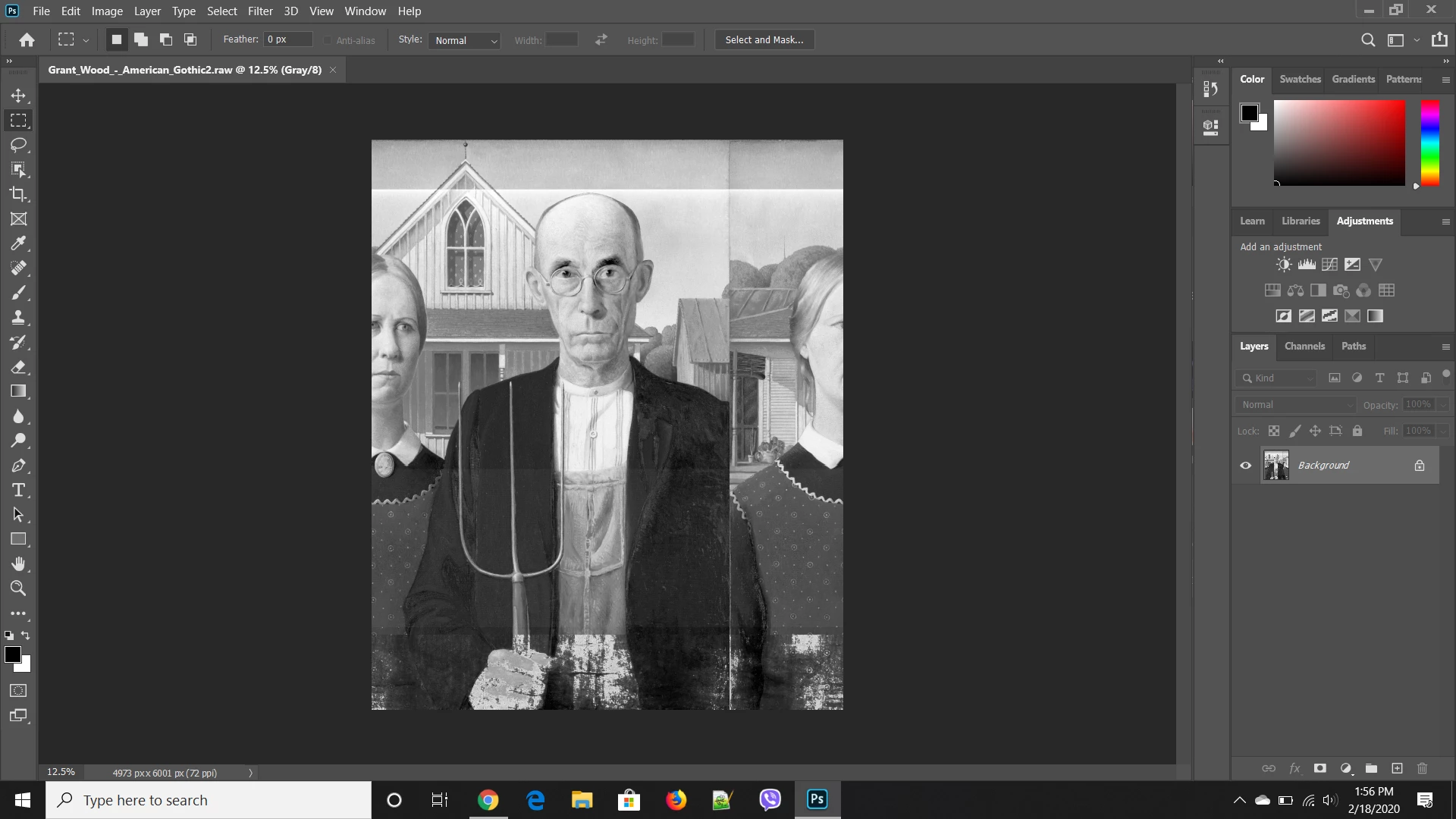
I tried a solution I saw with changing it to indexed color but the colors don't come out right. I'm really frustrated at this point and don't know what else to do. Has anyone else had these problems? I'm using Windows 10 v 1909 if that helps. It's strange though because this only started happening recently so I don't think it's my OS but one never knows. Thanks for the assist.
{Thread renamed by moderator}
 AdChoices