Participating Frequently
September 29, 2021
Question

Re-Imported images look different

  • September 29, 2021
  • 1 reply
  • 471 views

Searched but couldn't find a solution:

Macbook Air 2021

Mac OSX 11.5.2

Photoshop 22.5.1


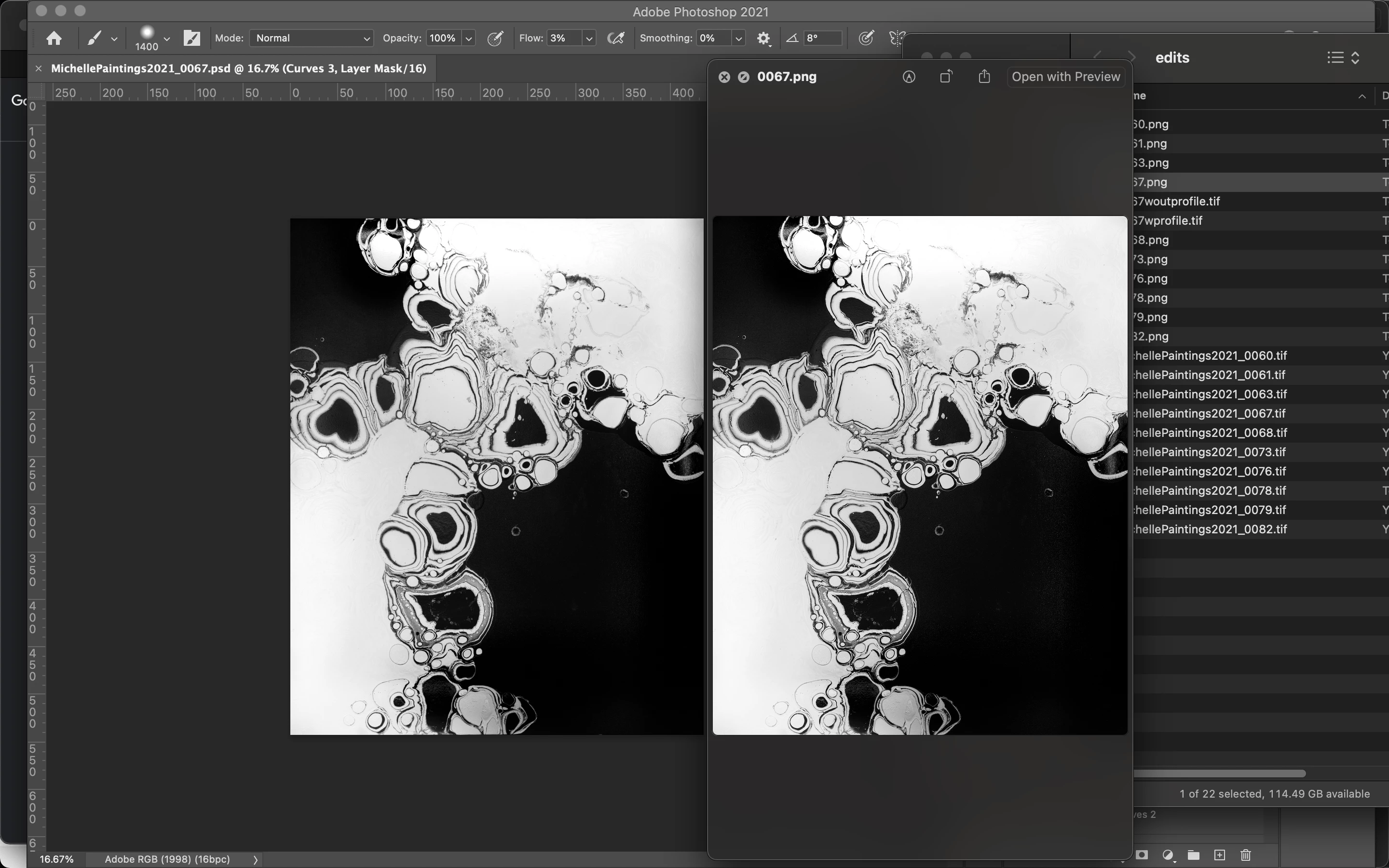
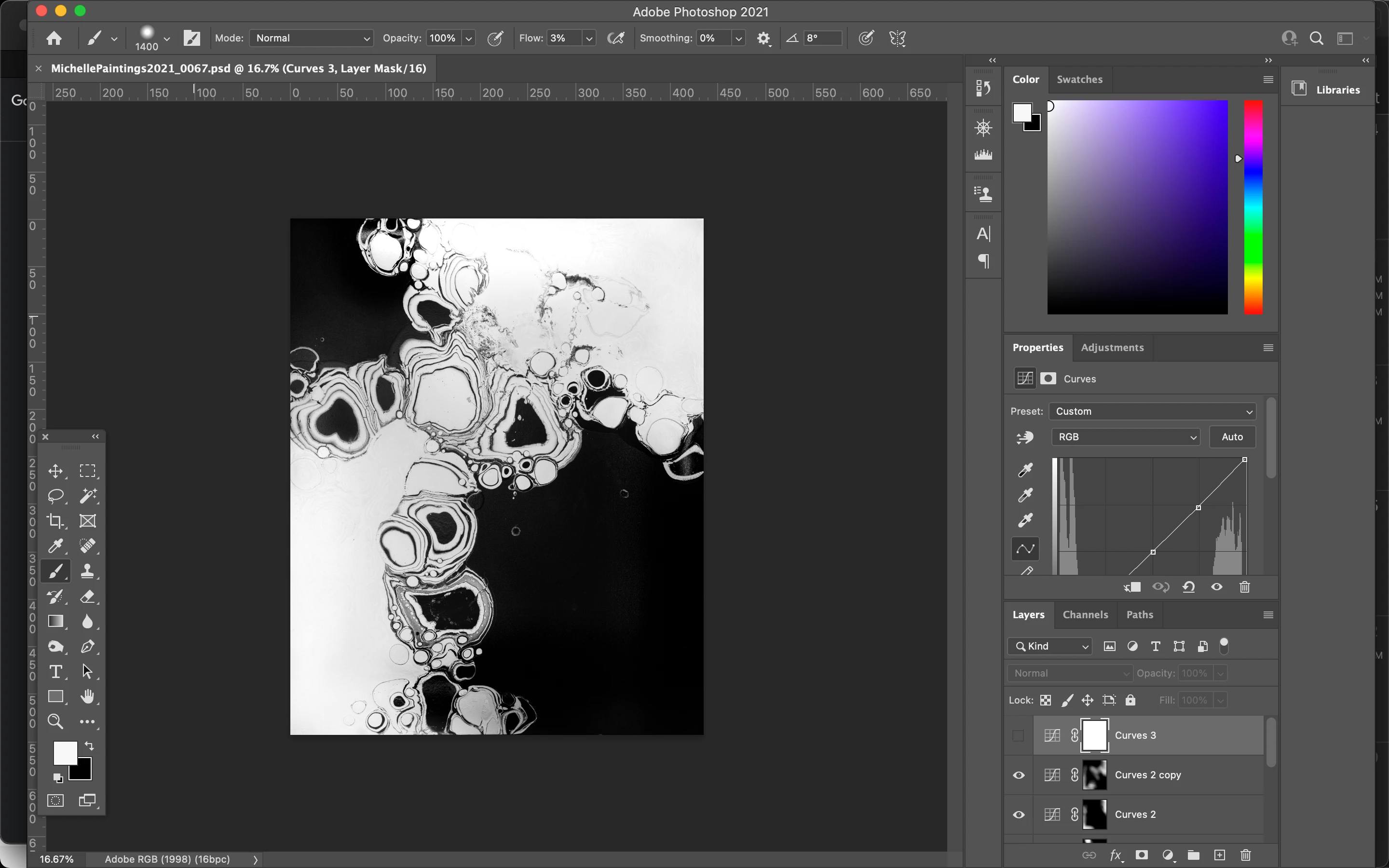
I have a photograph that I've edited inside of Photoshop.

When I export the edited image, it looks the same as it did in the Photoshop file I was editing in.

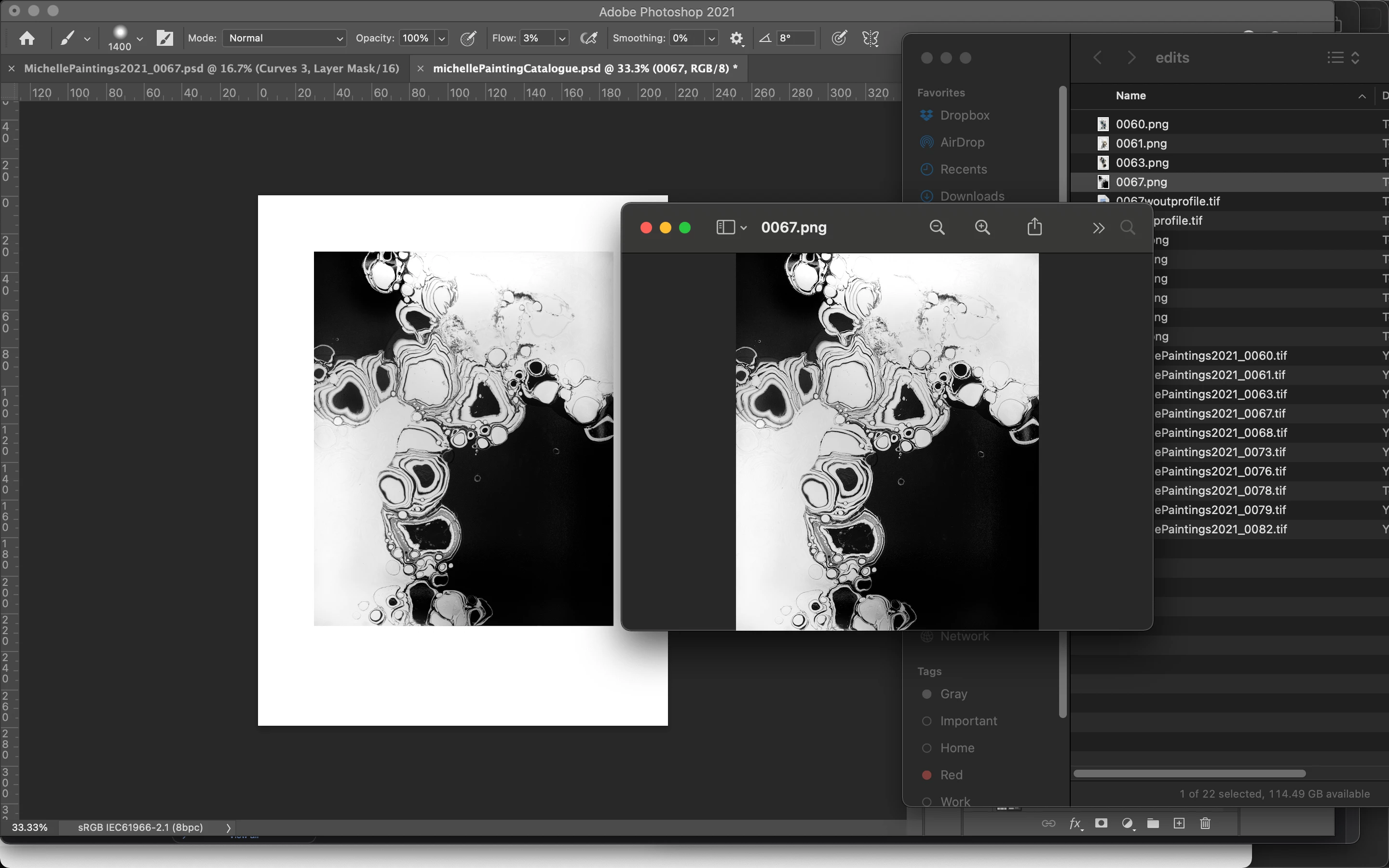
When I take the exported image and re-open in a new Photoshop session, the image is quited different.

I've tried .png, .jpg, and .tiff (both with and without color profile)
 

This topic has been closed for replies.

1 reply

mglush
Community Expert
Community Expert
September 29, 2021

Hi!

Just so we are on the same page, tell us what you see as being different in the image? Also, why would you re import the image upon export and not use your original photoshop file to make any further adjustments?


The png and jpg files have a compression applied to them on export, so there would be changes associated with that file format. The tif file format, depending on what options you choose on export, might also have some of those same compression issues. 


Anytime you compress a file, Photoshop makse decisions that will affect the look to make it fit the parameters of the file format. Always keep your original photoshop file so you have the cleanest version everytime you make a change and export.


Please give us a little more information on the changes to your file that you are concerned about so we can help you more effectively.

Thanks,

Michelle

Participating Frequently
September 29, 2021

Hey, Michelle.

Thanks for the reply.


I mentioned in my third image's caption, but you can see that the luminence is slightly lower along with what appears to be vignetting in the top right and bottom left corners. (In the 3rd screenshot: The left image is the re-imported image, the right image is the image in Preview)


I have 15 pieces of photographed art each with their own photoshop file to clean them up. 

I have a separate file where I'm creating a flyer that contains text, borders, etc. that will be common to each photo... so I'm building the template once and just adding all 15 photos to that so I can just turn the layers on/off and export them with the copy and borders. (I'm sure this is a good use case for Illustrator, but I'm using Photoshop)


Thanks again

mglush
Community Expert
Community Expert
September 29, 2021

Thanks for the response!


Yes, I can see what you're talking about--but I am not seeing the captions for some reason.. And I think the compression issue that I talked about is the culprit with the different file formats. Have you tried exporting them as a pdf? Are these fliers going to be printed? If so, I think a pdf would serve your purpose instead of the png and jpg file formats which are better suited for web.


I think youe process sounds really efficient. Why do you need to reimport the image back into photoshop to work on if you have the PS file with all hte layers?


Michelle