charleso22645110
Participant
March 7, 2020
Question

Re: Why is my exported file size so big?

  • March 7, 2020
  • 3 replies
  • 1590 views

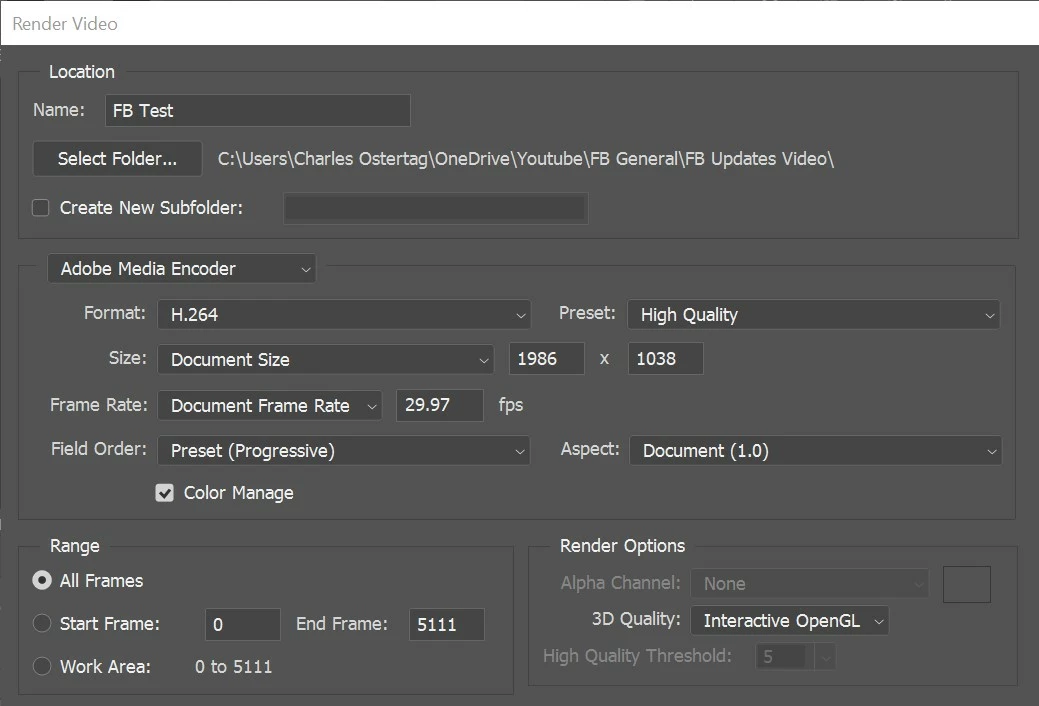
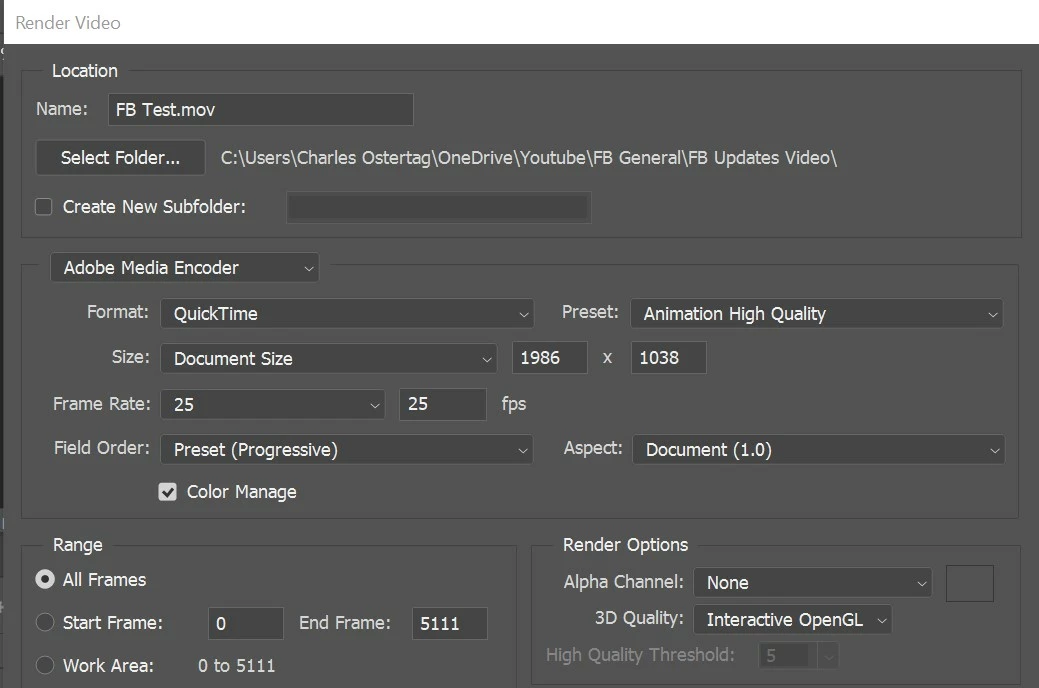
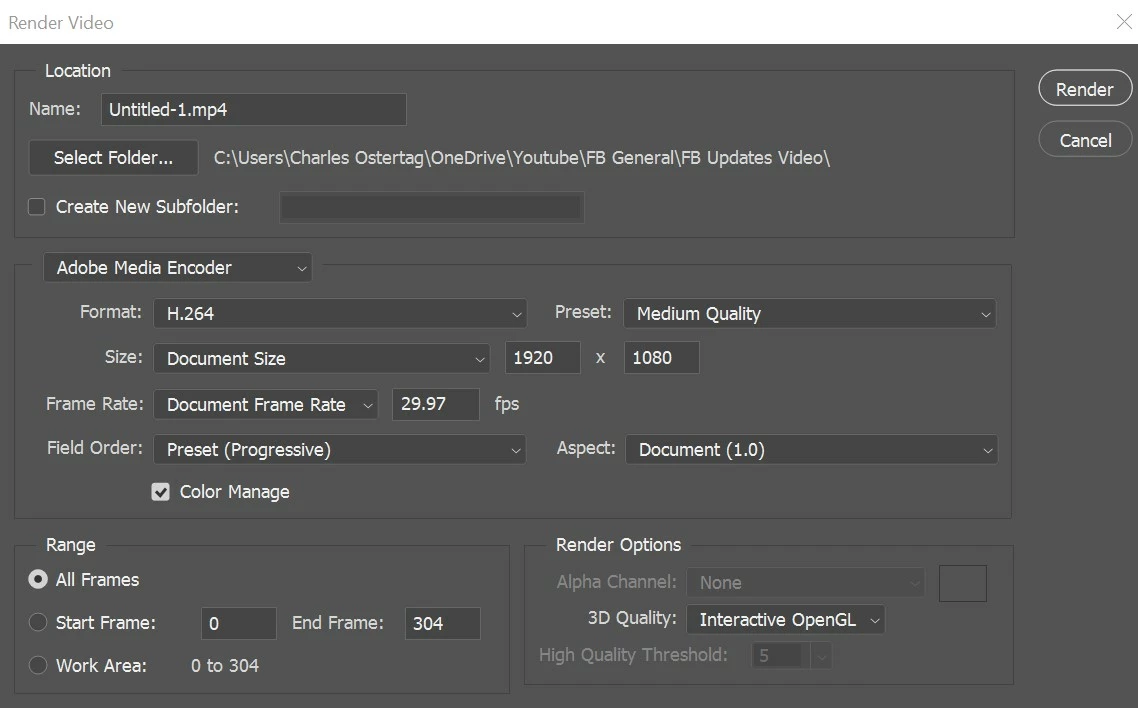
I am having the same issues.  I am using the latest version of Photoshop and when I render video I had a 1.1 gig file and for the same files in VideoPad it generates a file 10 x smaller.  I have read this thread and tried multiple settings in export and nothing helps.   I'm not doing something right so I need some help.  I haven't even tried some of the Photoshop features yet, that are not in VideoPad.  I am doing the using the same 6 mp4 files in both systems as a baseline and Videopad is significantly smaller in all tests.  Help please.  I am showing two screenshots out of many settings I have tried.
    This topic has been closed for replies.

    3 replies

    Participant
    January 27, 2022

    I was having the same issuse. 


    All you have to changes is: 

    Range 

        Work Area: 


    This should export your MP4 to actual artboard size. If you have Range selected to all frames makes the export a funky size. 


    Stephen Marsh
    Community Expert
    Community Expert
    March 8, 2020

    I have noticed that even with some other non-Adobe software, file sizes of videos can be huge. I then open/re-save them using VLC Player and file sizes can be significantly reduced while maintaining quality, even if using the same video CODEC etc.

    Ann Bens
    Community Expert
    Community Expert
    March 7, 2020

    Moved from Premiere to Photoshop forum