
Reaching a 2 GB limit with a simple document (SOLVED)
Hey everyone, hope I can get some help.
The company I work for produces signs for real estate agents. So we make photoshop templates ALL the time with no problem. Even super complex and design heavy files that save perfectly fine.
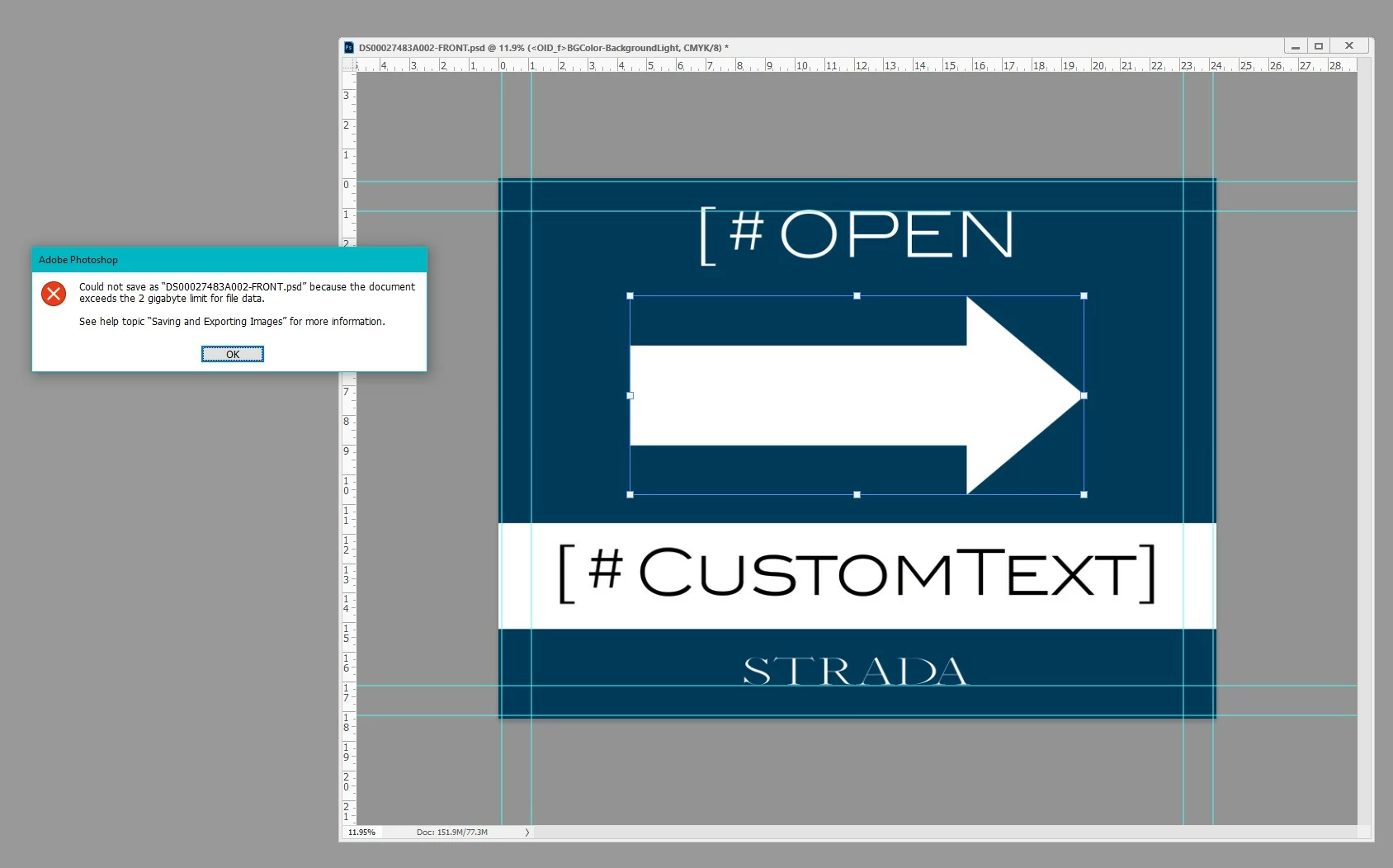
I'm running into an issue with a template I'm making that is not allowing me to save the file because it is reaching the "2GB" limit. Which is hard to believe because it's a super simple design that was requested. (Photo posted below)
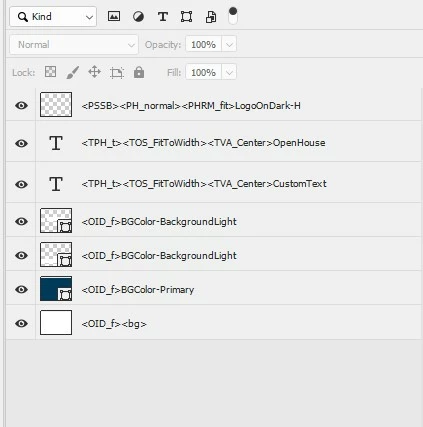
I'll even include how many layers are in the document.
(The tags are there because we are using customers canvas)
I know it'll save if I save it as a .psb but that isn't an option I can choose due how customers canvas works with our website.
The only way I found that it'll save is if I save it as a PSD and then UNCHECK the box that says "Maximize Compatibility".
Also I'm not sure if it's worth mentioning but in the Document Size window of the template it's reading as 151.9MB/77.3M and in my file explorer it's reading it's file size as 6,945KB, and when I uploaded it to this post it's reading at 27,764KB, so something isn't adding up right.
I'm also attaching the document to see if I can get this figured out.
Any help pwould be GREATLY appreciated!
 AdChoices