
Participant
February 6, 2020
Answered

Recent update (21.0.3) Causing Slow Speed, Move Tool is Painfully Slow...

  • February 6, 2020
  • 1 reply
  • 496 views

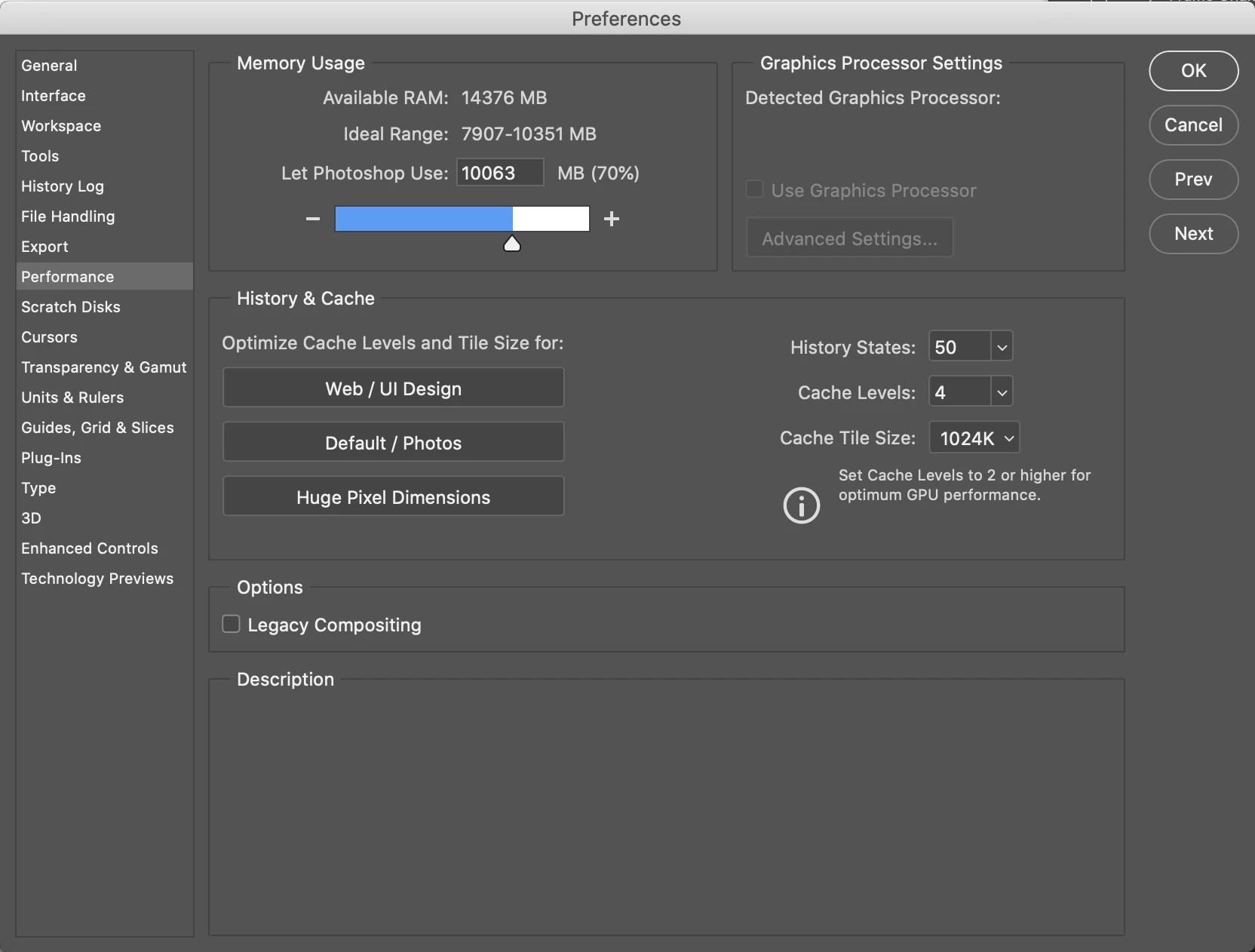
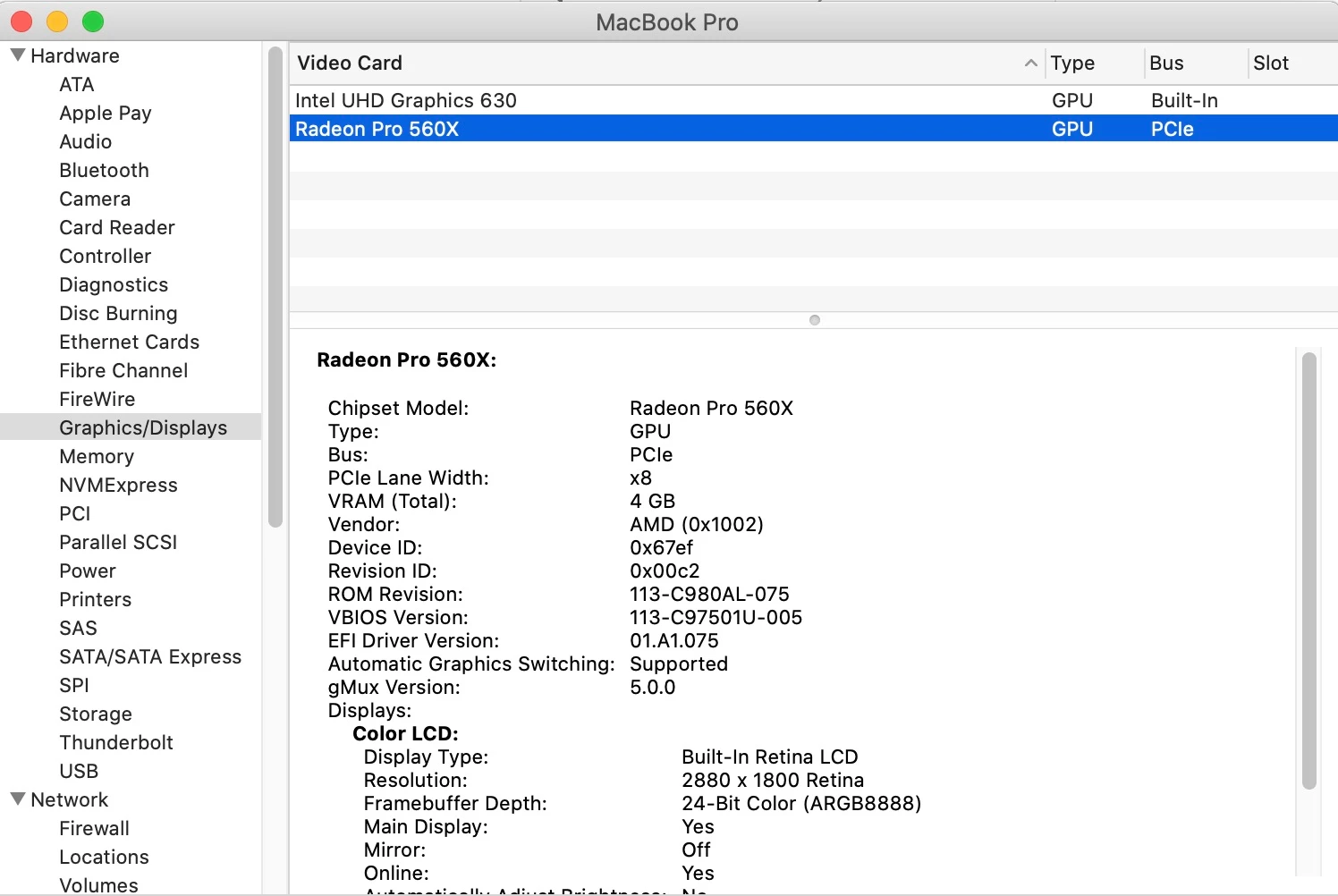
As the title indicates I'm seeing majorly slow speed on files that shouldn't (and haven't in the past) cause so much slow speed. So I check the Graphics Processor Settings and it doesn't seem to be seeing my discrete graphics processor at all. Am I all alone here?
This topic has been closed for replies.
Correct answer lambiloon

Hi try check for your graphic card driver update also hope then it will be fine....Regards

1 reply

lambiloon
Community Expert
lambiloonCommunity ExpertCorrect answer
Community Expert
February 6, 2020

Hi try check for your graphic card driver update also hope then it will be fine....Regards

Ali Sajjad / Graphic Design Trainer / Freelancer / Adobe Certified Professional
Participant
February 6, 2020

Please, canyou tell me how do I do that on a macbook pro?

Participant
February 6, 2020

I use a Mac BOok Pro 2019, the OS is Catalina version 10.15.3

Photoshop is presenting a lot of problems, almost impossible to edit images.


Thanks a lot for any help you can give me!