Known Participant
November 19, 2020
Answered

Red Brush Preview Vanished

  • November 19, 2020
  • 11 replies
  • 1911 views

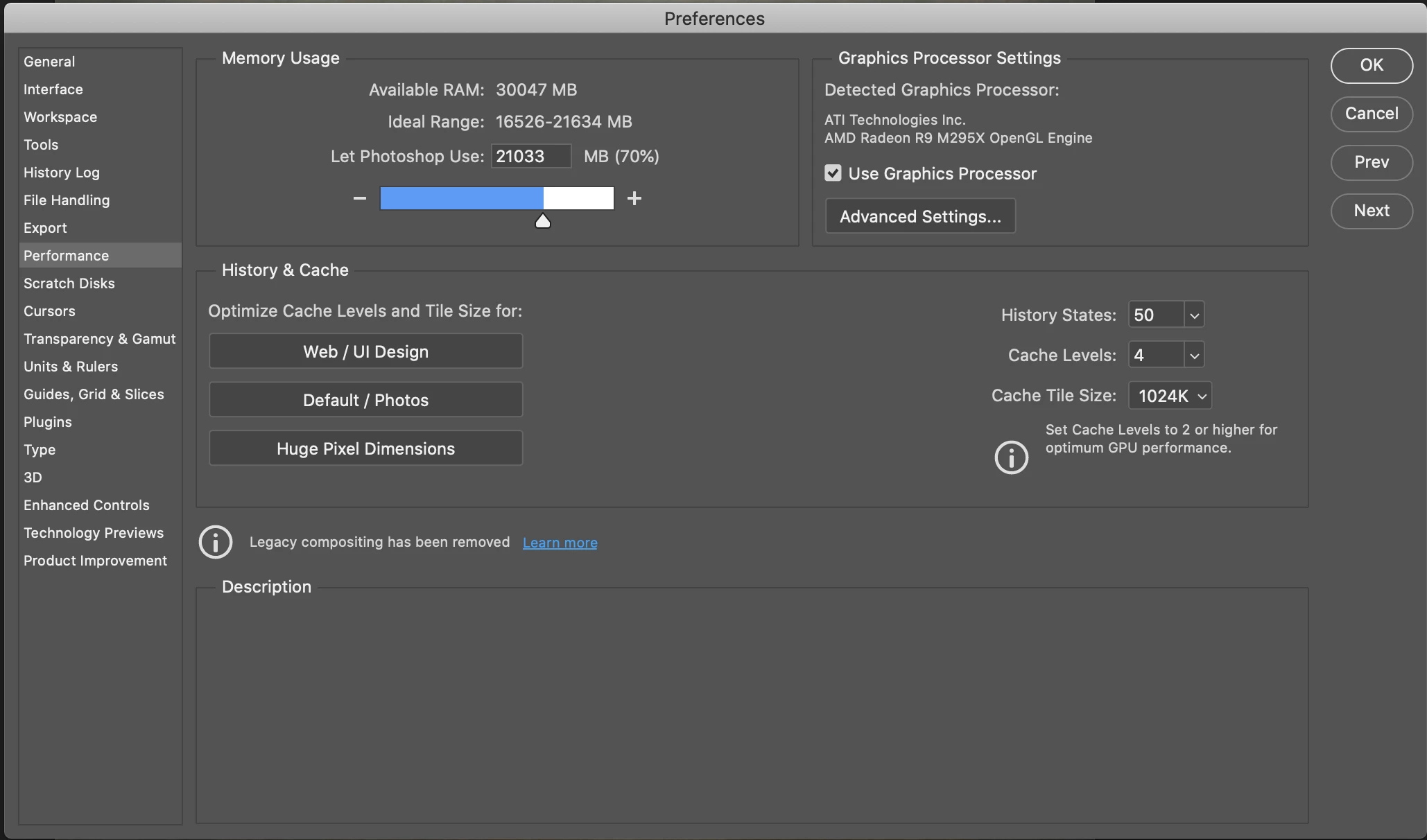
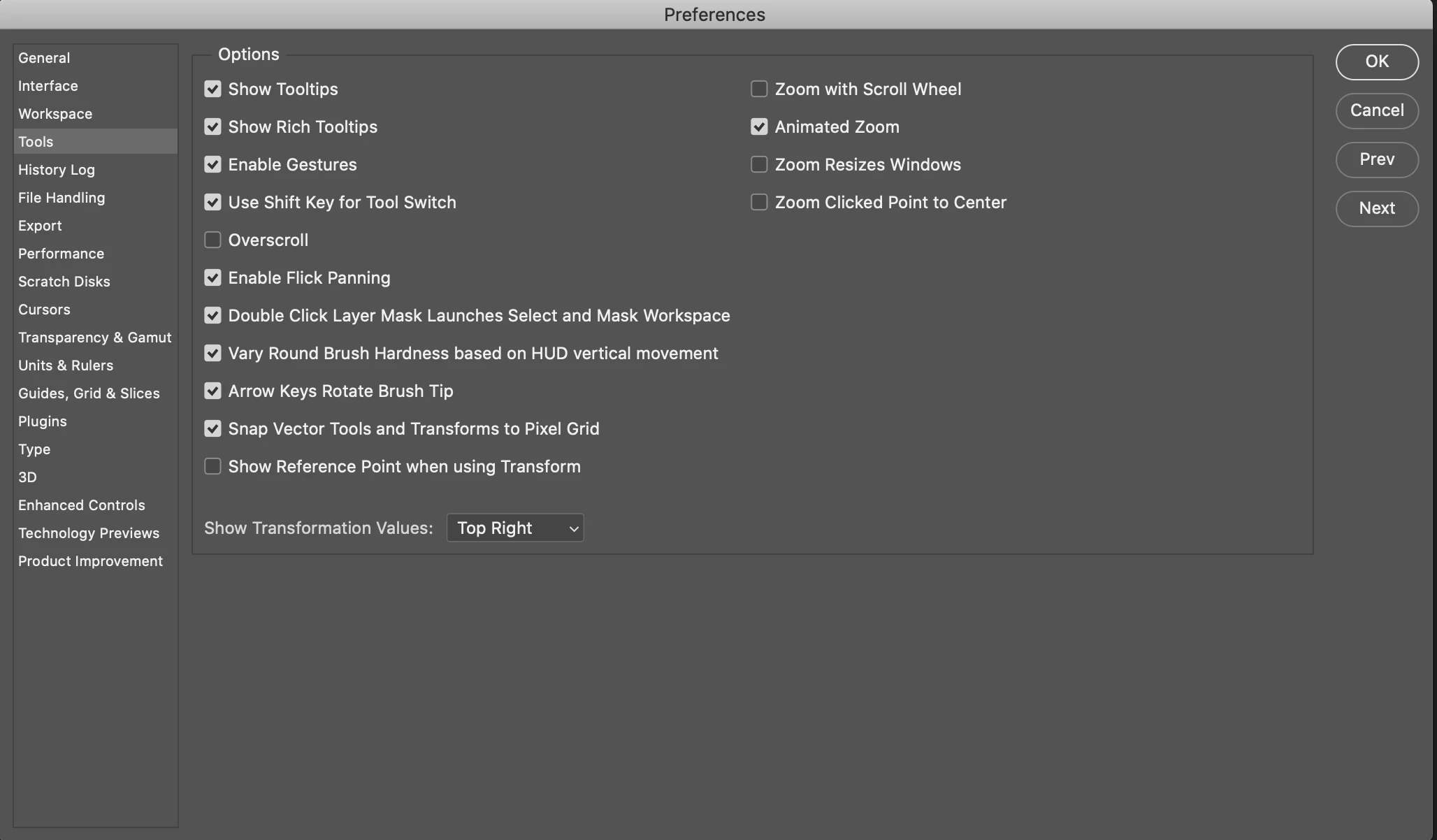
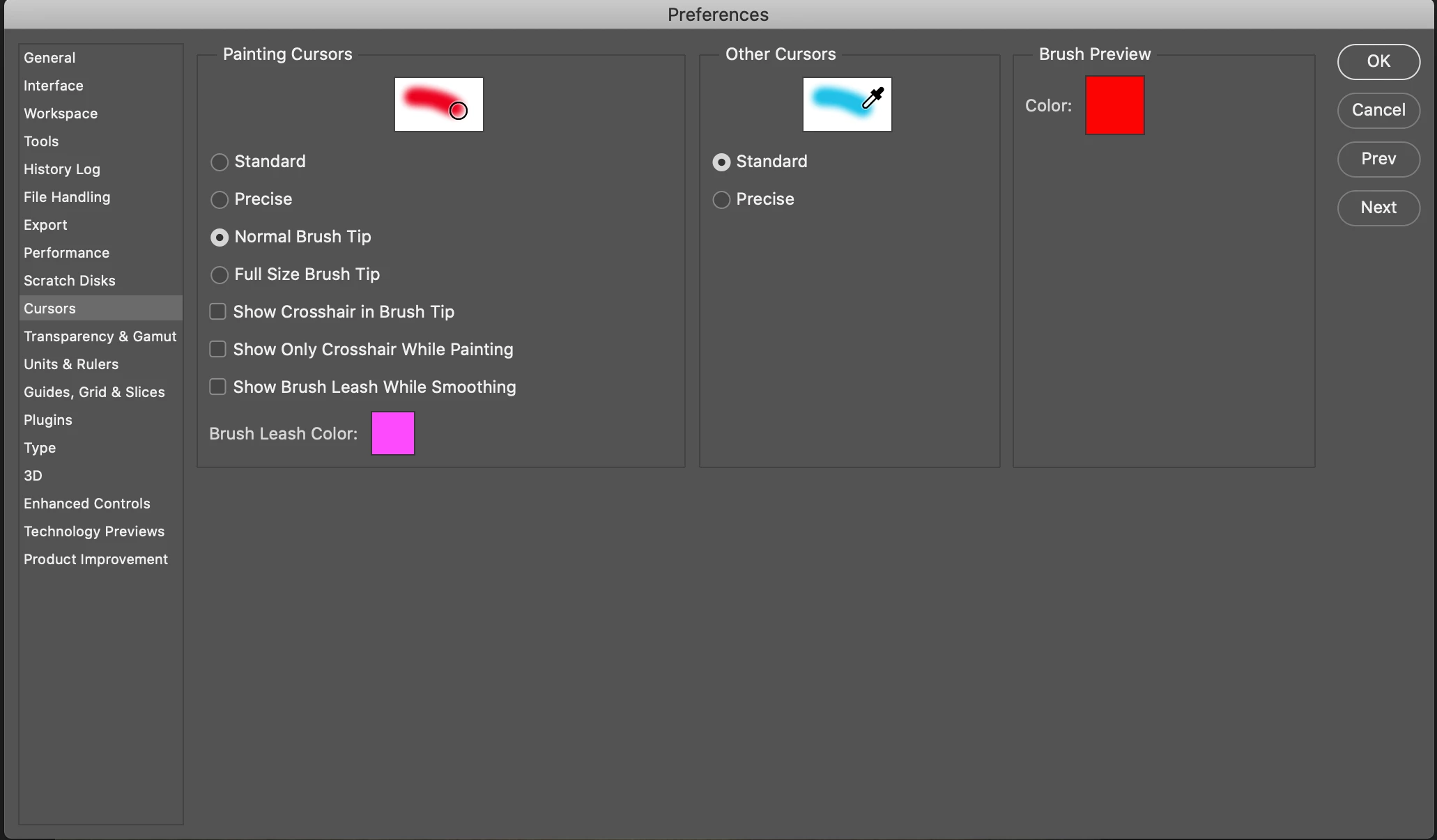
I use the Control+Option (Alt) combo to control the size and hardness of my brush. Out of nowhere, I no longer get the red preview when adjusting the hardness or opacity. I've done a Reset Preferences On Quit, Reset All Tools, confirmed my Use Graphics Processor was checked, and confirmed my Brush Preview Color is selected to Red. I've Googled and Googled and have not found a solution. The only thing I haven't done is Uninstall-Reinstall Photoshop in fear of losing all my Actions I've created. 


Anyone got something for me on this? 


Thank You! 
This topic has been closed for replies.
Correct answer belisario_r

Red Brush Preview using Control+Option (Alt) fixed on version 21.1.1

macOS Mojave (10.14.6) here.

11 replies

JJMack
Community Expert
Community Expert
November 19, 2020

Many have reported this it a new Adobe issue in Photoshop 2021.

JJMack
Known Participant
December 1, 2020

+1

Time for Adobe to get this fixed.

I've also been having issues with staying signed into CC. Anyone else?

Rick Adams
Inspiring
December 1, 2020

@dbrigleb I am sorry that I added the Adobe Account Access to my phone. I seem to always get the "Server Unavailable" error and have to go to another authenticator. If I could delete it, I would. I wonder if that has anything to do with your inability to stay signed in, just a guess.