Participant
August 14, 2017
Answered

Red color desaturated in hue cube and on canvas

  • August 14, 2017
  • 4 replies
  • 2361 views

Hi,

I've been having this issue for a while and cannot for the life of me figure out what the problem is.

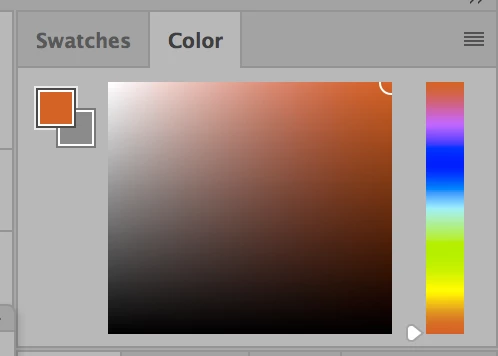
When I paint in RGB mode, the hue cube and RGB sliders do not display all shades of red.
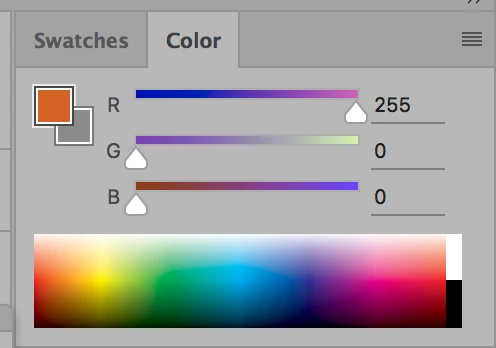
(note red is at 100% but it displays as orange)

When I go to paint, all the red values are also desaturated. I can visually adjust this by changing to view proof colors, but the saved file will still display in these desaturated colors.
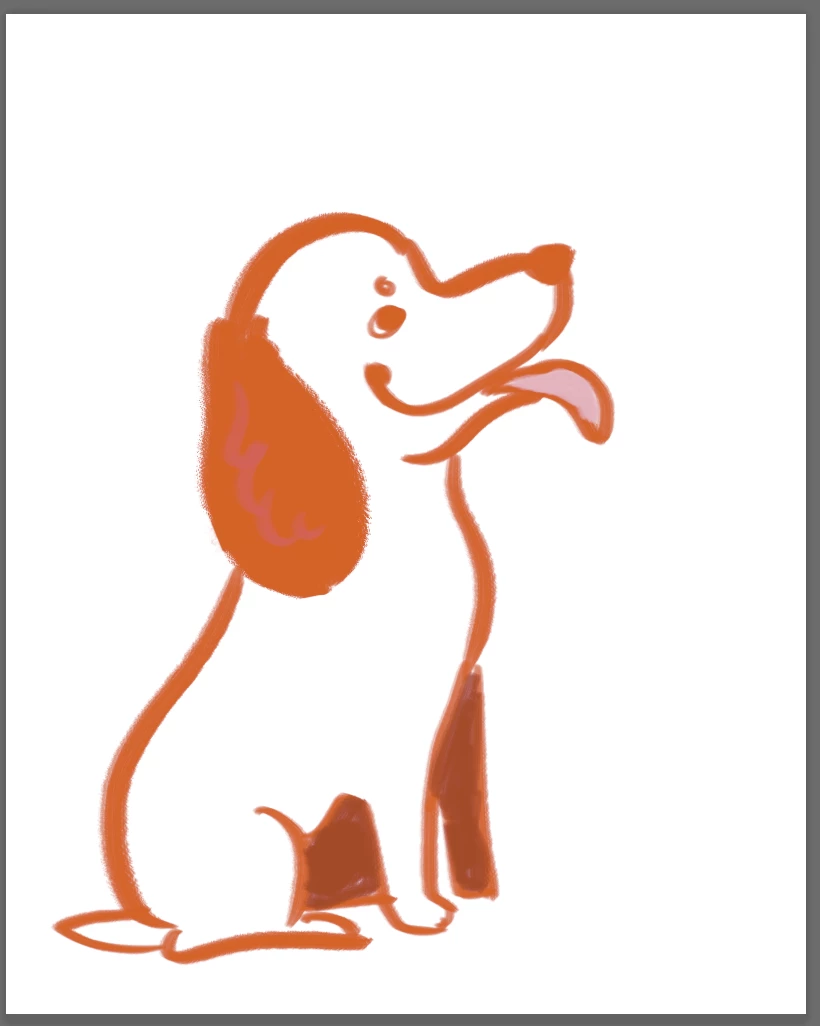
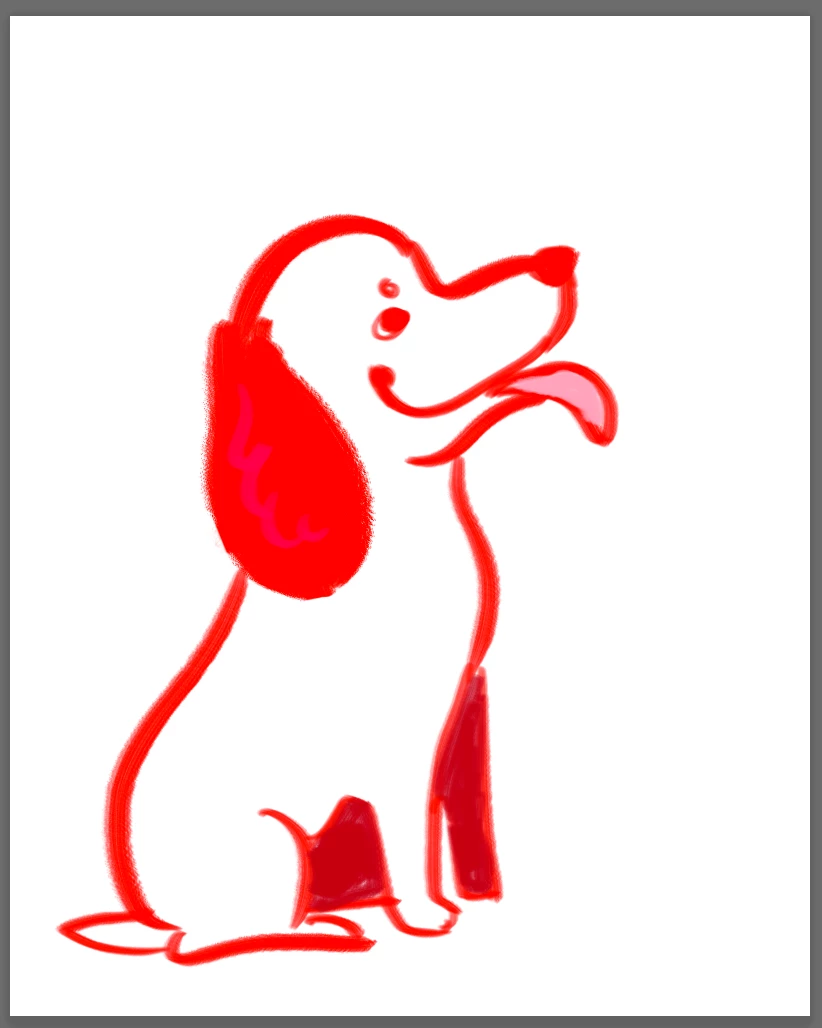
(left is canvas when painting, right is when set to view proof)

Once I export the files to jpeg, they display as the left image on my Mac. However, they appear as the right image on my Android.

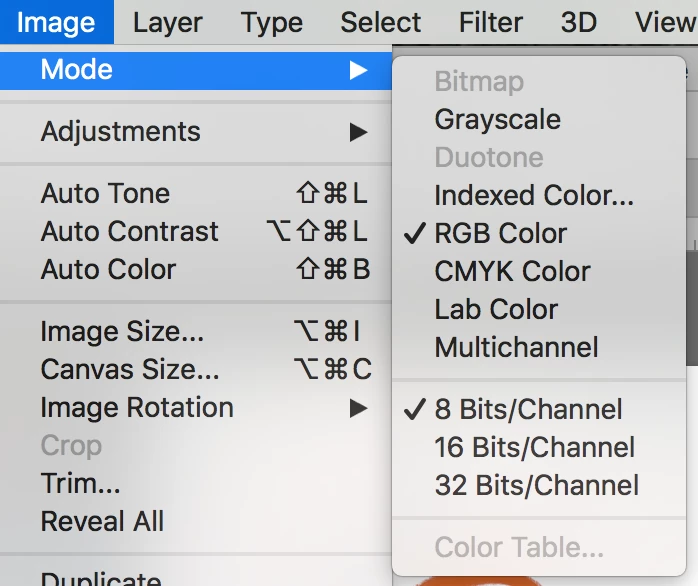
Here is the document is set up.
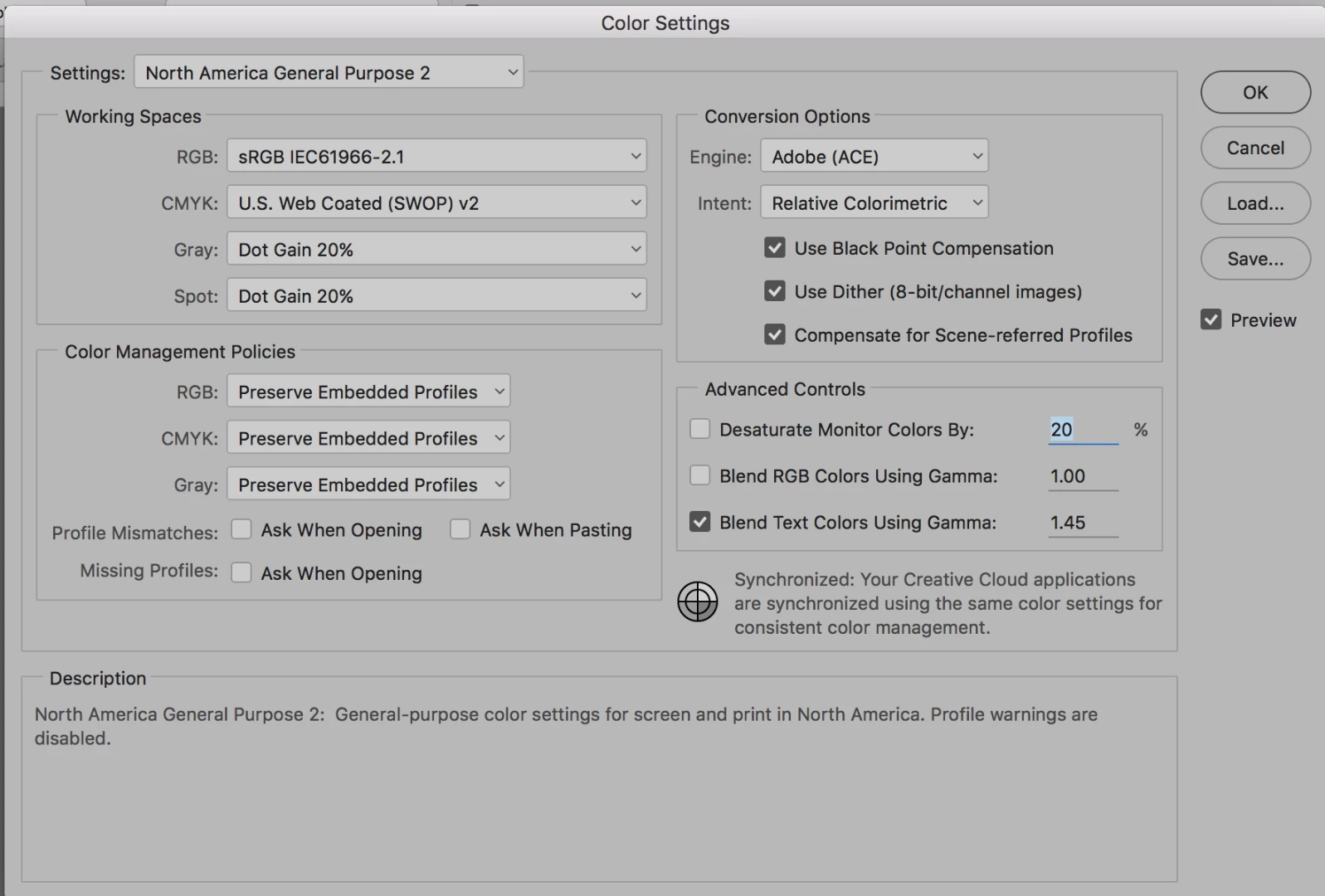
Any ideas?

This topic has been closed for replies.
Correct answer @mj

In the absence of a dedicated profile, consider using the Adobe RGB 1998 profile.

Your color profiles are the stock standard factory settings. So the original profile embedded in in the image is being kept.

You can try the following:

  1. Choose a test image.
  2. Choose Edit Menu > Assign Profile
  3. Choose Adobe RGB (!998)

HTH

.mj

4 replies

Bob_Hallam
Legend
August 14, 2017

Re-profile the monitor to correct this issue.  Sometimes monitors flicker when being profiled and produce bad results.  Then check the document profile using the triangle pull down in the lower left corner of your document to make sure sRGB is properly assigned.  If not, assign sRGB under Edit/Assign profile. 

ICC programmer and developer, Photographer, artist and color management expert, Print standards and process expert.
@mj
Community Expert
@mjCommunity ExpertCorrect answer
Community Expert
August 14, 2017

In the absence of a dedicated profile, consider using the Adobe RGB 1998 profile.

Your color profiles are the stock standard factory settings. So the original profile embedded in in the image is being kept.

You can try the following:

  1. Choose a test image.
  2. Choose Edit Menu > Assign Profile
  3. Choose Adobe RGB (!998)

HTH

.mj

D Fosse
Community Expert
Community Expert
August 14, 2017

master mo, this isn't about the document profile. That's not where the problem is.

This is about the monitor profile.

D Fosse
Community Expert
Community Expert
August 14, 2017
profile is being used wrongly somewhere and thus applied twice to the artwork

There's no way a monitor profile can ever be "applied twice", unless it's assigned to the document itself. In which case the whole color management chain cancels out and displays as if there was no color management at all.

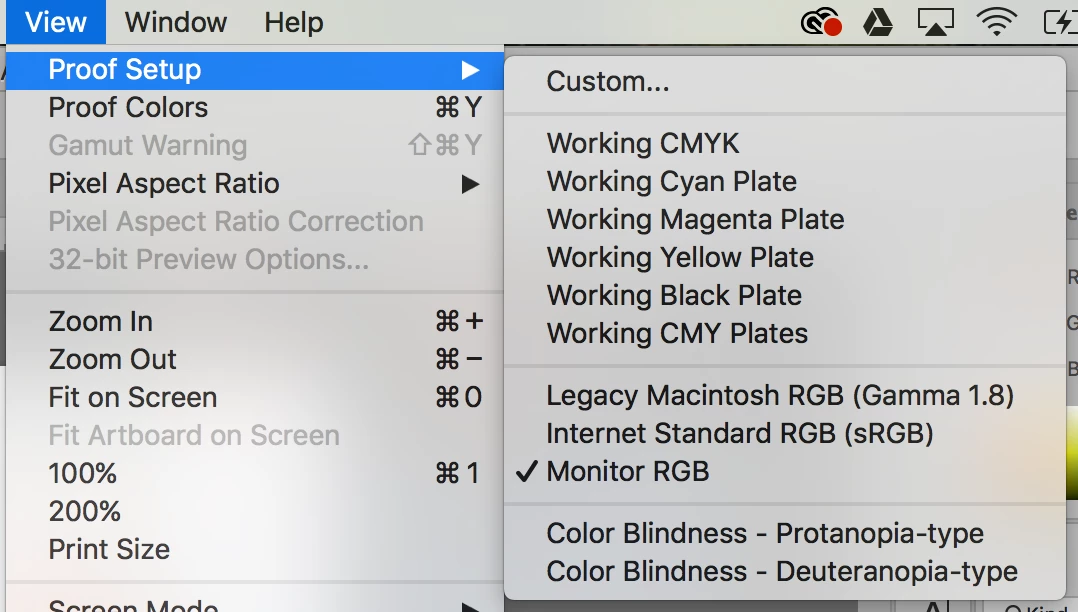
This, incidentally, is exactly what happens when you invoke Proof to Monitor RGB. So that confirms the monitor profile is either corrupt or it's the wrong one.

Is this a dual display setup, and is one of them a DCI-P3 panel? (the most recent Apple displays, from the last year or so, are).

Are you using a calibrator to make display profiles, or are you just using the generic system profiles?

Participant
August 14, 2017

Not a dual display setup, using the generic system profiles. I'll check my monitor profile when I get home from work. I was unsure if this was a monitor issue, as I have files from before I ran into this problem and all the colors are displaying correctly when I open them in Photoshop. The settings were the same when I checked them against my current settings last night, but I could double check on that tonight as well.

@mj
Community Expert
Community Expert
August 14, 2017

Here are some suggestions from Apple Forums for monitor profiling.

macOS Sierra: If your display doesn’t look right

You may want to use an untagged generic color target.

The inconsistent results you say you experiencing lead to think it's the way the document profiles and color management policies are dealing with your images.

HTH

.mj

Mylenium
Legend
August 14, 2017

Without exact info about your monitor configuration nobody can tell you much. This quite frankly simply looks like a monitor color profile is being used wrongly somewhere and thus applied twice to the artwork.

Mylenium