
Participant
April 10, 2023
Answered

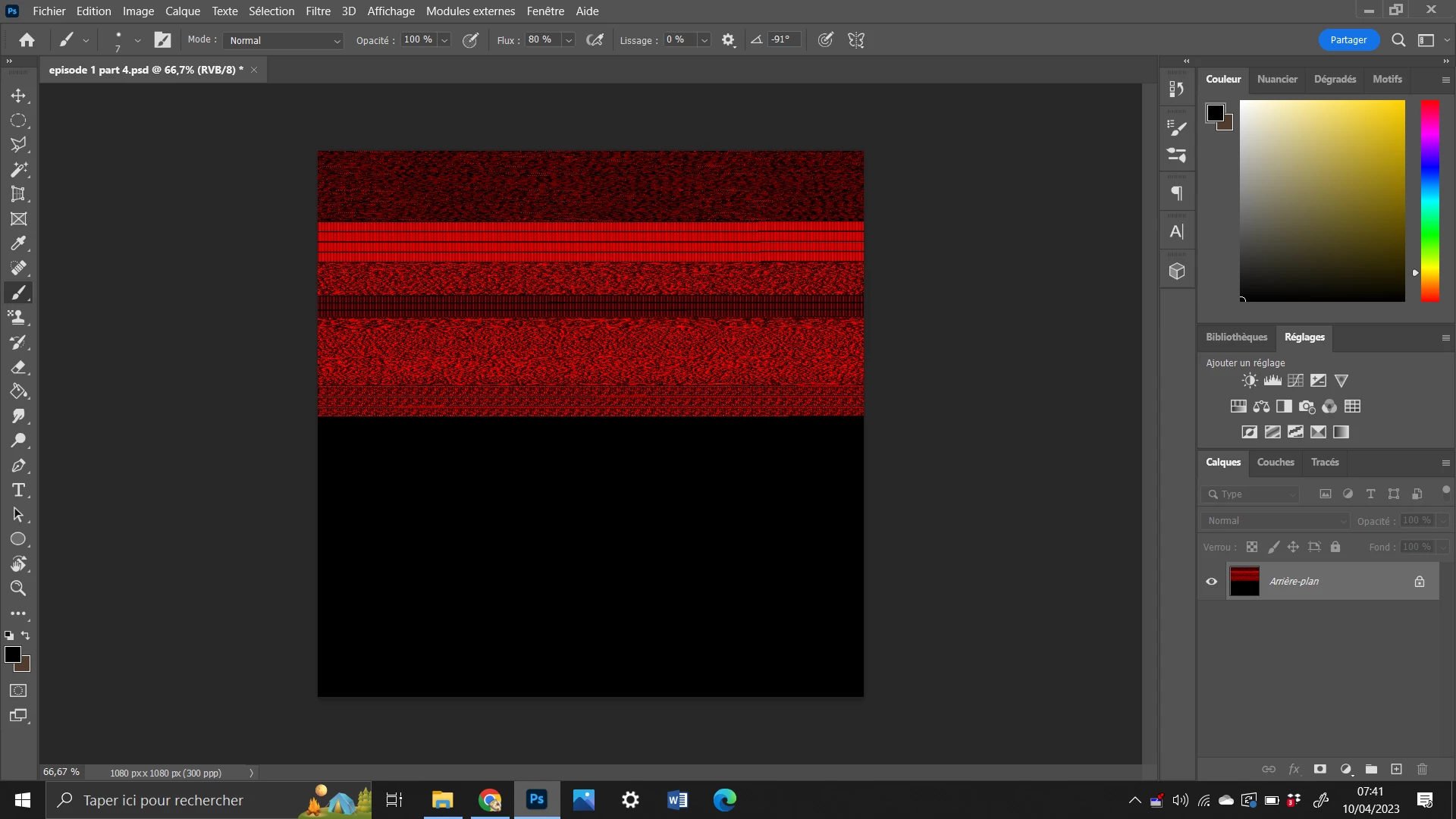
Red screen, lost all my layers, I'm really mad
  • April 10, 2023
  • 3 replies
  • 216 views

I've been working on something for a week and look what happened to my phottoshop file when I opened it up... I'm really really upset right now. I've put time in this and now all is gone ? For what reason ??

If there's a way to restored it please, tell me, thank you.

This topic has been closed for replies.
Correct answer D Fosse

This is a corrupt file.


File corruption is always caused by failing hardware - a drive about to fail, bad RAM, broken cables/loose connectors.


It can also happen if the machine loses power in the middle of a save operation (also failing hardware).

3 replies

D Fosse
Community Expert
Community Expert
April 10, 2023

Not what you want to hear, but - generally, no. If it's gone, it's gone.


If you have other applications that support PSD (Lightroom, PS Elements) you can try there, but don't expect miracles. This looks thoroughly damaged.


In the future, save incrementally as you work. Keep backups! I don't sleep well unless I have at least two copies of every file (normally three, one always off site).


Participant
April 10, 2023

Okay I see, thank you for the information.

But is there a way to bring back the original file, the uncorrupted one ?

D Fosse
Community Expert
D FosseCommunity ExpertCorrect answer
Community Expert
April 10, 2023

This is a corrupt file.


File corruption is always caused by failing hardware - a drive about to fail, bad RAM, broken cables/loose connectors.


It can also happen if the machine loses power in the middle of a save operation (also failing hardware).