

Mike_Gondek10189183
Community Expert
Community Expert
August 30, 2023
Question

Redraw Issue, Preview is wrong black or scambled

  • August 30, 2023
  • 1 reply
  • 184 views

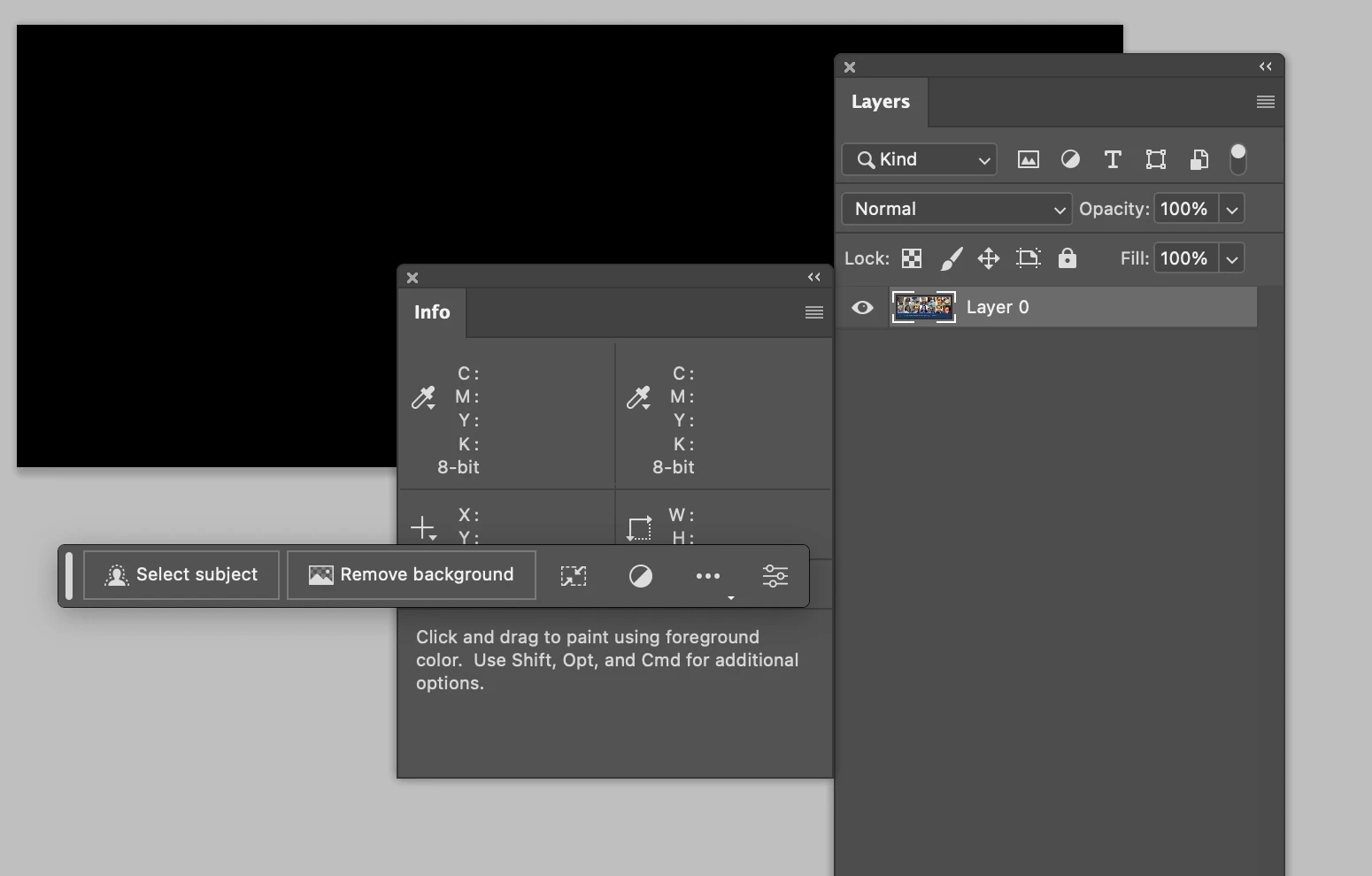
For years and many OS & PSD upgrades have had this issue where I open a new image and it is scrambled. Usually I can command I to invert, then do again to get back to original values and the redraw works good. Today I get a black file and invert does not fix the issue.  I know that file is good as the layer thumbnail preview is good, and the info palette confirms. 


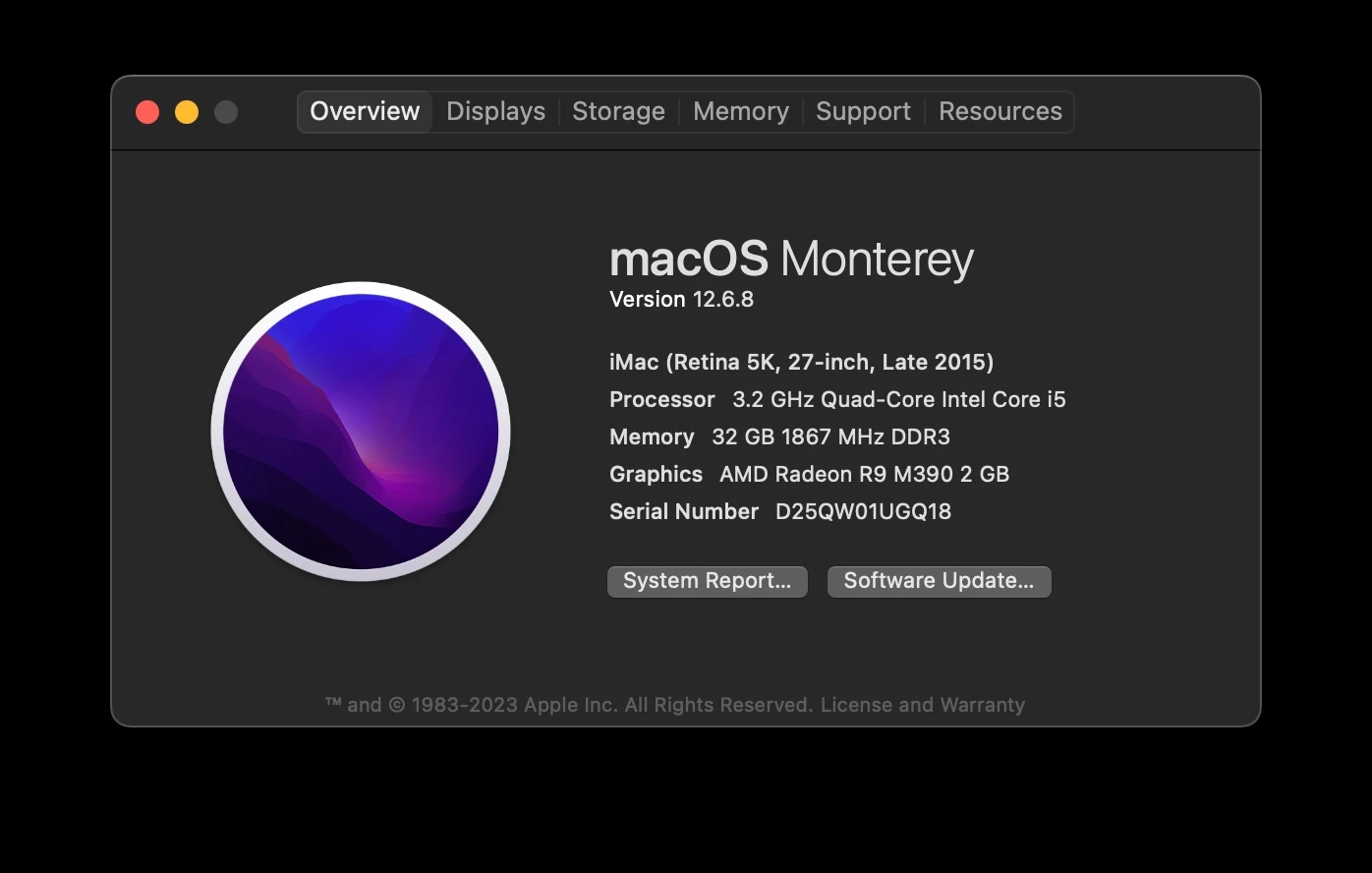
Anyone familiar with this issue. I turned off graphics processor and restarted and seems to be good. Will run with graphics processor off for a few weeks to see if that fixes the issue. Might be time for a new computer this holiday, as am guessing the graphics card might be the issue. 
 

This topic has been closed for replies.

1 reply

Kevin Stohlmeyer
Community Expert
Community Expert
September 1, 2023

Hi @Mike_Gondek10189183 turning off GPU means that either the Mac GPU is not compatible/underpowered or corrupted somehow. It also means you've disabled most of the newer GPU features like Neural Filters and other advanced options.

Try going to Photoshop Preferences/Technology Preview and check “Disable Native Canvas”. 

Unfortunately I have a 2015 MBP that I left on Catalina and PS 2020 just to keep it stable.

Mike_Gondek10189183
Community Expert
Community Expert
September 2, 2023

Thanks for the feedback sincerely appreciated. I already had "Deactivate Native Canvas checked". Is that checked by default, I do not remember ever enabling that.


I do like using Neural Filters occasionally, so thank you for warning about that. Anyone have any  other suggestions?