Inspiring
June 18, 2017
Answered

Refine edges not in CS6 version 13.0.1 x64..

  • June 18, 2017
  • 1 reply
  • 1690 views

I upgraded from CS5 to CS6 without realizing that neither the Extract or Refine Edges command would be available in CS6.  Or I cannot find either after reading instructions and tutorials.  I chose the CS6 standalone, not caring to pay a monthly rental fee.  Did Adobe leave these commands out deliberately or what?

How do I get Refine Edges in CS6 standalone??  Apparently Extract is dead and gone?  Please help!
This topic has been closed for replies.
Correct answer edgrimley

Thank you, Ed.  Your link just shows the location of the button, which I had already found.  I have been over and over Russel Brown's tutorial on using Refine Edges and my version does not do what he says it should.  In the Refine Edge panel, sliding the Radius slider produces NO effect.

Printscreens of workflow:

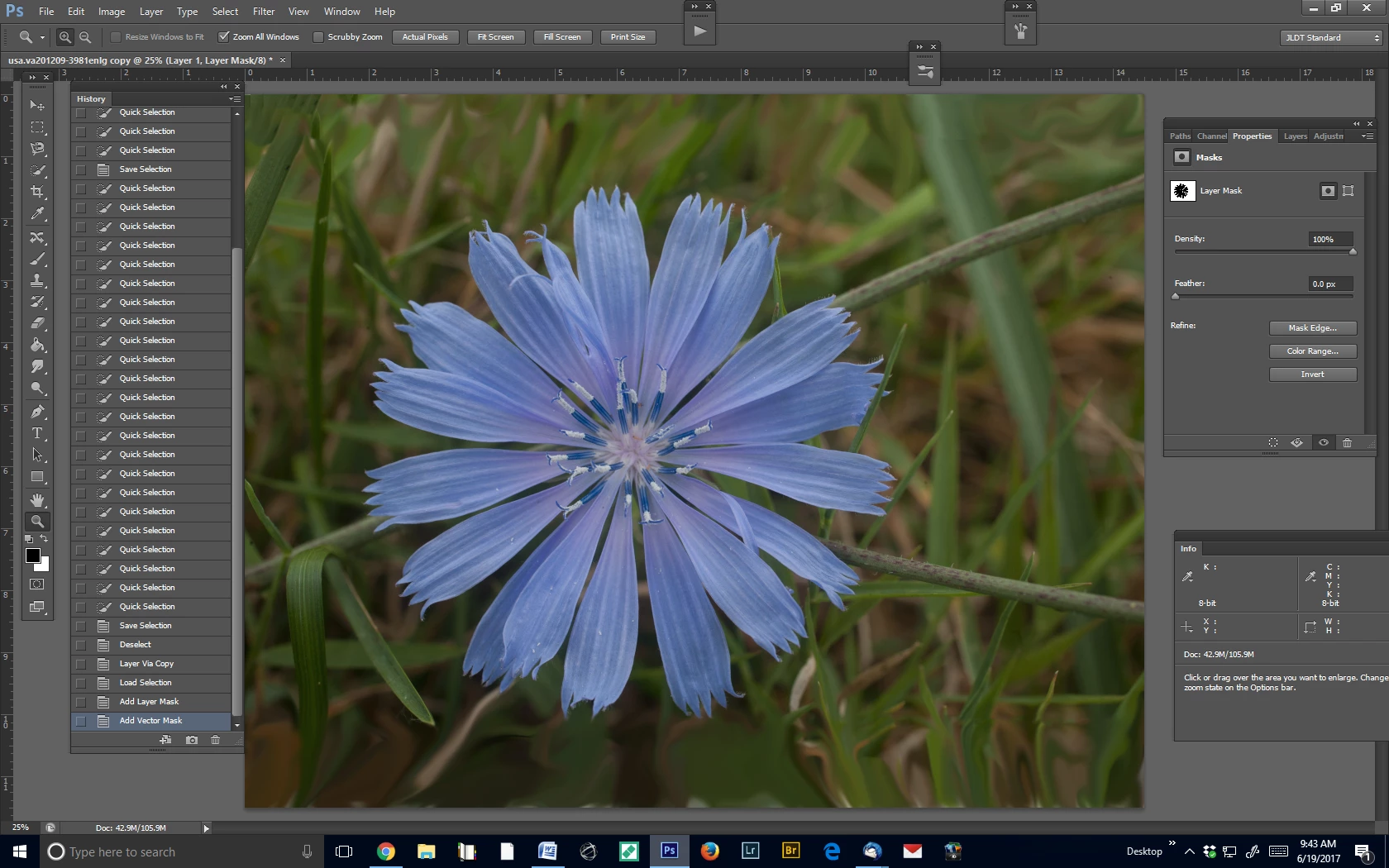
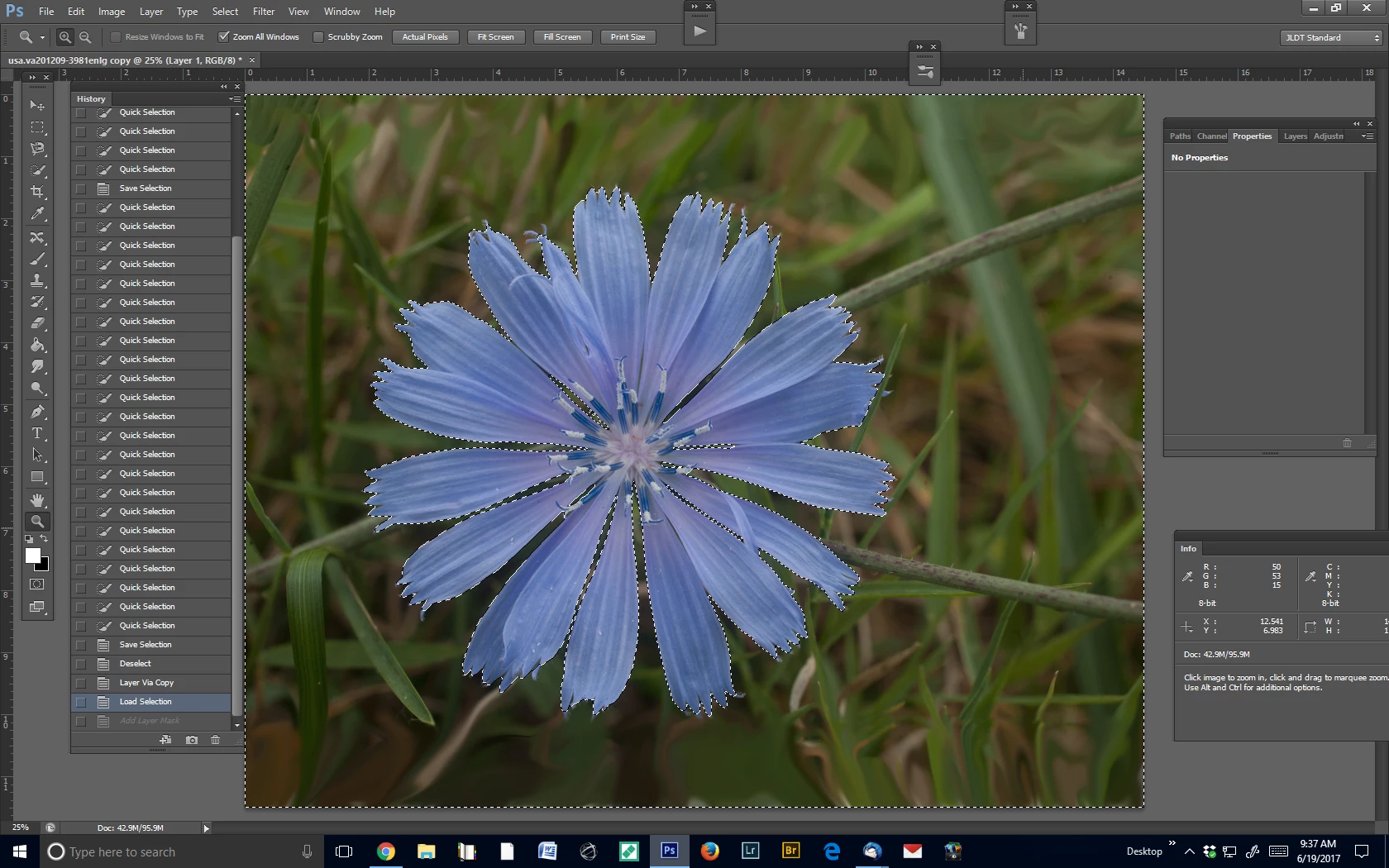
  1. Selection of grass background with marching ants


  2.  Create mask.  “Select mask” button shows no action.

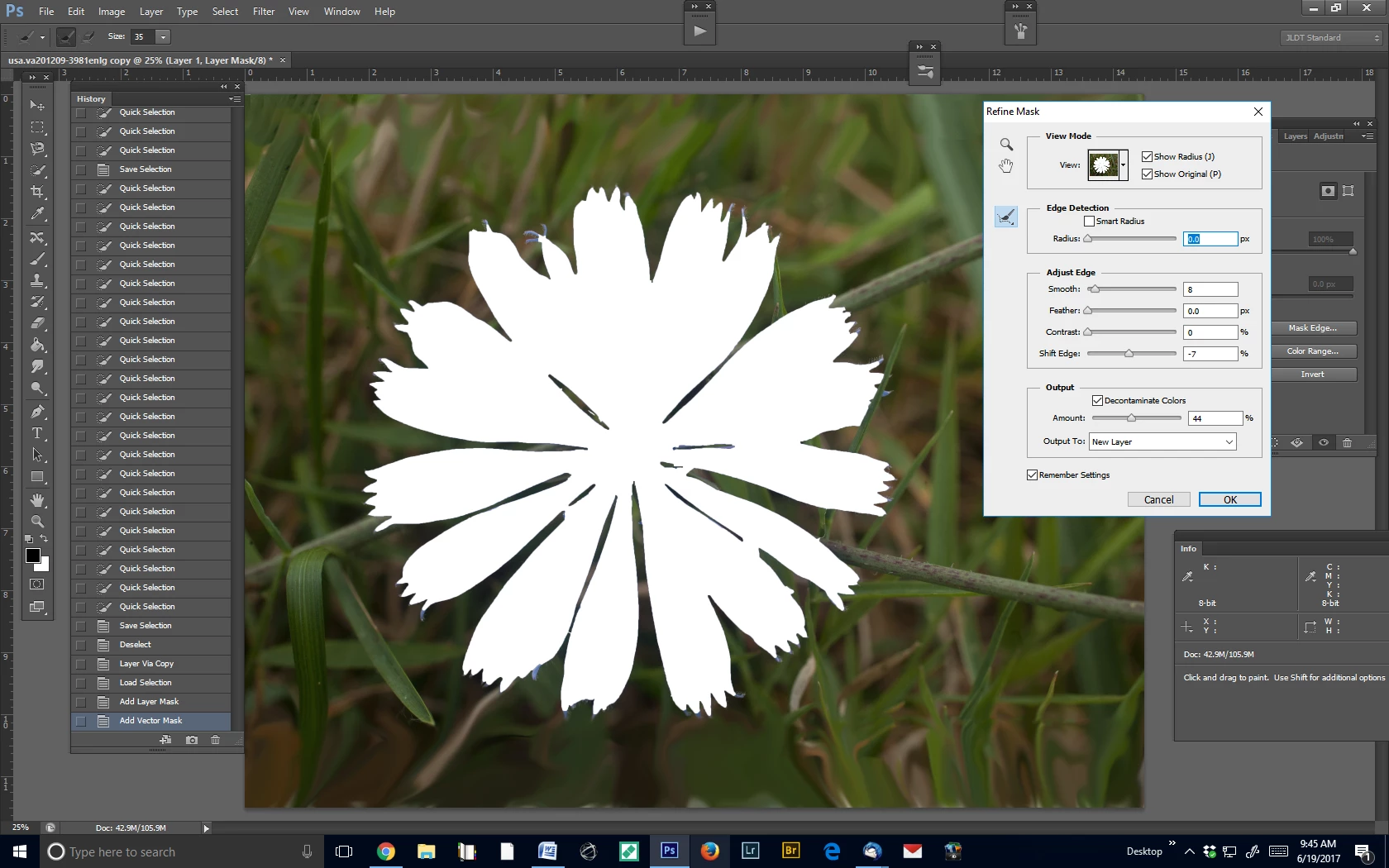
     3.  Mask edge – radius zero

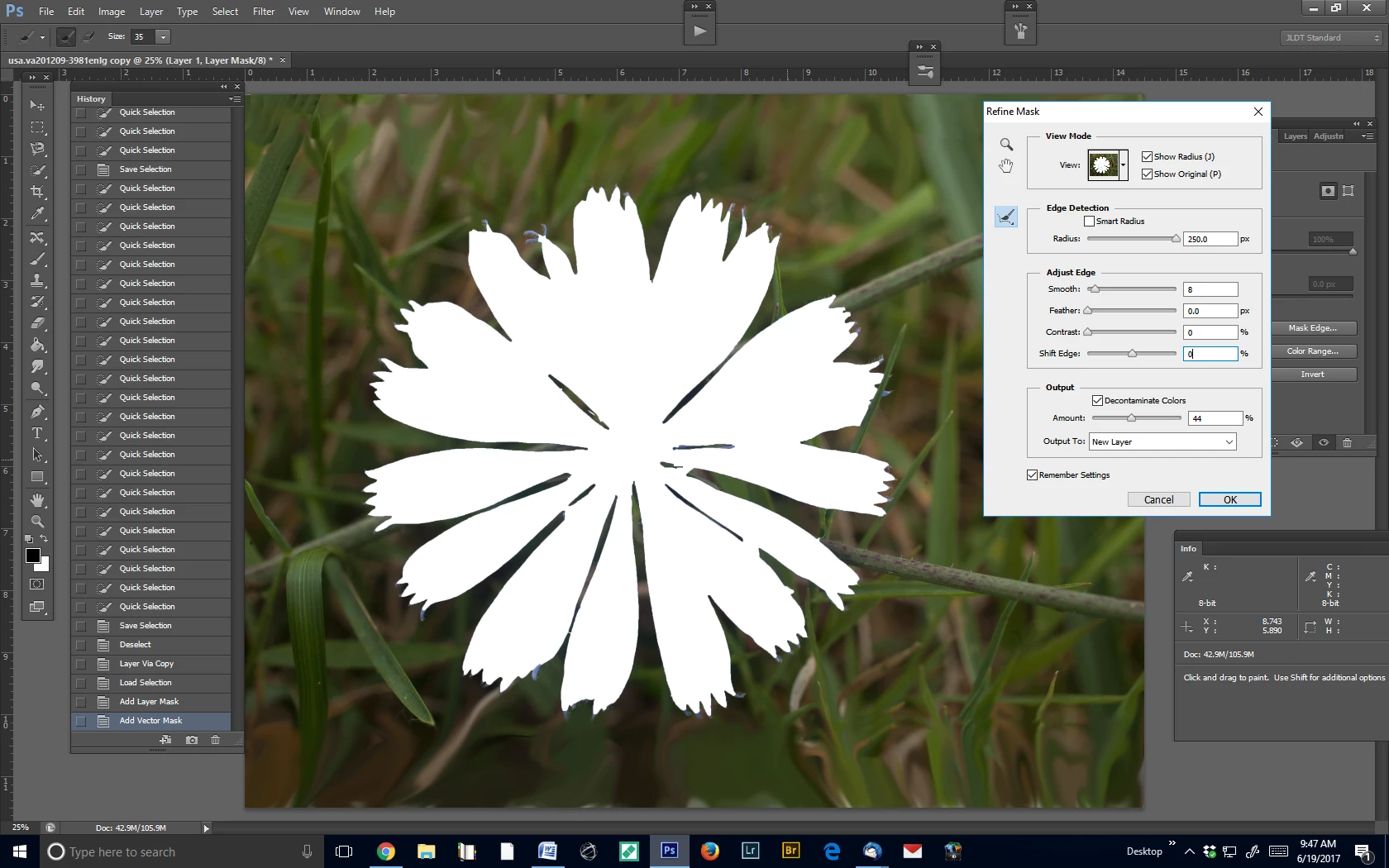
     4.  Mask edge – radius 250.  No effect.  And cursor is inactive.

What have I missed here?

Your guidance appreciated by Jeanne Tifft

PS Purpose: I want to separate blossom from grass, manipulate each separately, and recombine.


Start by unchecking "Show Original".

1 reply

Inspiring
June 18, 2017

Found the actual refine edges command under Select dropdown but it still seems to require the painstaking manual selection refinements, so hardly worth the trouble? 
What am I missing about how this works?

Jeanne TifftJLD Tifft Images1-703-960-3873
Participating Frequently
June 18, 2017

CS6 refine edge:

Inspiring
June 19, 2017

Thank you, Ed.  Your link just shows the location of the button, which I had already found.  I have been over and over Russel Brown's tutorial on using Refine Edges and my version does not do what he says it should.  In the Refine Edge panel, sliding the Radius slider produces NO effect.

Printscreens of workflow:

  1. Selection of grass background with marching ants


  2.  Create mask.  “Select mask” button shows no action.

     3.  Mask edge – radius zero

     4.  Mask edge – radius 250.  No effect.  And cursor is inactive.

What have I missed here?

Your guidance appreciated by Jeanne Tifft

PS Purpose: I want to separate blossom from grass, manipulate each separately, and recombine.

Jeanne TifftJLD Tifft Images1-703-960-3873