Participant
December 8, 2023
Question

relocate psd file from C to D disk

  • December 8, 2023
  • 1 reply
  • 311 views

Hello,

I have 2 problems with my Photoshop

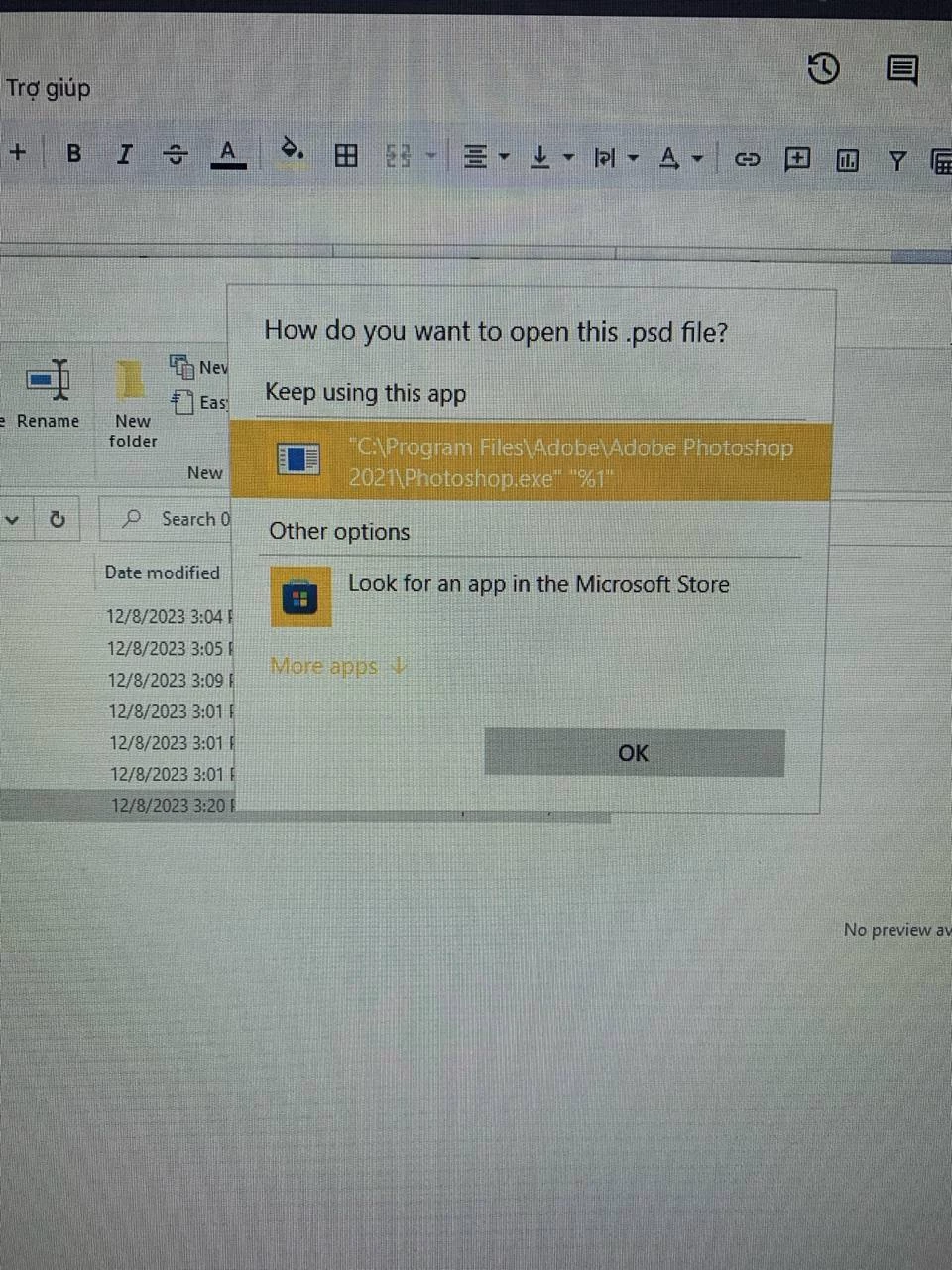
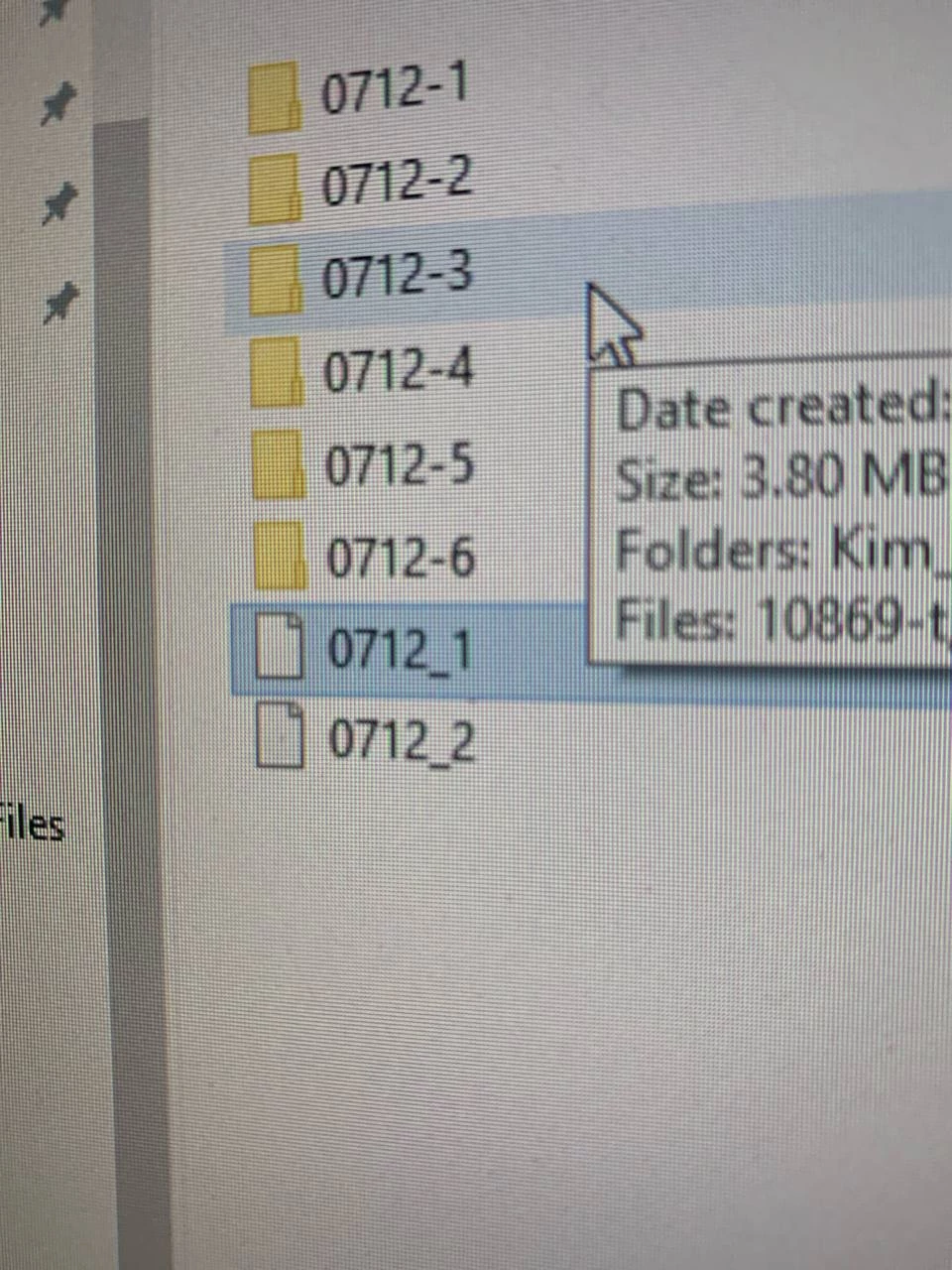
1. When I save file in D disk, it cannot open and the icon is disappear
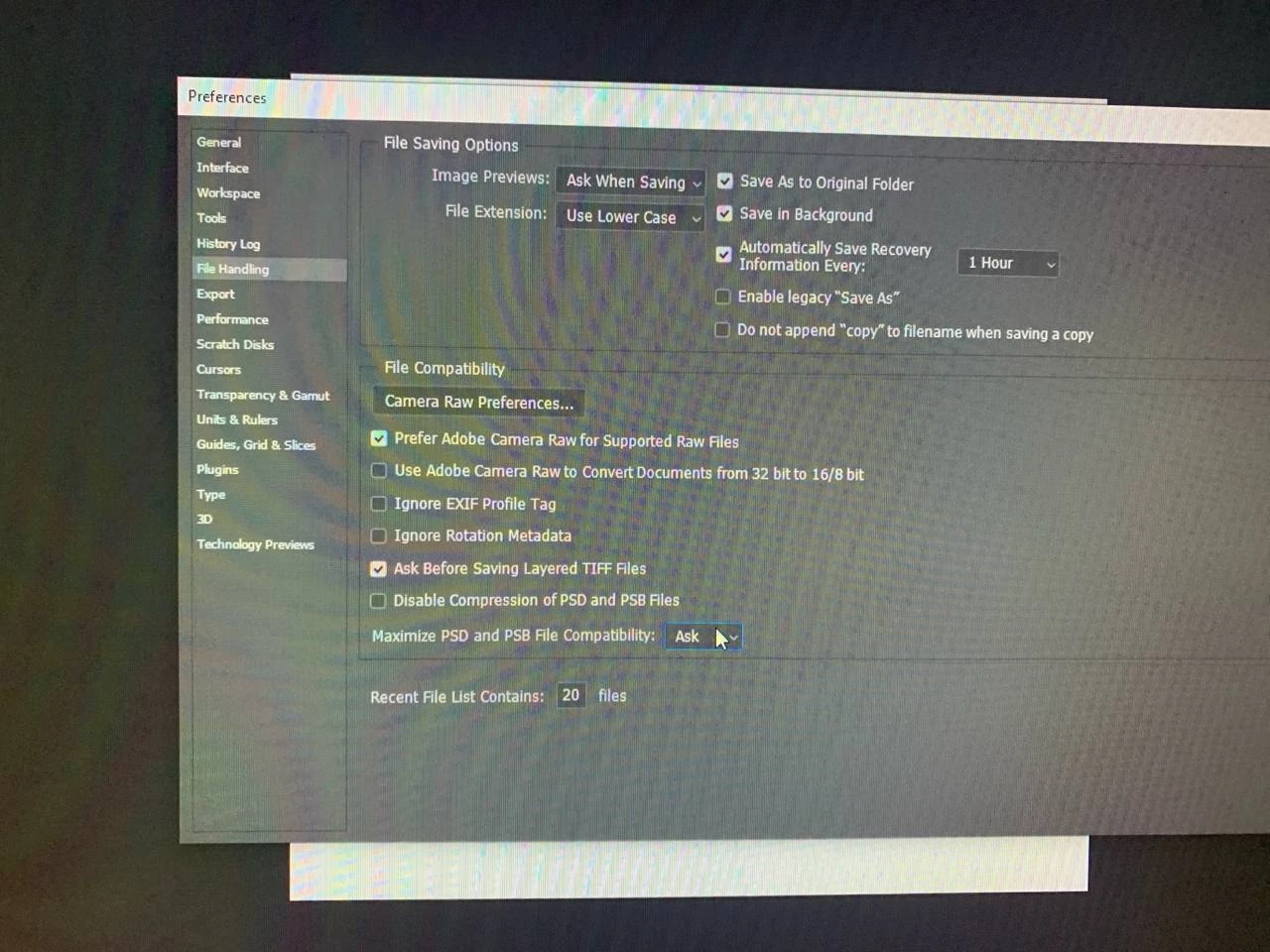
2. Why I don't have "Cloud Documents Local Working Directory" in Photoshop 
By the way, since my C disk is full, how can I change location of my photoshop (from C disk to D disk)?

Thank you all 

This topic has been closed for replies.

1 reply

Ged_Traynor
Community Expert
Community Expert
December 8, 2023

@Minh24623607oqdx you really need to free up space on your C drive, you're going to run into issues on an operating system level never mind Photoshop, installing it on another partition will only save you about 2GB of space.

For opening files on the D drive, click on "more apps" and select "always use this app to open PSD files

For the cloud storage option can you post your Photoshop system info, in Photoshop go to Help > System Info, hit the copy button and paste the entire thing into this thread