
Question
Removing/Hiding objects with layer mask
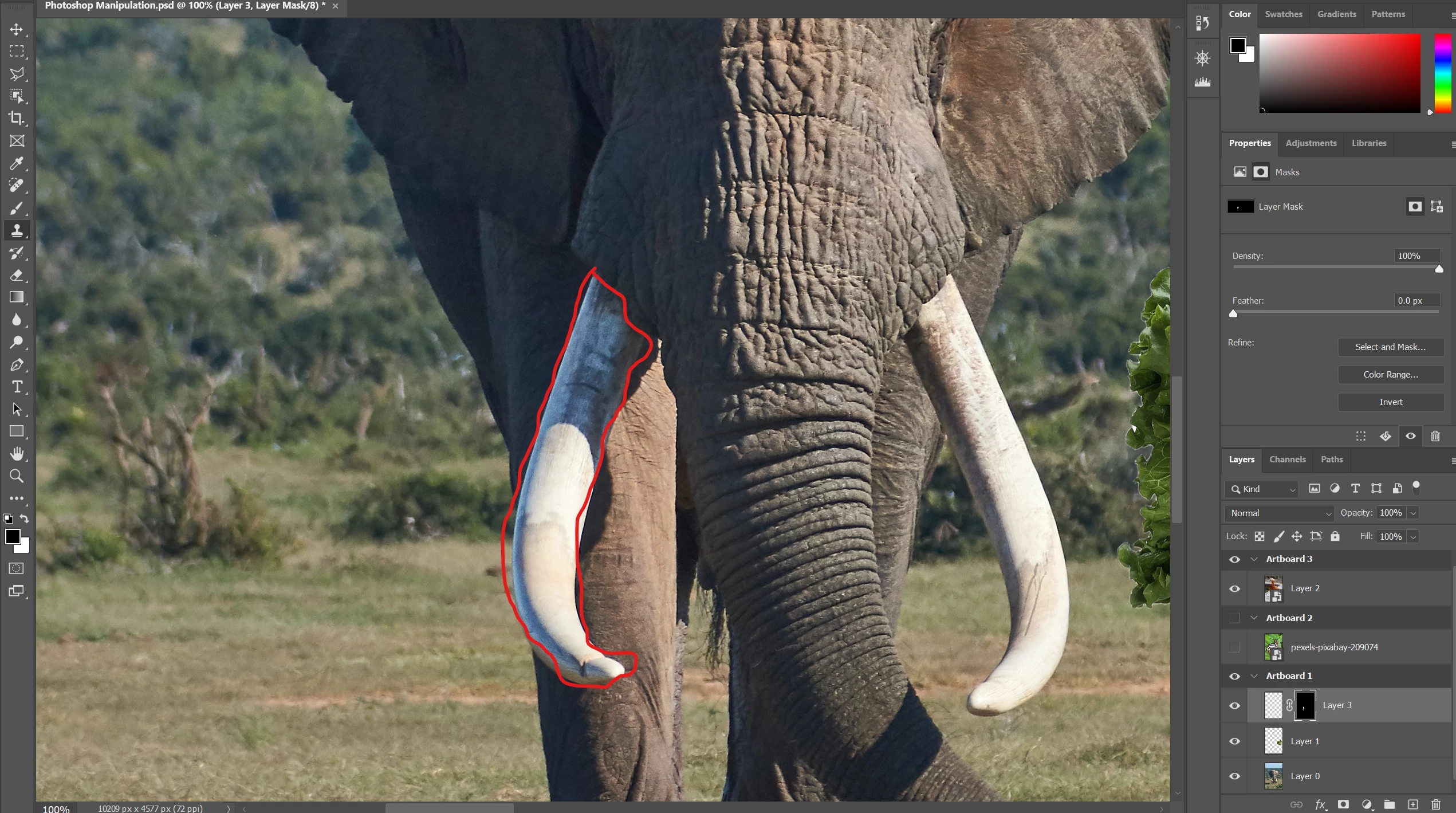
I'm kinda new to photoshop ( not brand new ) and I have to use it for a class i'm currently in. In one of the lessons, the professor wants us to make people/objects invisible using the clone stamp tool ( or a brush tool etc) and us a layer mask to paint over the object you want to make it visible but for some reason I'm having a tough time on this. I have my layer mask set to black to hide parts but when I try to paint over the object it doesn't dissappear. Can anyone explain what I'm doing wrong?
Thanks
 AdChoices