Answered
Removing items from photos in Photoshop
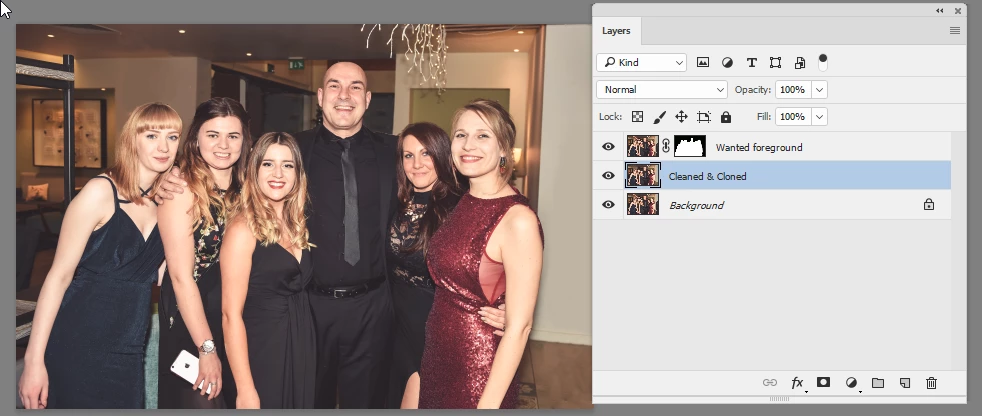
I need help with removing two 'photo bombers' from a group photo. I would usually manage using the clone tool but it's not an easy fix. Would anybody be willing to help?

I need help with removing two 'photo bombers' from a group photo. I would usually manage using the clone tool but it's not an easy fix. Would anybody be willing to help?
Hi
Use a mask to selected the wanted foreground then clone and brush out the unwanted areas on a separate layer
Dave
Already have an account? Login
Enter your E-mail address. We'll send you an e-mail with instructions to reset your password.
 AdChoices