Participant
December 22, 2018
Question

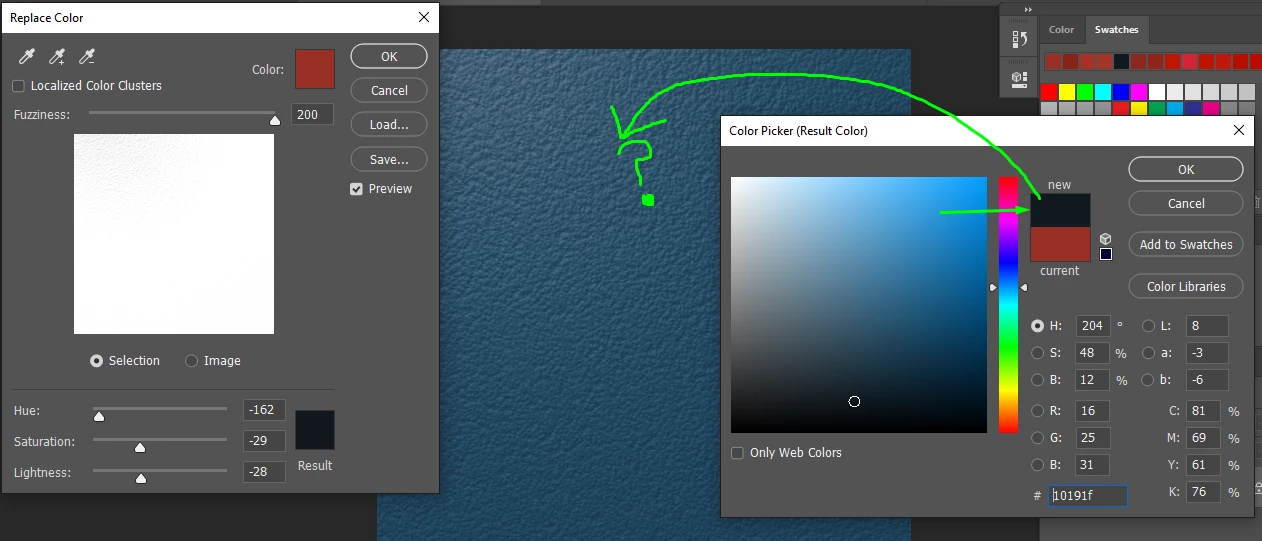
Replace colour does the wrong colour!!

  • December 22, 2018
  • 2 replies
  • 10450 views

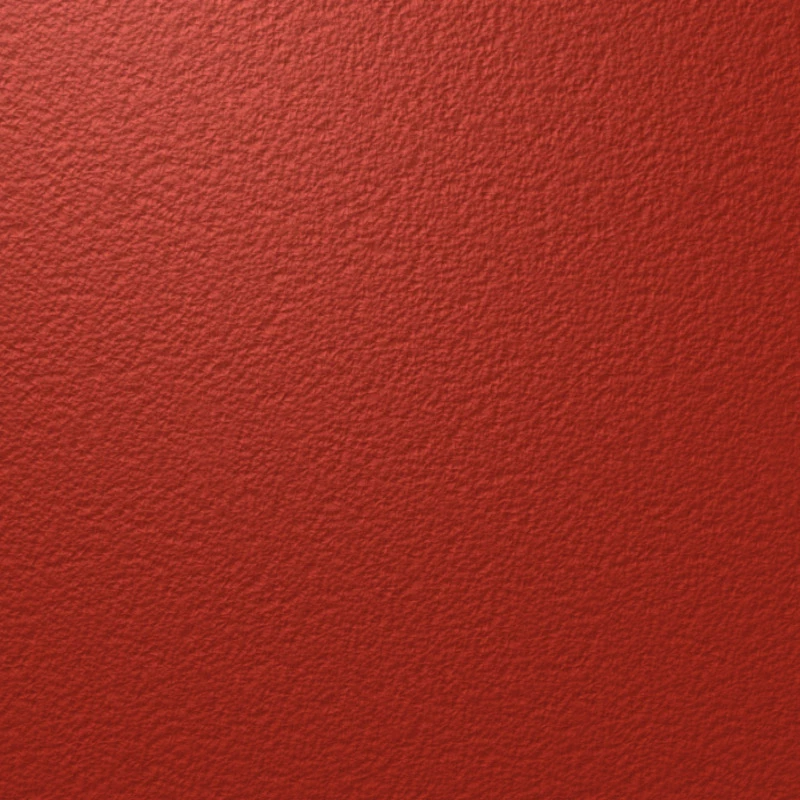
I want to change this imageto a different colour. However, when i select that colour, it changes it to a less bright version of the colour or something. It's so stupid and I searched the internet and nothing came up.

It turns into a different shade of whatever colour I choose, rather than the exact specific colour I want!!!
This topic has been closed for replies.

2 replies

Norman Sanders
Legend
December 22, 2018

When working in RGB a change in value of channels will affect the color's lightness. To solve your immediate problem -- maintaining a contact lightness with a change in color -- consider switching the Mode to Lab where color (residing in the  a  and  b  channels) is discrete from lightness (the L channel). By choosing a color but not altering the L channel you will get that color in the same lightness as your starting color.

For example: This is black with the same Lightness as the red sample...43%  (Black is Lab Color a0 b0). Once established, change the Mode back to RGB.

Participant
December 22, 2018

????????????????????????????????????????????????????????????????????????

Not the color I want>

D Fosse
Community Expert
Community Expert
December 22, 2018

Replace Color is the wrong tool to use here. It is a combination of Select > Color Range and Image > Adjust > Hue/Saturation - in other words two separate, standalone tools rolled into one. The first component is just in the way here.

A clean Hue/Saturation adjustment layer is more appropriate. But as Norman pointed out, different colors have different inherent lightness, and you need to take this into consideration. And the closer the base color is to black or white, the less effect an adjustment will have. On pure black or white it won't work at all.

Chuck Uebele
Community Expert
Community Expert
December 22, 2018

I'm getting the color you're getting with your settings, but I don't know why your preview in the selective color dialog is so dark.

Participant
December 22, 2018

Participant
December 22, 2018

And if I select Black or something, it's once again the wrong colour, being like a dark red.