

Resize creates blurry/pixelated image
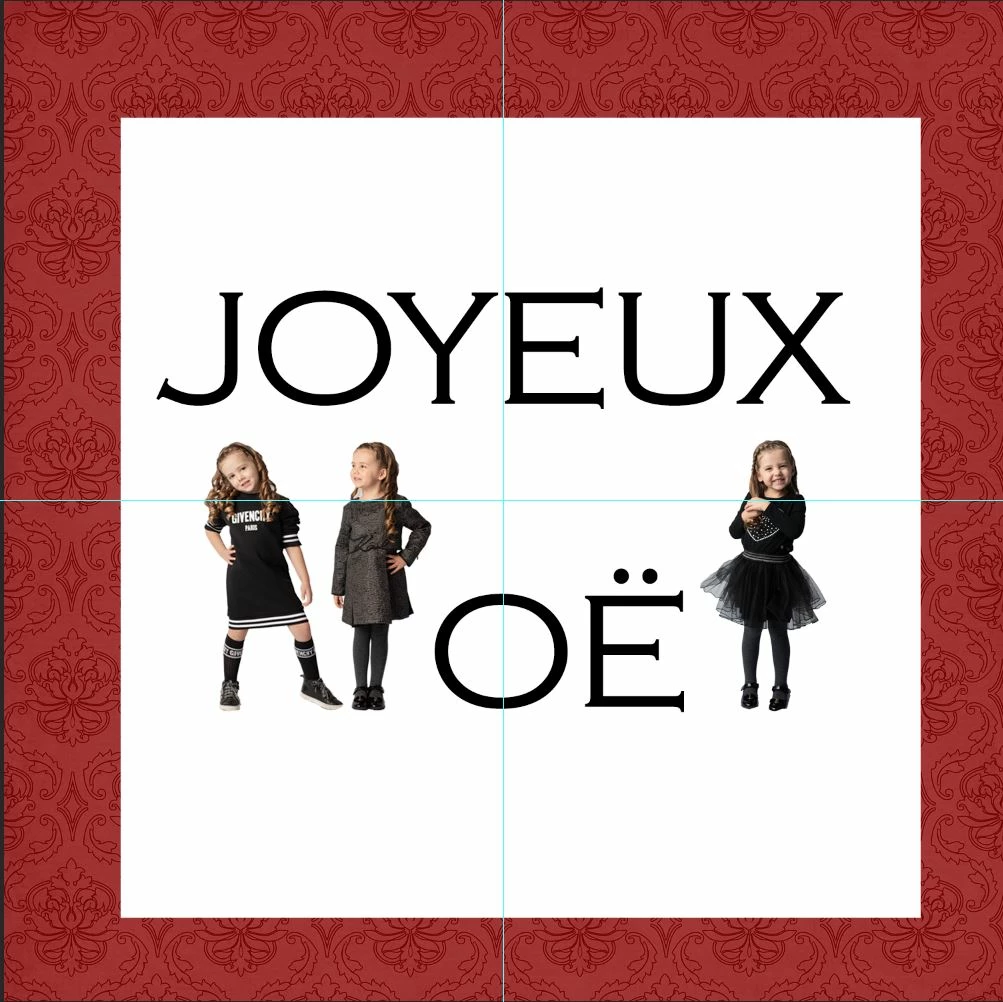
I have selected with the quick selection tool to cut out a little girl using a mask. Image size is 7" x 14" at 300 DPI and then tried to add it to my Card template (5" x 5" 300 dpi) but it's coming out blurry after I adjust the image size to a smaller size. Both are Adobe RGB - 16 bits. You'd think resizing wouldn.t after the sharpness but it is!
What I've tried...
1) Tried to drag and drop (including mask), resize via Image size (resampling unselected) and still blurry
2) Tried to flatten and save as PNG & TIF and then place it in my template. It creates smart object but image is still blurry yet if I click on smart object it opens to the sharp original file?
How can I get my cutouts into my card and keep the sharpness as this needs to be printed?
 AdChoices