
Resized and saved image comes out larger/pixelated when viewed outside of photoshop
Hi everyone!
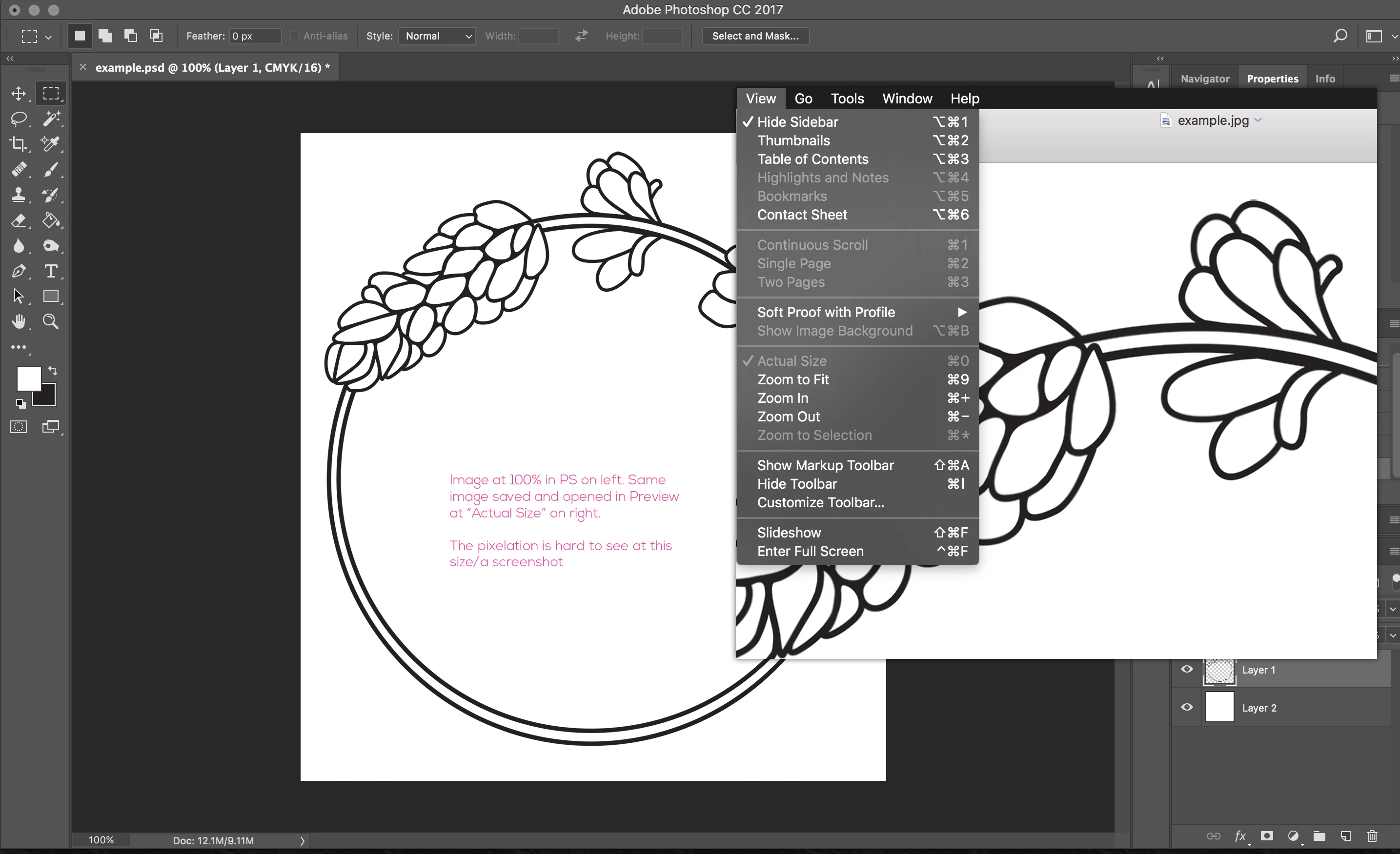
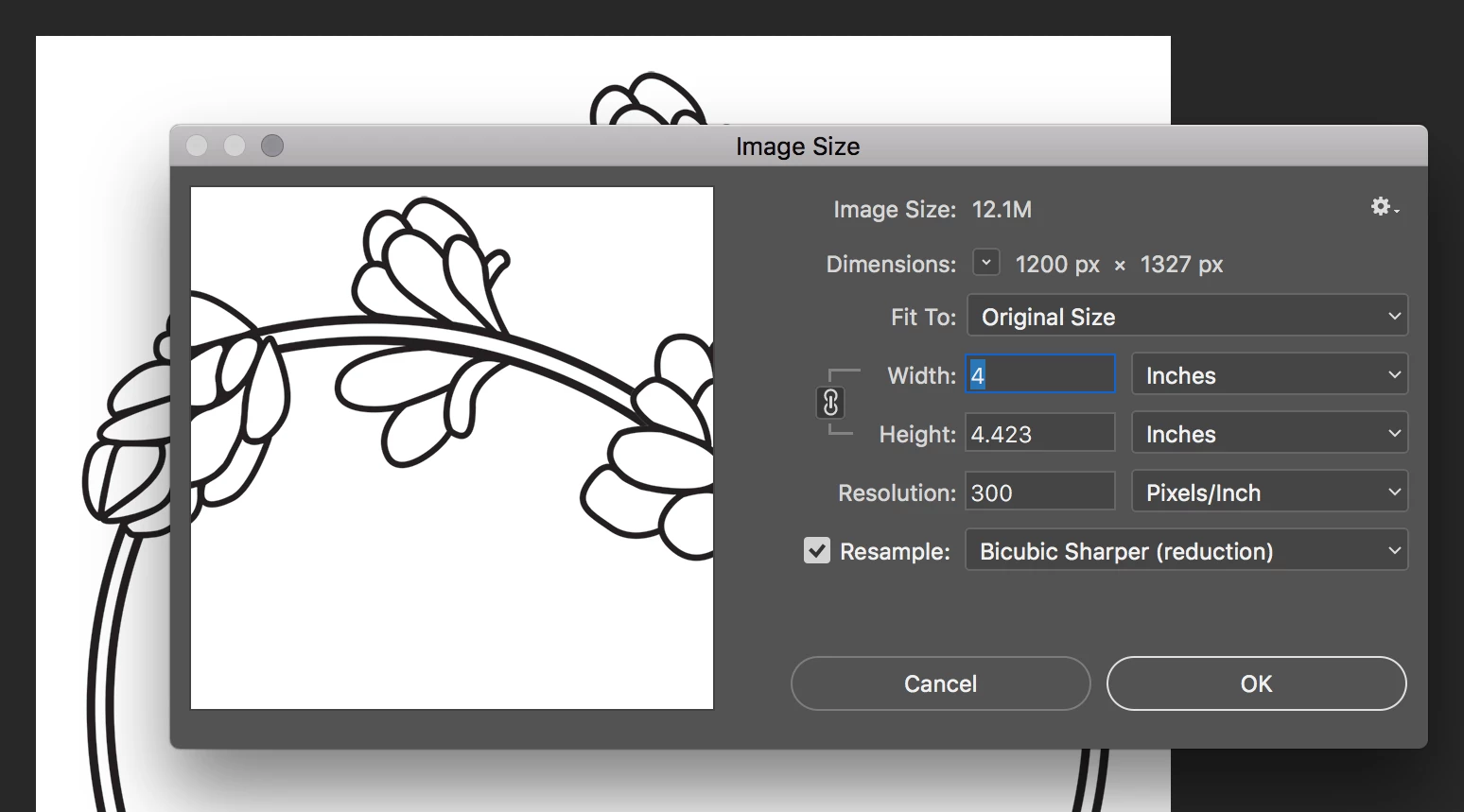
I have an image that was made in Illustrator and was saved as a PDF, which I then opened in Photoshop to resize and export as a JPG to send a friend. The image looks as it should as a PDF, and on screen when viewed in PS or in its original AI file. When I resize it in Image > Image Size and save via File > Export As, it looks fine when opened and viewed in PS but when I open it on Preview it looks larger at "Actual Size" than it does at 100% on PS. I've tried saving as PNG, or resizing on Illustrator and exporting from there but it does the same thing.
I know it's something I've done wrong, and I don't know a lot about dealing properly with resolution/dpi/ppi so that is probably where I'm messing up? Ill add an example of what I mean as an attachment.
How do I get the image I save to open as the same size/not become pixelated? I need to send the image to a friend and it's not intended for screen so I don't think I can save for web?
Any help would be greatly appreciated. I feel like a doofus!
 AdChoices