
Resized photos saving at incorrect size/resolution
My spouse has had this problem with her Photoshop since forever. Now we are sharing a computer and I can't stand it! The photos save in much poorer condition than they were in photoshop, and I have tried jpeg, png, and tiff. I have seen some other people asking what sound like similar questions but I don't think they are being understood by those reading. The problem seems to be that Photoshop thinks everything is half the size that it is. It may be a simple fix and a stupid question but that's why I'm asking for help! Let me use some screencaps to illustrate:
This is the image. It is 3390px wide.
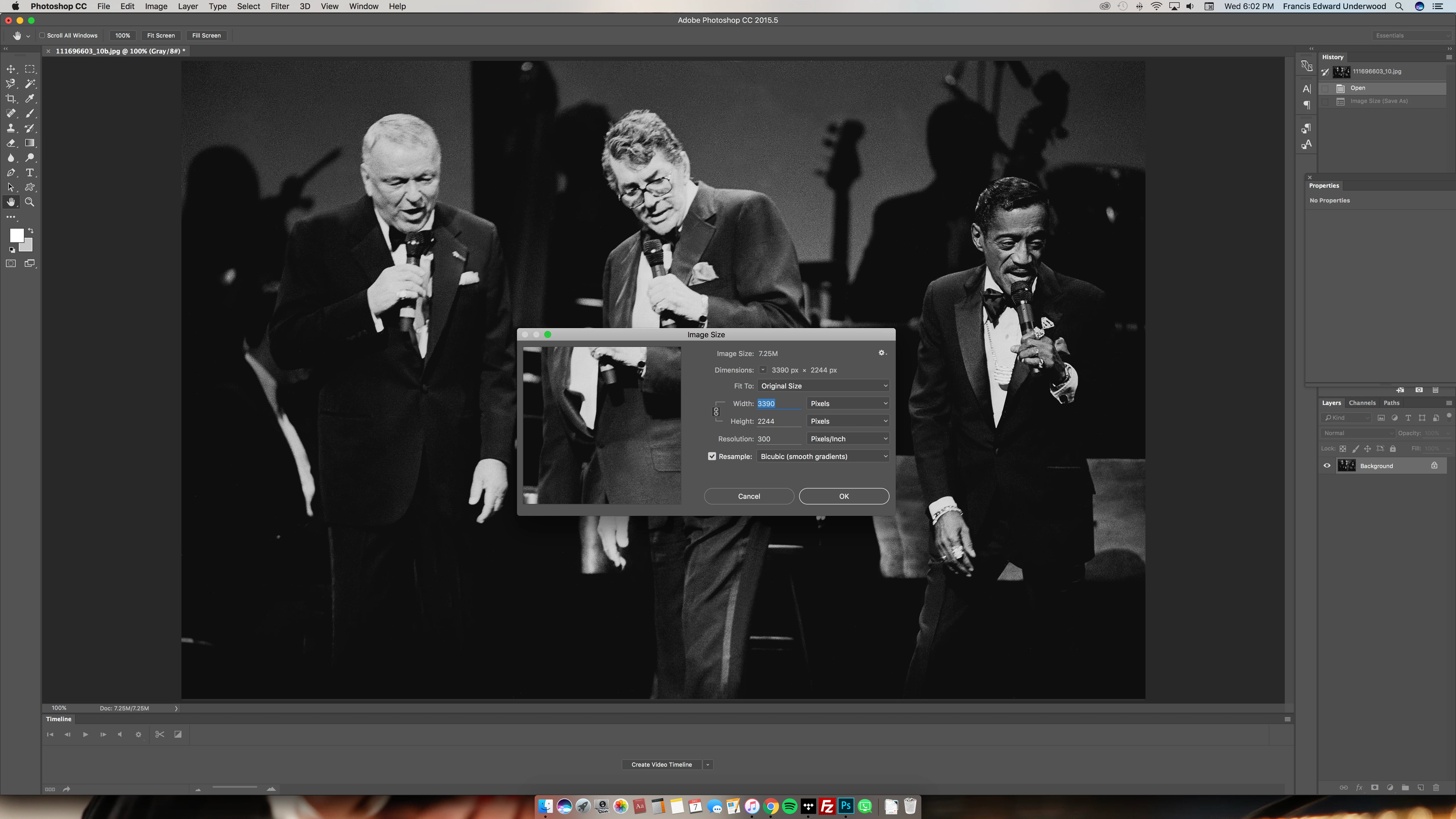
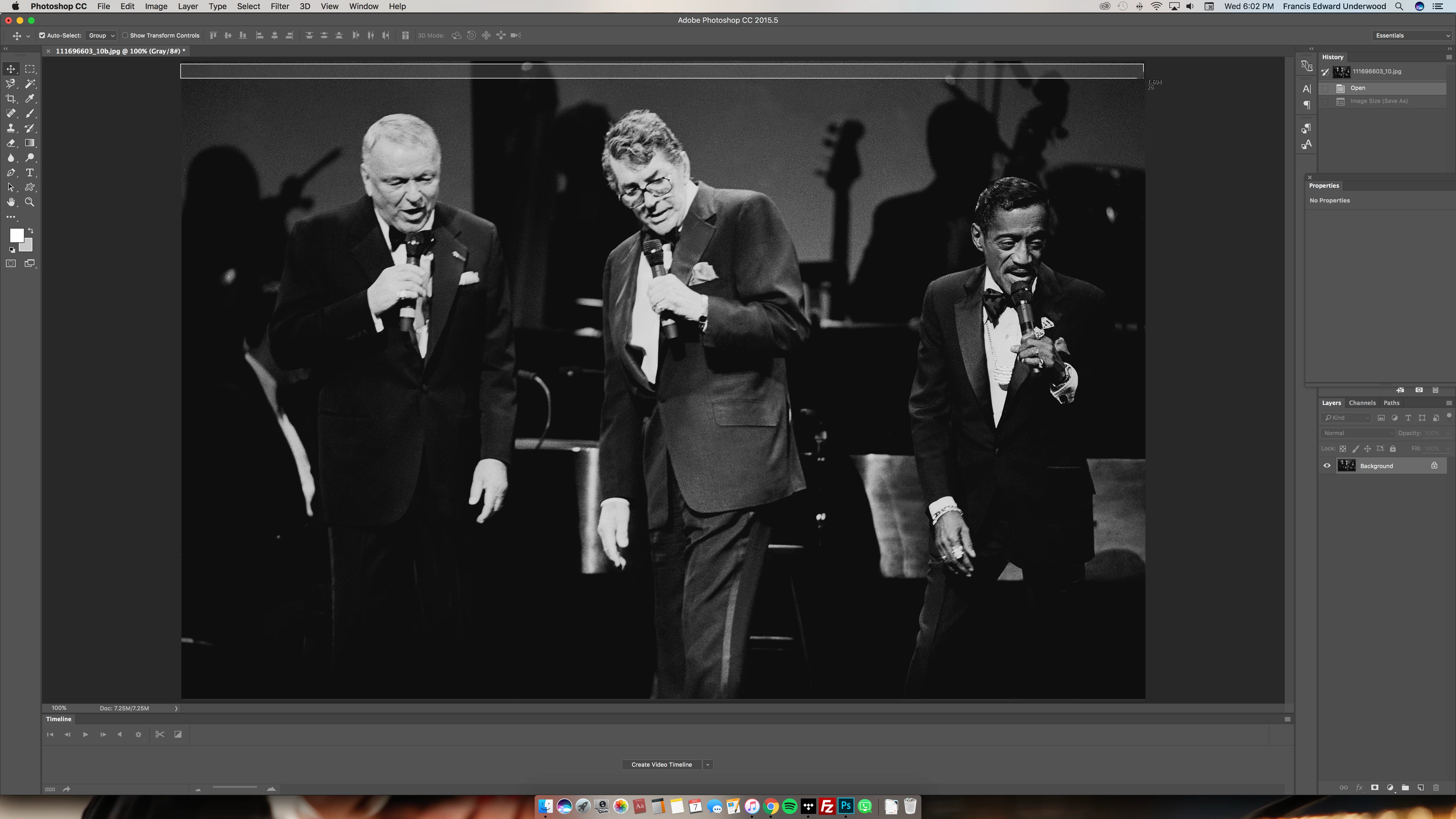
But photoshop says I am viewing at 100%, and it is only pictured as being half that size (that little number of the screencap I'm making across the top says 1,694):
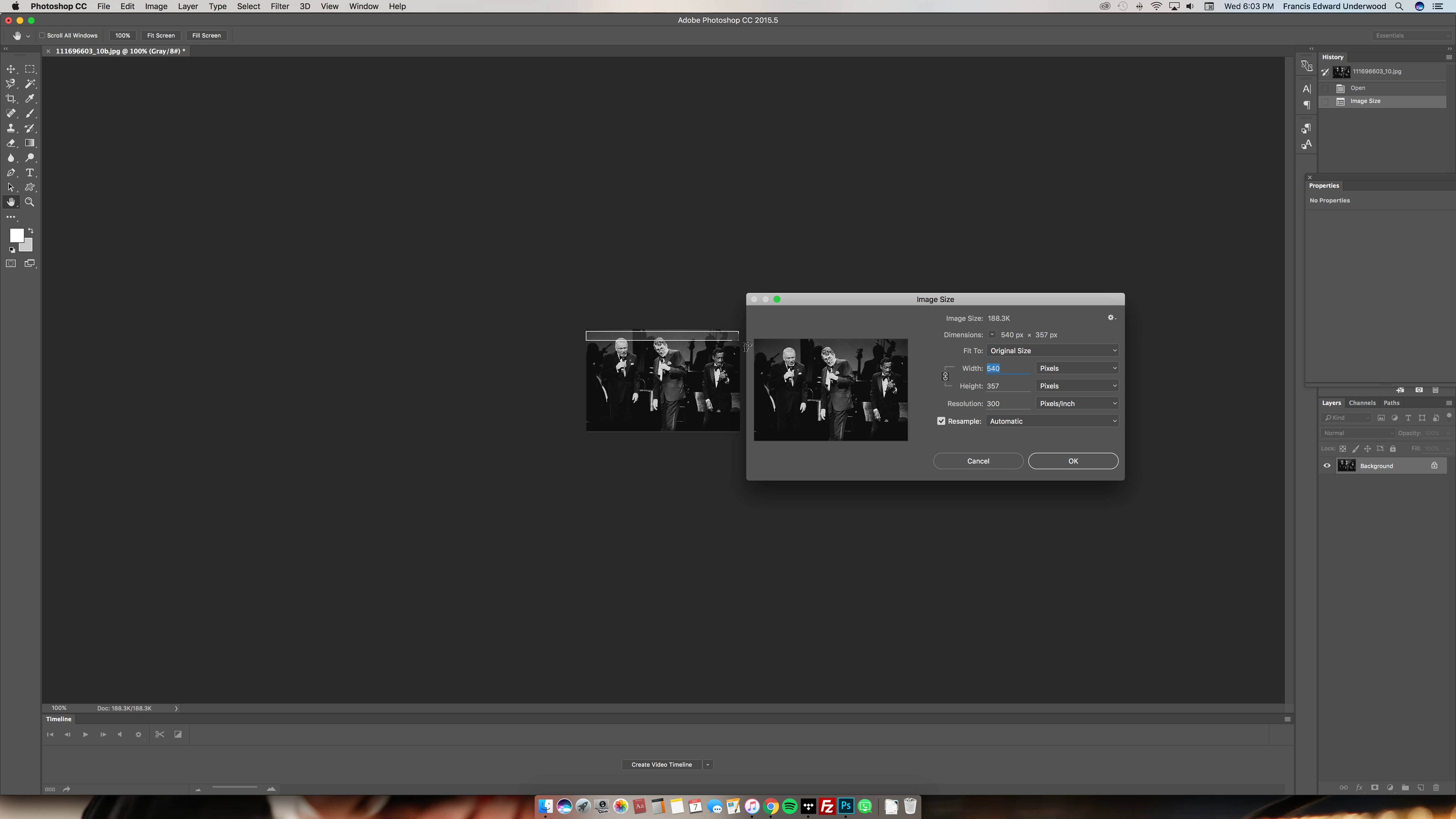
Thus, when I resize the image to my desired 540px, photoshop is showing the image as only 270px wide:
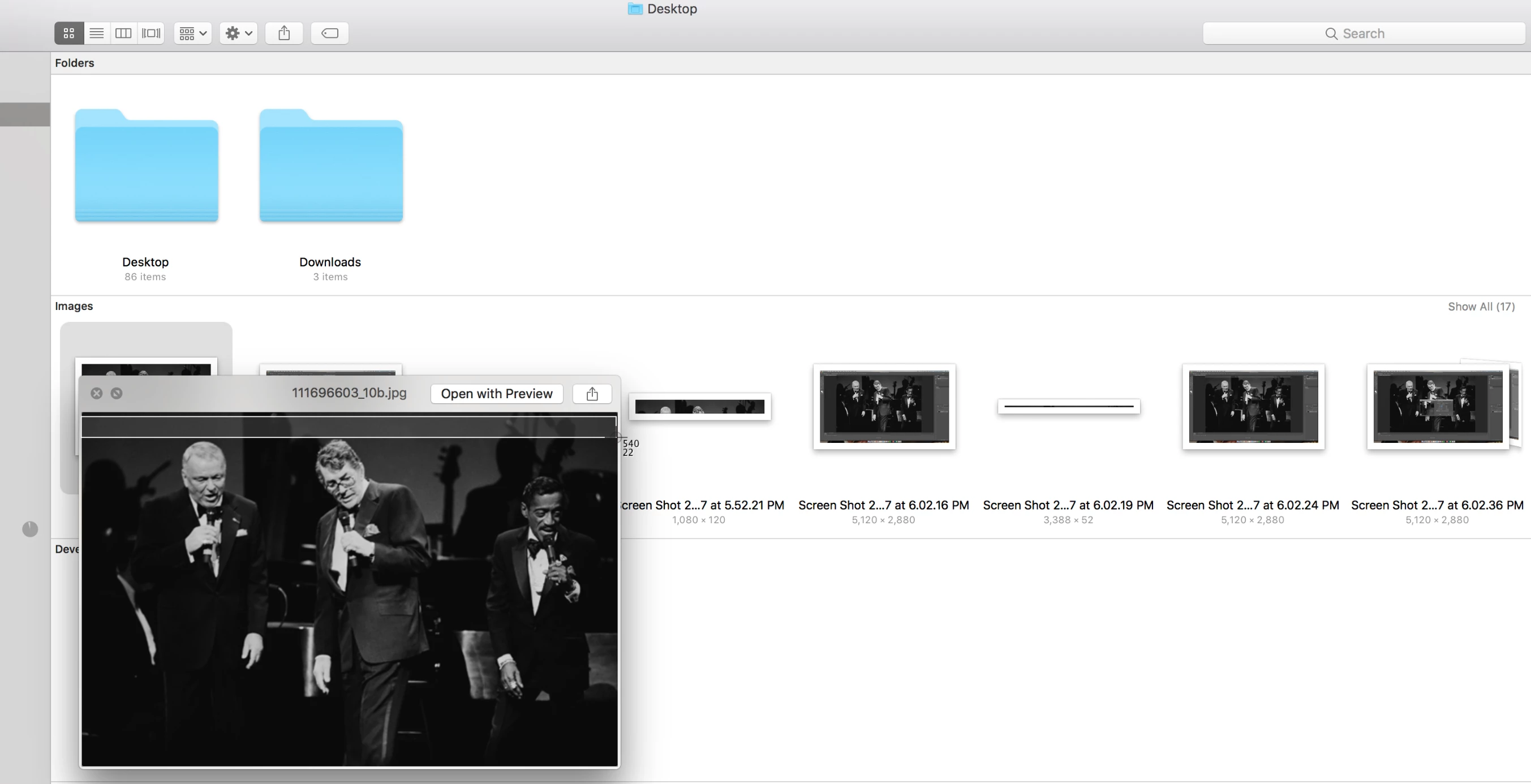
Considering all that, it's no surprise that a very large picture of good quality ends up saving and looking like this in finder, blurry/pixelated/generally sucky:
So. How the heck do I fix this? I've been resizing images on my own Photoshop at this exact size for ages and never had this issue and I can't stand this poor quality. Thank you for any assistance!!!
 AdChoices