
Resizing Image results in to weird resized art, but original size artboard?
Okay, so I've been using Photoshop for 20 years now and just updated to the new 2017 version and have some weird problems with simply resizing an image.
Let's say you create a PSD document of 800x400 pixels.
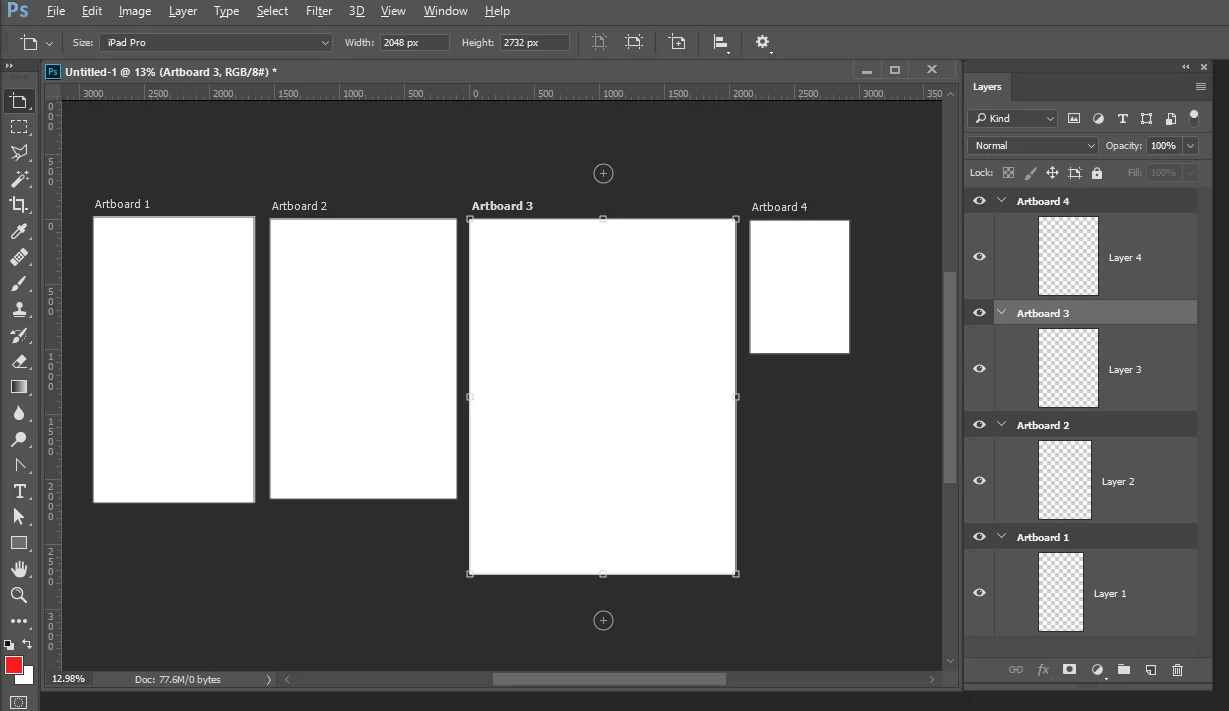
At the end you need a 400x200 pixels version as well so you go to "Image --> Image size" and type in the new values. Hit OK and everything (seems to) looks right. However, when you save it as JPG you would normally save an image that is 400x200 pixels, but now I get a 800x400 pixels image with the artwork in there scaled to 400x200 pixels. In order words, tons of blank space.
It's very strange, and even though everything looks normal in Photoshop itself, right before you hit "OK" to actually save the JPG you see that it's all wrong.
What am I missing here? It's something so simple but very frustrating.
 AdChoices