fatmanurs20772422
Participant
March 21, 2020
Question

Resolution Problem when Shrinking the Image

  • March 21, 2020
  • 2 replies
  • 402 views

Hi guys,


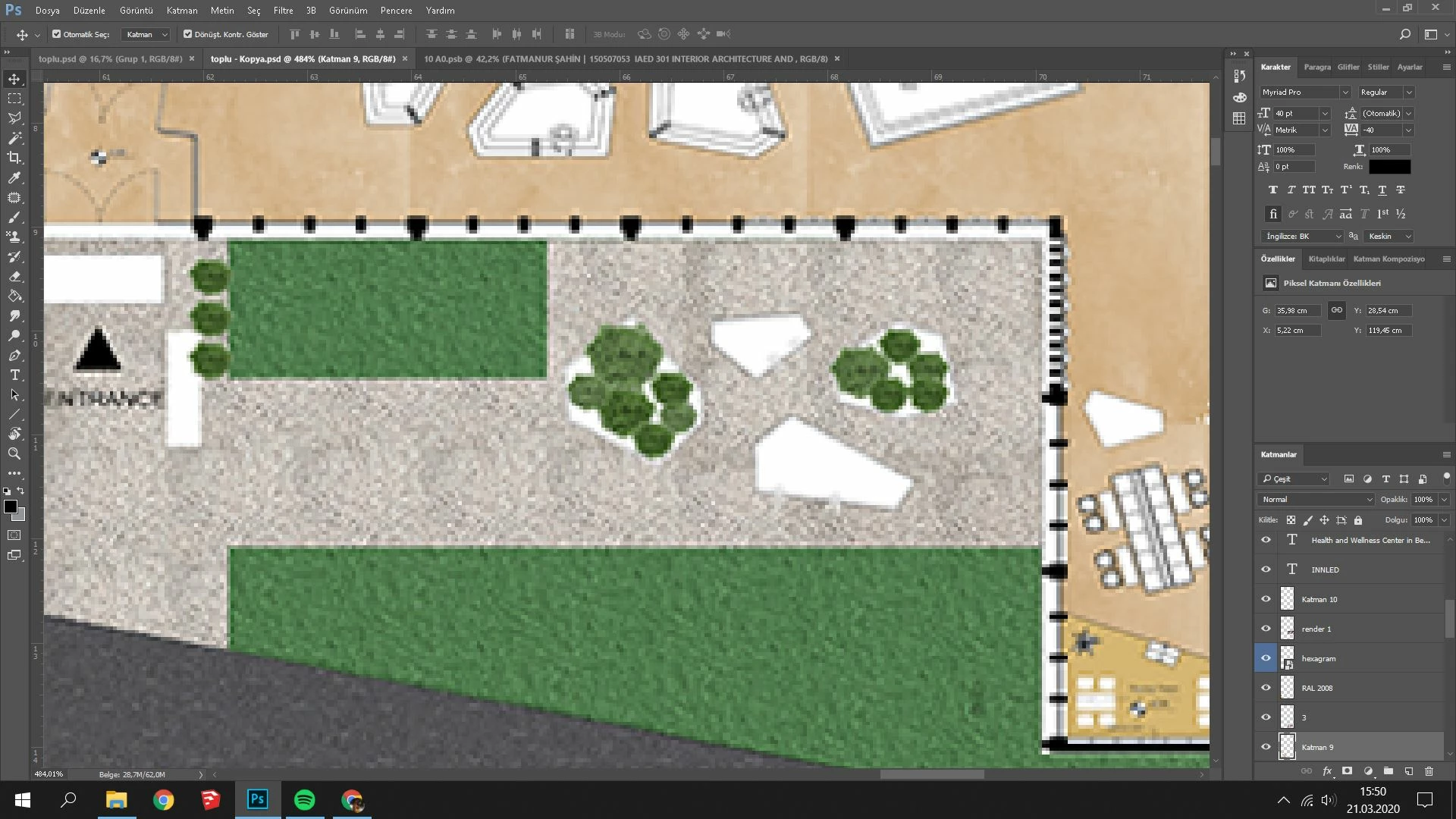
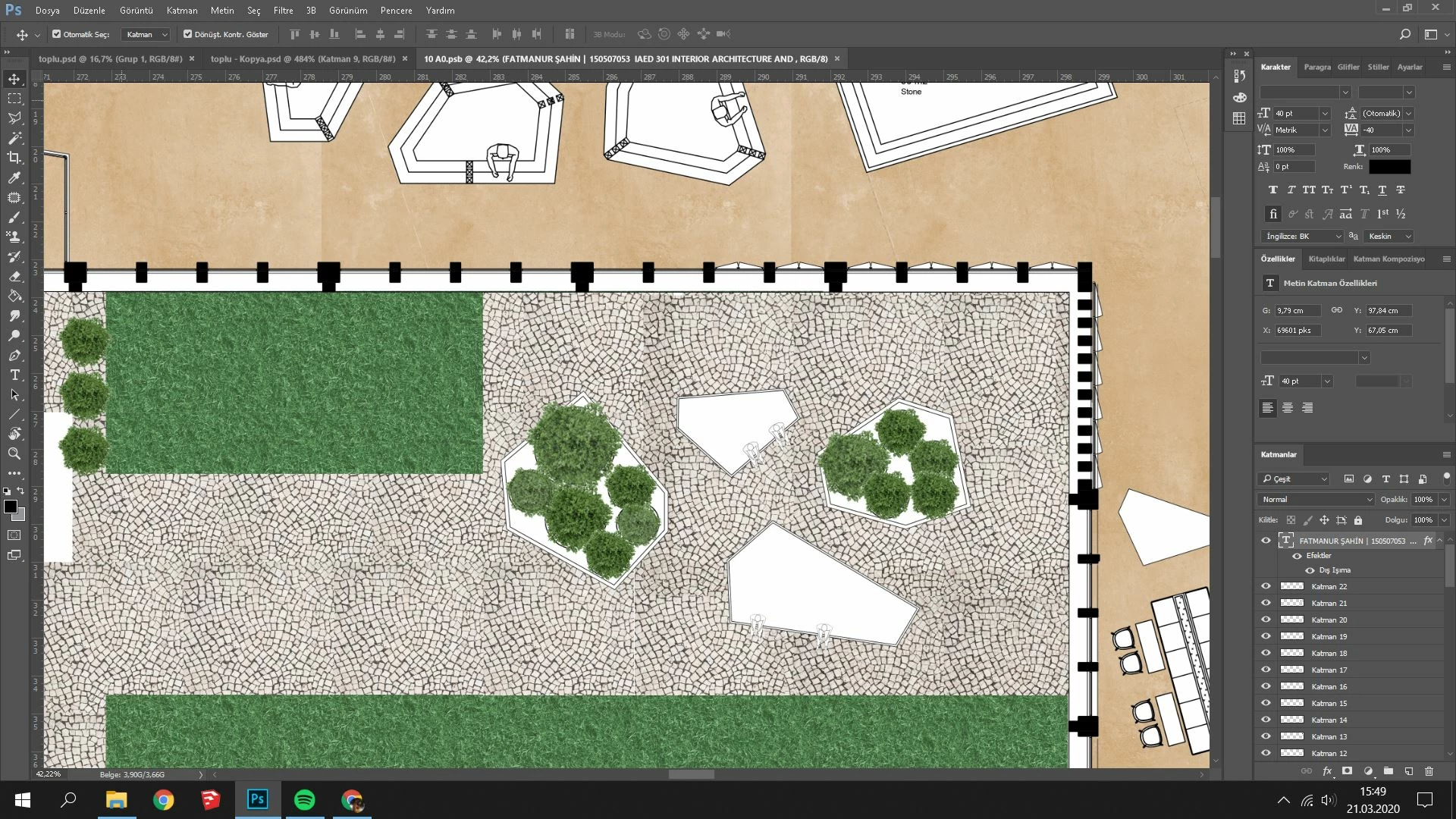
I am having a problem when I shrink the image I prepared in another file with a good resolution. I added the image to the file as a smart object, but the result has not changed. Likewise, when I save the source file as PNG and add it to the target file, I have the same problem. Also I shrink from the image size, when I drag it to the target file, the image comes in the nearly same scale and the resolution deteriorates when it shrinks again.


Is there any way I can shrink it with the least resolution loss?


Thanks!
This topic has been closed for replies.

2 replies

D Fosse
Community Expert
Community Expert
March 21, 2020

That's right. A smart object is always rendered at the base (parent) document's resolution.


You're viewing at 484.01 % - zoomed in at a high percentage and an odd ratio. This looks perfectly normal. This is what that looks like. There's nothing wrong here.

fatmanurs20772422
Participant
March 21, 2020

Like I was thinking if there is any to keep it or not. Thankss

Chuck Uebele
Community Expert
Community Expert
March 21, 2020

While it will retain its resolution within the smart object, any scaling in the new file will match that file's quality. Having scale when placing smart objects turned on in the preferences will make it look like it's of a lower resolution, but that's just because it has been scaled down. You can't retain the sharpness when down sizing. 

fatmanurs20772422
Participant
March 21, 2020

Thank you for your reply. I tried few ways more but no way to keep resolution as you said.