
Rewritten Canvas Size dialogue presents pixels as floating points instead of integers and the reset button do not work
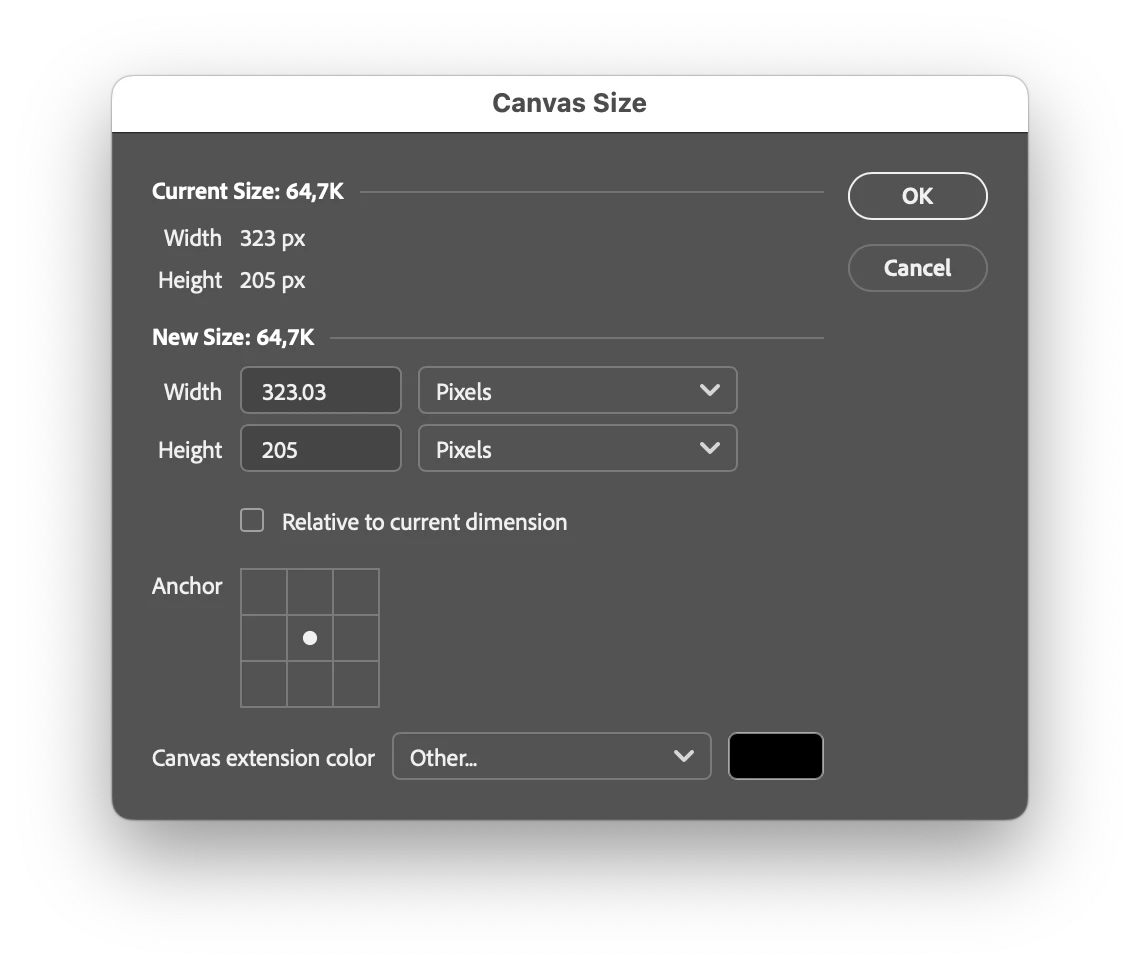
As pixels always are integer unit the fields should be of the integer data type if type of set to pixels.
- Current issue: As of now its possible to enter float values which are accepted and you can close the dialogue but then the value gets rounded of to and int “behind the scenes”
- if one scrubs or use the arrow keys to increase/decrease the value it changes it in decimal steps when it should be -+1 and -+10 and +-100 with modifier keys held in combination of the arrow keys
Also the reset button do not work. Clicking it results in nothing. So that feature is broken or simply not implemented apart from the button itself. (alt/option is held to make the cancel button change to the reset button)
- With the broken behavior if one enters wrongly in a field the user needs to cancel close the dialogue and open it again - when it should be possible to reset the dialogue without leaving it.
Both bugs also severly downgrades the UX.
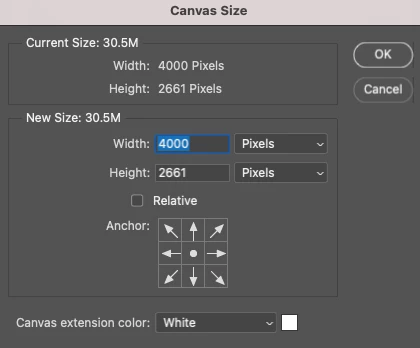
(comment: what was the value reasoning to rewrite this dialogue - it seems to be no new features - only an updated left aligned layout vs the former center aligned. Also the style of the UI element differ from the other dialogues also they state display (hoover etc) and the overal layout also differ from the related Image size dialogue with oddly long type dropdown lists distracting from the more important value fields offering a less coherent user experience = from a user value this is a downgrade)
 AdChoices