Answered
Rotating my drawings make them pixelated and blurry
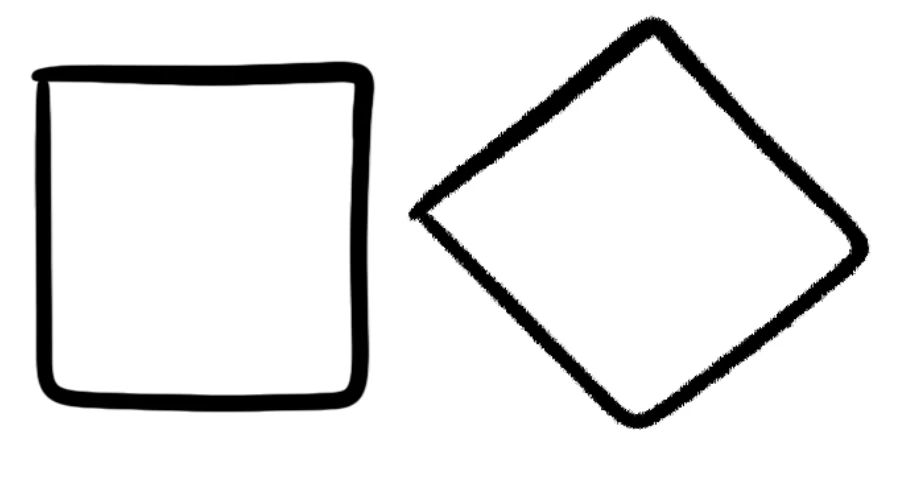
When i ctrl + t and rotate or move something it comes out pixelally and gross. It didnt do this before but now it does.
When i ctrl + t and rotate or move something it comes out pixelally and gross. It didnt do this before but now it does.
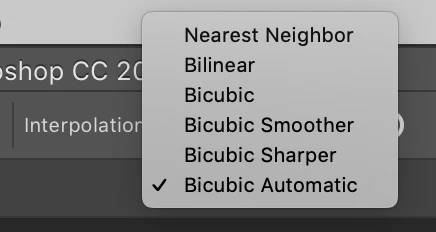
When you use Free Transform there is an Interpolation setting at the top of Photoshop. It's possible you might have this set to Nearest Neighbor. If so, try changing it to something like Bicubic Automatic.
Already have an account? Login
Enter your E-mail address. We'll send you an e-mail with instructions to reset your password.
 AdChoices