
Run a script to execute an action on several JPGs + custom text in each image
Hello!
I am an actor headshot photographer, and I format my headshots to have white borders and the actors name. I currently create a new 8x10 at 300DPI. I then use an action in Photoshop CC (latest version) that prompts me to open a jpg, then it resizes the headshot (the headshot itself is 4:6 aspect ratio) to leave a white border, and it adds my name at the bottom of the image. I go in and I change the name to my subject's name. I then export the final result. The final product looks like this:
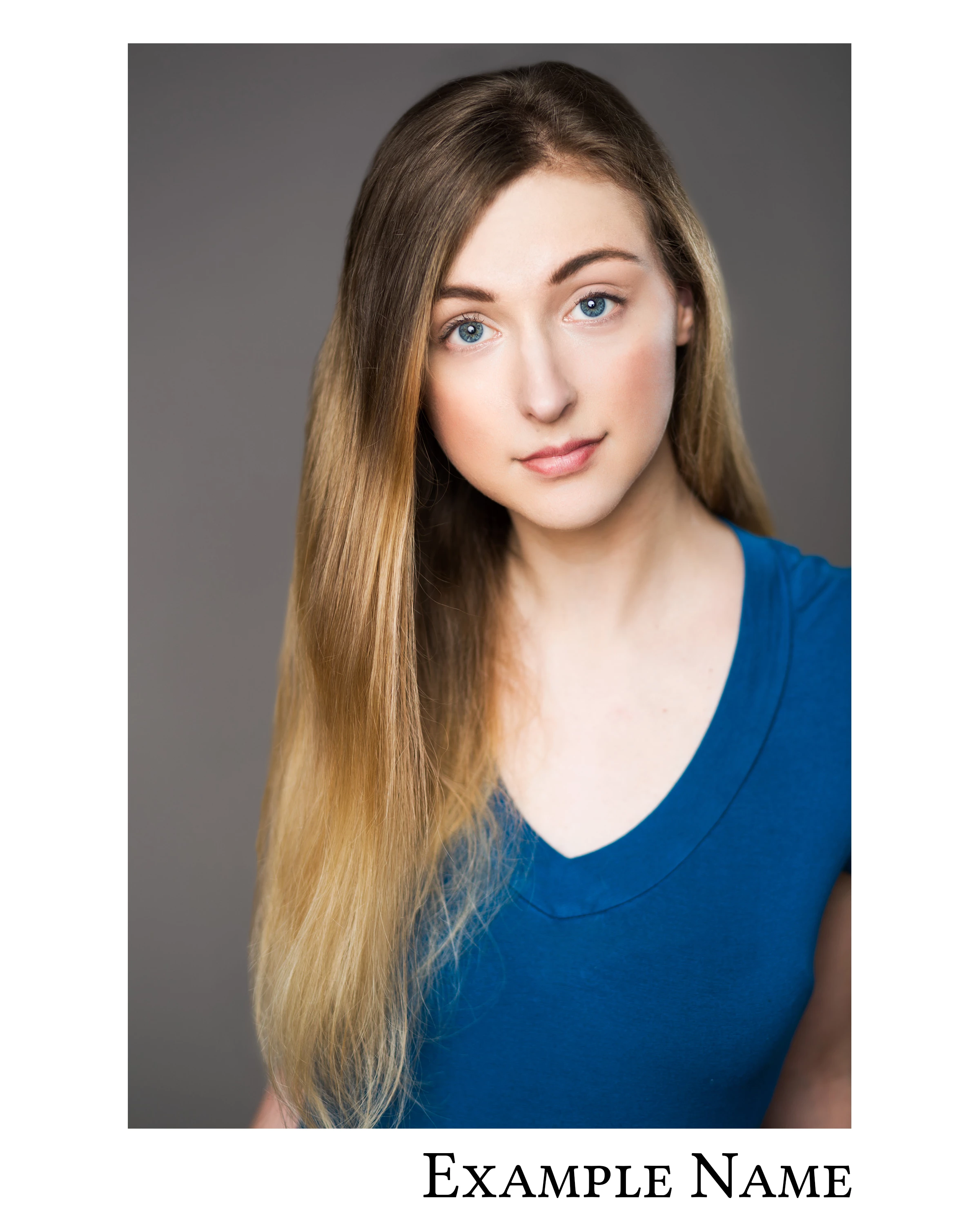
I would like to automate this so that way I can select multiple images at a time, input the actor's name once, and have Photoshop spit out the files into a specified folder. Is this possible with a script, and if so, can anyone help me out with that? TIA!
 AdChoices