
Participant
November 19, 2021
Question

Same hex code generates different color output in two different files. Seemingly same color space.

  • November 19, 2021
  • 3 replies
  • 3169 views

I'm editing a PSD, hex code in question is 1d2c5c

color settings screenshot from that file:
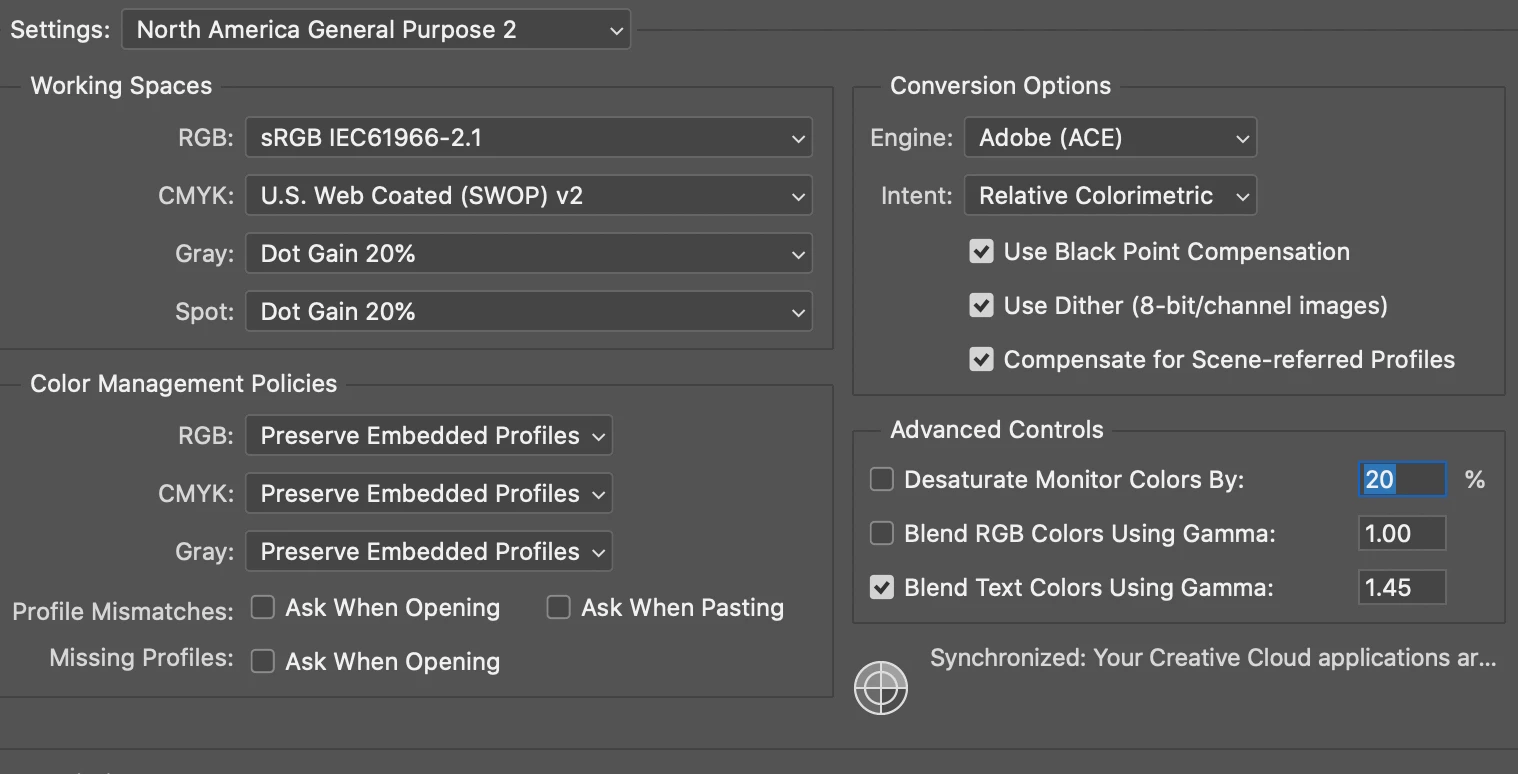
I place that image in a different PSD, hex code when color dropped is now 0f2357, original code of 1d2c5c looks way off.

screenshot of color settings in that file:
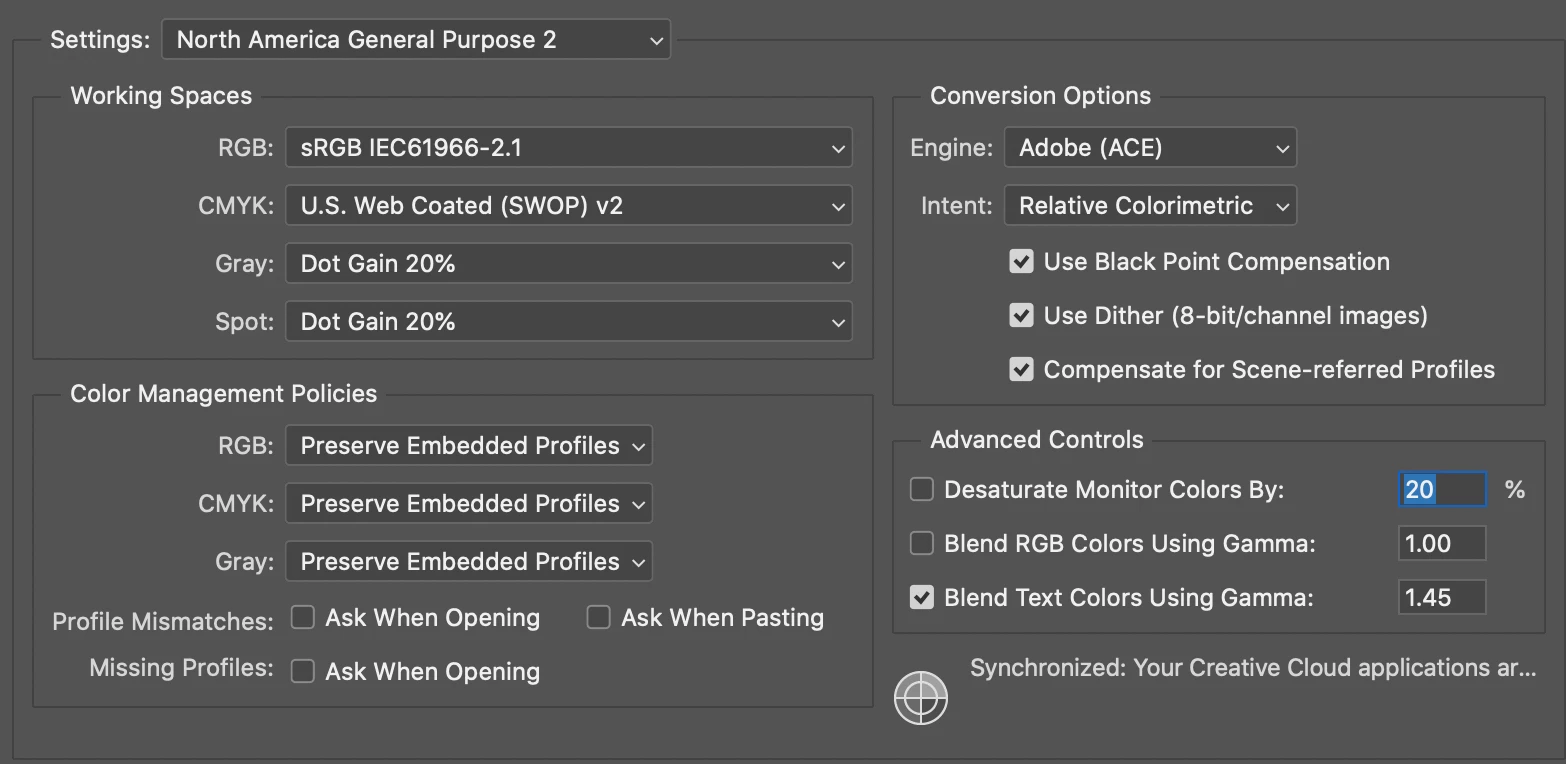
This has happened to me several times before when one file is a self-created psd and the other is an image file that I'm editing, but whenever I check the color settings it's always the same settings.

I feel like there has to be something that I'm missing, but I'm not sure what. All of the advice I find is to check color settings, which I have and they're the same.

3 replies

c.pfaffenbichler
Community Expert
Community Expert
November 20, 2021

Could you please post screenshots of both images with the pertinent Panels (Toolbar, Layers, Options Bar, Status Bar, …) visible? 

NB, colourmanagement
Community Expert
Community Expert
November 20, 2021

This is pretty much defintiely a color profile issue


neilB

davescm
Community Expert
Community Expert
November 19, 2021

Those two screenshots show your default colour settings not the particular colour profile for your two individual documents. To see that look at the bottom left of the Photoshop window and set it to Document Profile.


Dave

Participant
November 19, 2021

Ok good to know... Thanks!

Those are the same as well though.

I tried taking the image file that I'd been editing and plopping the layers into a brand new self-created PSD file with the same dimensions (also the same colorspace as the screenshots above) and placed that file where I need it and lo and behold THAT works fine. Still don't understand why two supposedly same colorspace files would generate different results.

D Fosse
Community Expert
Community Expert
November 19, 2021

If the same number produces different colors, the two color spaces are by definition not the same. That's what a color space does - define numbers as specific colors.


If you take screenshots, the original document color space no longer applies. A screenshot is in monitor color space. To bring it correctly into a working document, you need to first assign your monitor profile, then convert into the target color space of the document.


You also need to make sure there actually is a document profile. As long as there is, it will always override your working space.