David Mohr of Adobe responded to similar question with the following answer…
Howdy Dev,
Or should I say مرحبا?
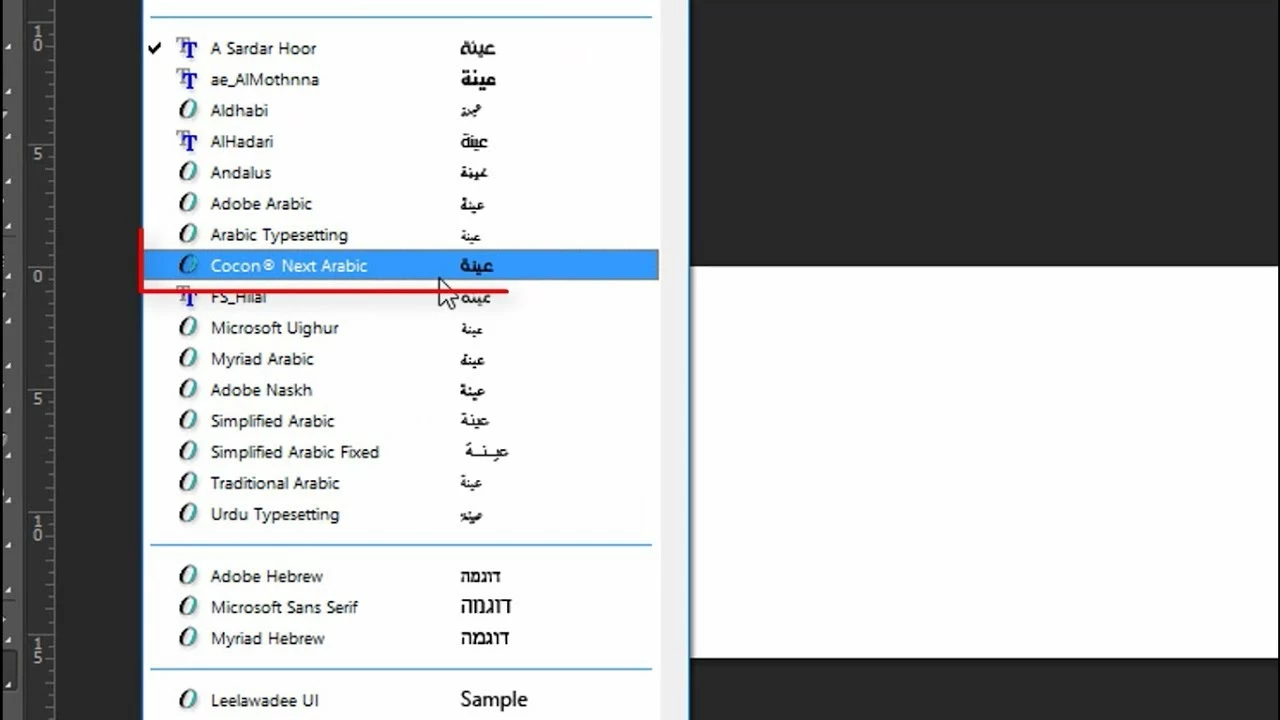
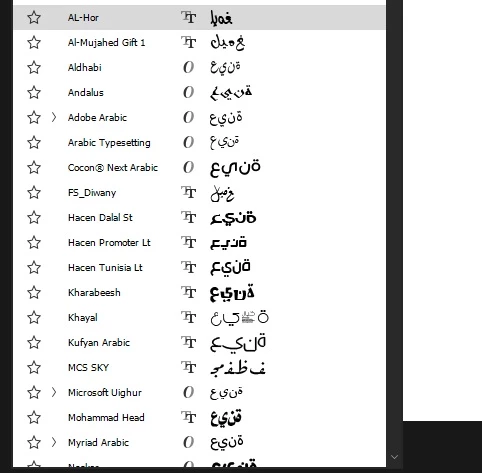
Yes, we made a change to the way we preview fonts used for complex scripts. In order to streamline and speed-up performance, we no longer use the script engine to layout sample text. As a result, we preview individual characters rather than contextual strings for Arabic as well as Farsi, Devanagari, Gurmukhi, Malayalam, Tamil, Bengali, etc. This change was made to help those users with large numbers of fonts on their machines.
Yes, i think adobe made a change to the way we preview fonts used for complex scripts. In order to streamline and speed-up performance, we no longer use the script engine to layout sample text. As a result, we preview individual characters rather than contextual strings for Arabic as well as Farsi, Devanagari, Gurmukhi, Malayalam, Tamil, Bengali, etc. This change was made to help those users with large numbers of fonts on their machines.


 AdChoices