
Inspiring
October 5, 2022
Answered

Saturation No Longer Works

  • October 5, 2022
  • 3 replies
  • 781 views

I have a background that I made for an image I'm working on (it's on a separate layer above the Background Layer). I've been successfully increasing the saturation using both the Hue/Saturation tool and via Camera Raw. But all of a sudden, it seems to have stopped working. Now, I've used these tools a few times on this background with success. But now, most interestingly, the saturation increases when I'm in these tools (I can see it). But when I apply the change, nothing happens.

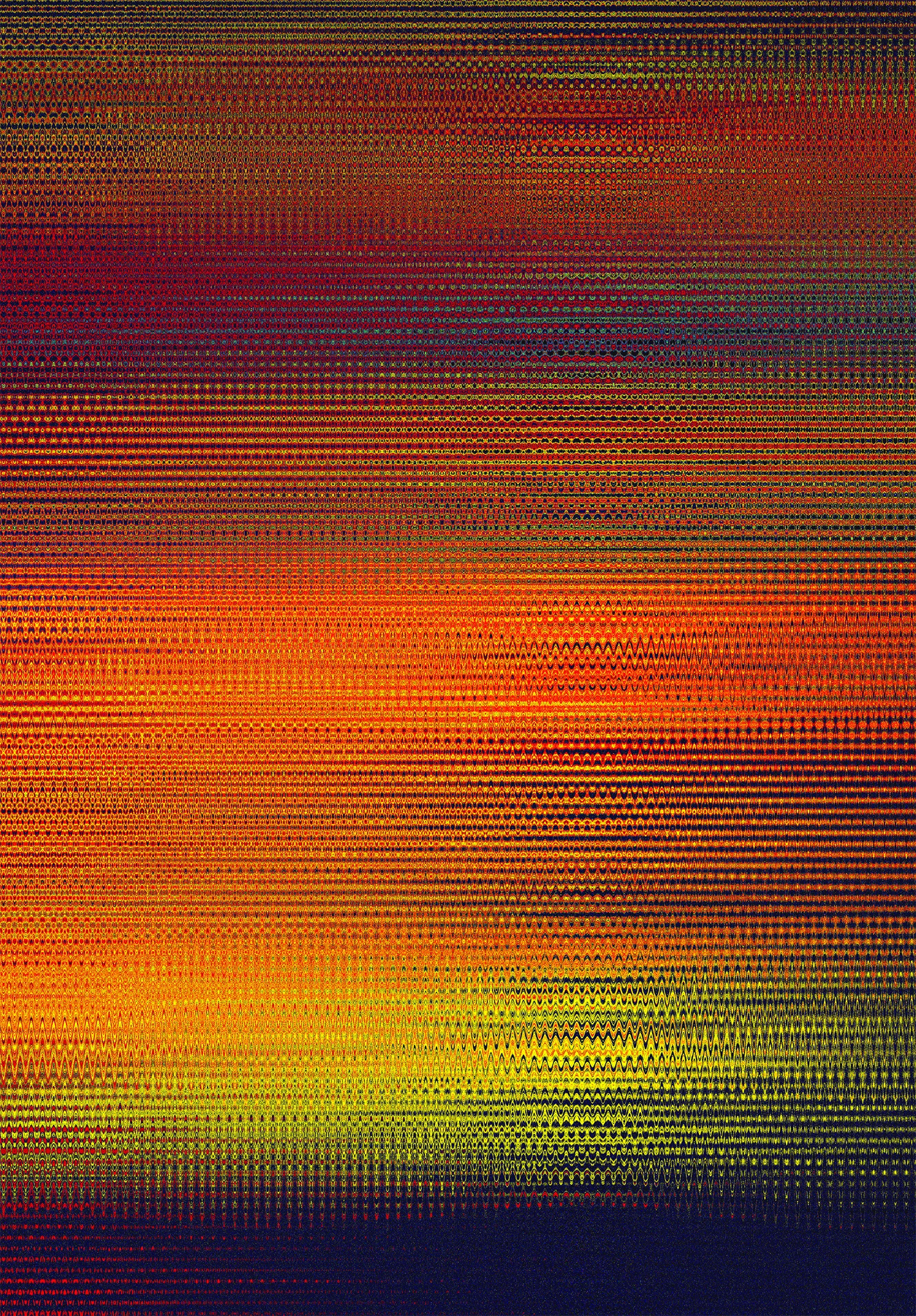
Here's a lower res version of the background image I've created:
 

This topic has been closed for replies.
Correct answer Outtacontext

You might be on to something. So I did some experiments. First I tried the Hue/Saturation with the image enlarged to 200%. Increased the saturation. Didn't see a change that close. Then I went to the Camera Raw and went to 200%, focusing on the yellow/red band. Increasing the saturation worked on the red, but not the yellow. I saved the adjustment and, believe it or not, it actually made the background look lower in contrast. Looking at the image back in its psb state, and toggling between the before and after Camera Raw adjustment, the red stays the same but the yellow actually turns a bit more green. And that's probably what's causing the effect of the adjustment to look lower contrast.

I must say that I've never tried to adjust the saturation so high. And never on a background like this that when looked at very closely are individual color pixels. I should also say that before trying to increase the saturation, I used the wave filter to give it a certain look and that probably has something to do with it as well.

3 replies

War Unicorn
Community Expert
Community Expert
October 5, 2022

Does it happen if you turn GPU acceleration off? (via Preferences > Performance > Graphics Processor Settings > uncheck Use Graphics Processor). The first thought to came to mind was, "video driver."

Inspiring
October 6, 2022

The Use Graphics Processor was already turned off.

Chuck Uebele
Community Expert
Community Expert
October 5, 2022

What file type are you using? You image is broken up into little chunks of color, so they look to be at maximum saturation. Looking at it backed off, you give the appearance of lower saturation, even though it's fully saturated.

Inspiring
October 6, 2022

It's a psb file 2.9GB. 19 layers, not all on. I've worked on similar large files with no problems. If it's fully saturated, then why can I see it become more saturated in the preview?

George_F
Community Expert
Community Expert
October 5, 2022

Are you able to perform any adjustments on the layer?  Perhaps a screenshot of the layers panel would help, if you'd be willing to post it.

George F, Photographer & Forum Volunteer
Inspiring
October 6, 2022

Yes, I am able to perform other adjustments on the layer. I just inverted it and it worked fine. I have 19 layers in the file, one being a smart layer (which is turned off). A number of those layers are also off. It's a psb file (2.9GB). I've haven't had any problems with similar files with perhaps even more layers.