
Question
Save As JPEG won't work and crashes your Photoshop - Windows 10
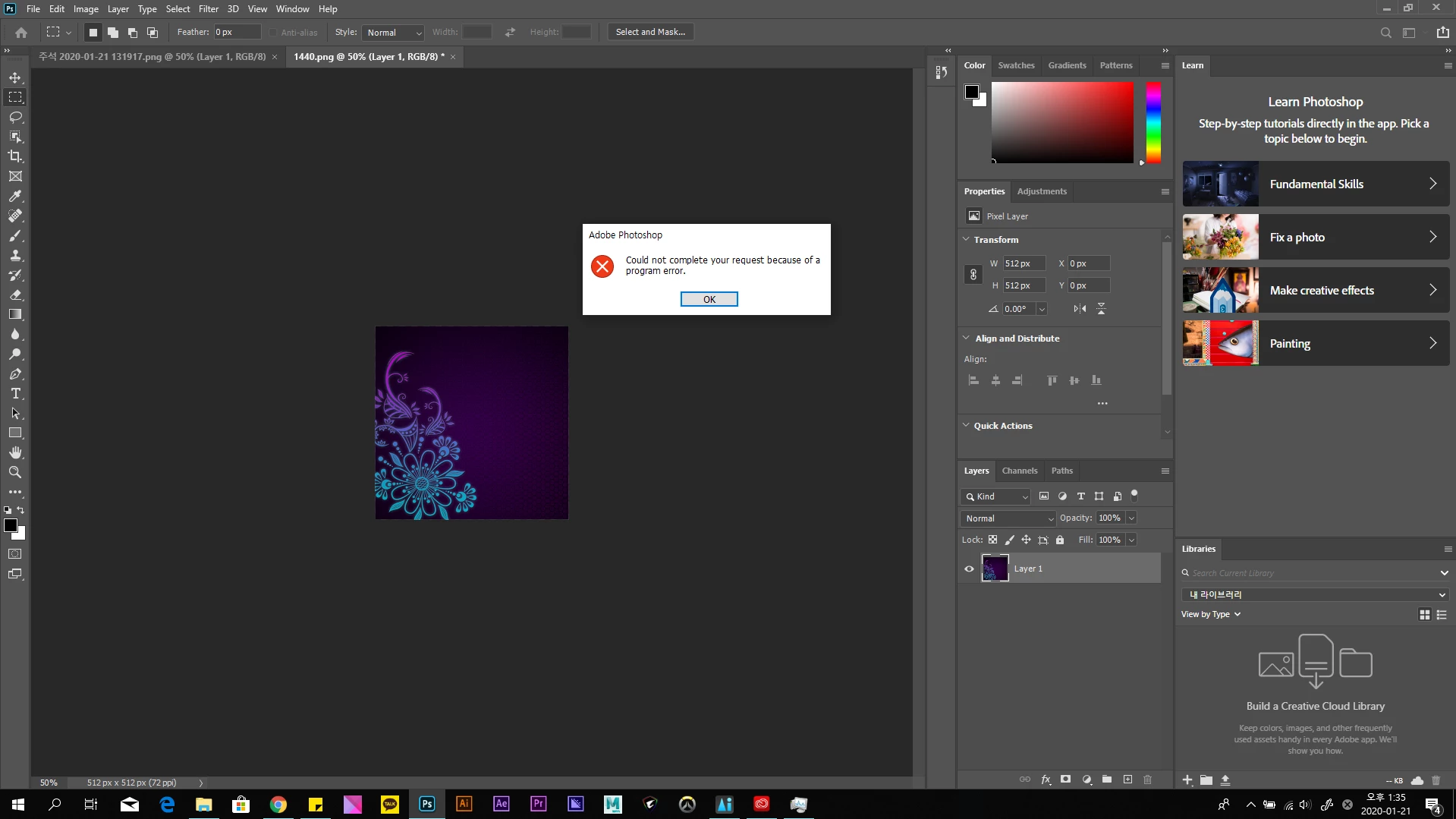
"Could not complete your request because of a program error."
I have to save a JPEG File out of a PNG File, but it shows this error message when I try.
The worse part is this message also shows up when you try to turn off the program by clicking the X button or pressing Alt+F4. I can only turn this off through task manager.
I tried resetting the program, reinstalling the program, but it didn't change.
It worked fine till yesterday.
Any help would be grateful.
+Saving JPEG in Save for Web works, but I want the Save As method back.
{Thread renamed by moderator}
 AdChoices