


Answered
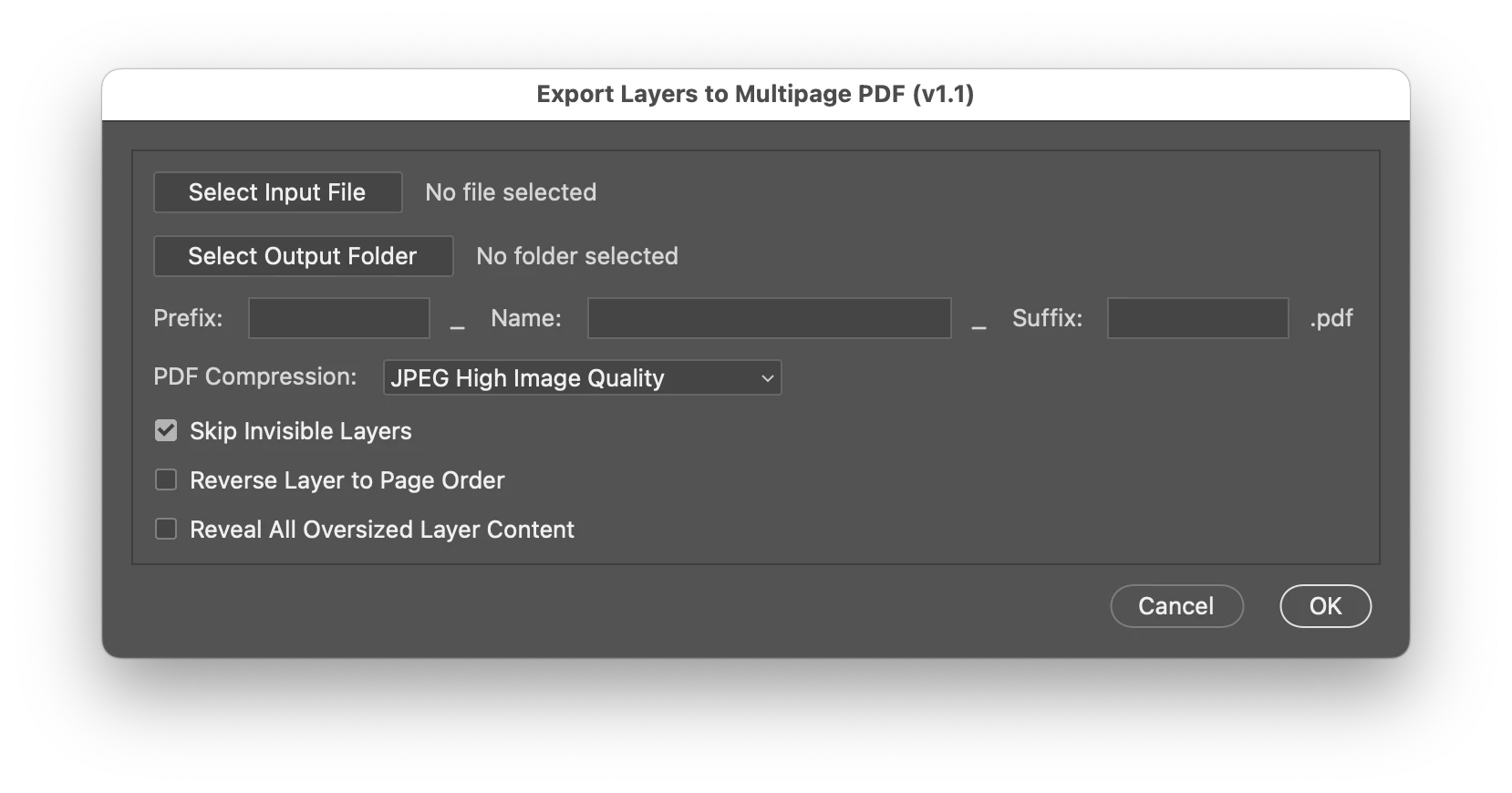
Save each Photoshop layer as pdf and then merge all the PDFs.
Hi,
I have this JavaScript which saves each layer of Photoshop as a Separate PDF. I want an addition to this script so that all the separate PDFs can be merged into a single PDF.
The objective is to convert a GIF into a PDF. Here's what I do:
1) open a GIF (containing layers) in Photoshop.
2) execute the JS, which saves each layer of the GIF as a separate PDF at the same location within a temp folder.
3) The third part requires merging all those PDFs into a single PDF. Currently, I'm manually merging those PDFs.
It would be nice, if the merging of the PDFs can be done silently, without bringing the Acrobat in front.
PS: I use both MAC and PC.
//  photoshop
// Export GIF layers as PDFs

function exportLayersToPDF() {
    if (app.documents.length === 0) {
        alert("Please open a GIF file first.");
        return;
    }

    var doc = app.activeDocument;
    var filePath = doc.fullName.parent;
    var fileName = doc.name.split('.')[0];

    var tempFolder = new Folder(filePath + "/tmp_" + fileName);
    if (!tempFolder.exists) tempFolder.create();

    var originalVisibility = [];
    var totalLayers = doc.layers.length;

    // Hide all layers and save their visibility states
    for (var i = 0; i < totalLayers; i++) {
        originalVisibility[i] = doc.layers[i].visible;
        doc.layers[i].visible = false;
    }

    // Export each layer as PDF (reverse order: bottom to top)
    for (var i = totalLayers - 1, count = 1; i >= 0; i--, count++) {
        doc.layers[i].visible = true;
        var pdfFile = new File(tempFolder + "/" + fileName + "_" + count + ".pdf");
        var pdfOptions = new PDFSaveOptions();
        pdfOptions.embedFonts = true;
        pdfOptions.imageCompression = PDFEncoding.JPEG;
        pdfOptions.jpegQuality = 12;
        doc.saveAs(pdfFile, pdfOptions, true);
        doc.layers[i].visible = false;
    }

    // Restore original visibility
    for (var i = 0; i < totalLayers; i++) {
        doc.layers[i].visible = originalVisibility[i];
    }

    alert("PDFs exported successfully! Please use Acrobat to combine them.");

    return tempFolder;
}

// Run the script
exportLayersToPDF();

 AdChoices