Participant
February 5, 2021
Question

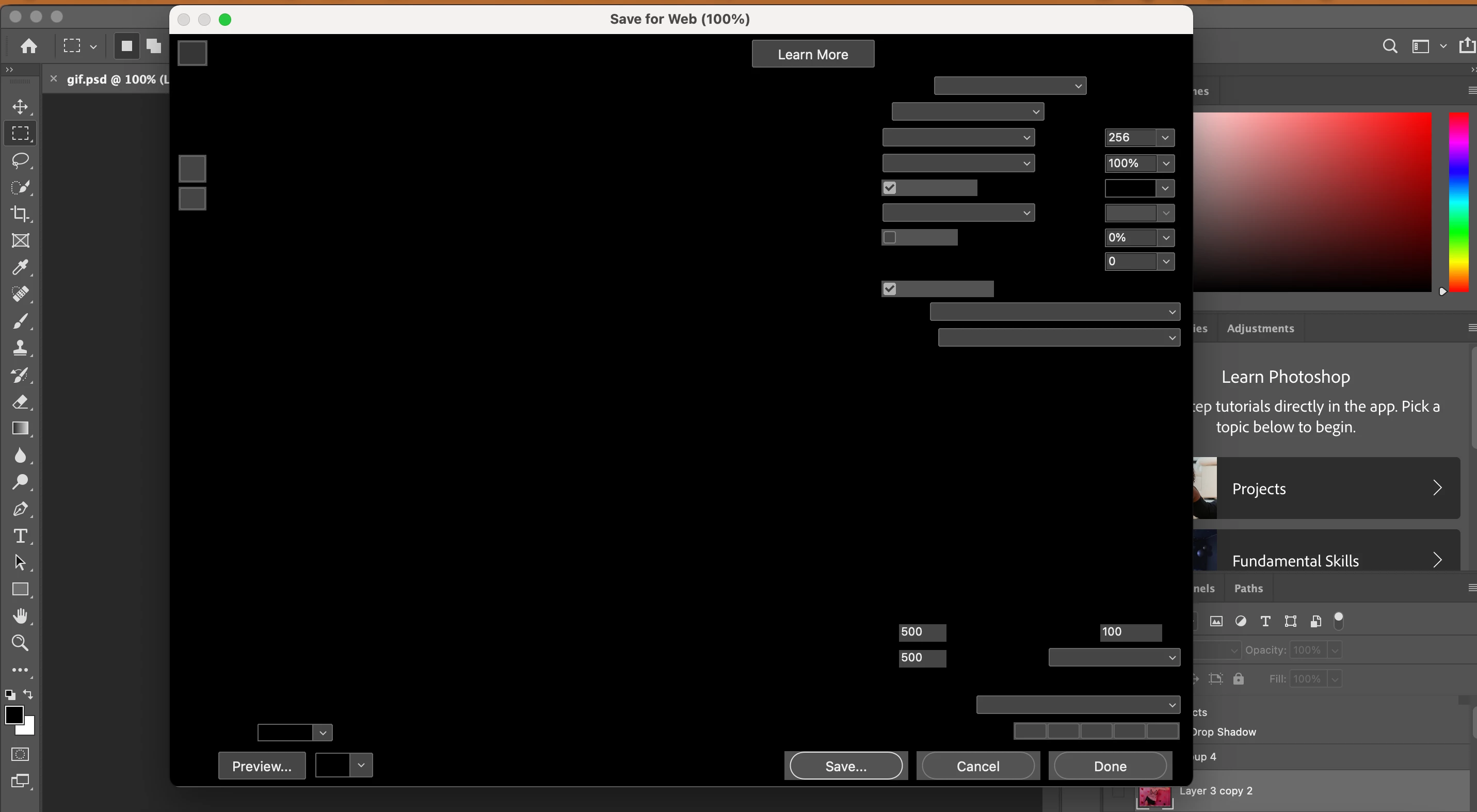
Save for Web and Devices Screen is blacked out? Cannot save animated GIF!

  • February 5, 2021
  • 1 reply
  • 991 views

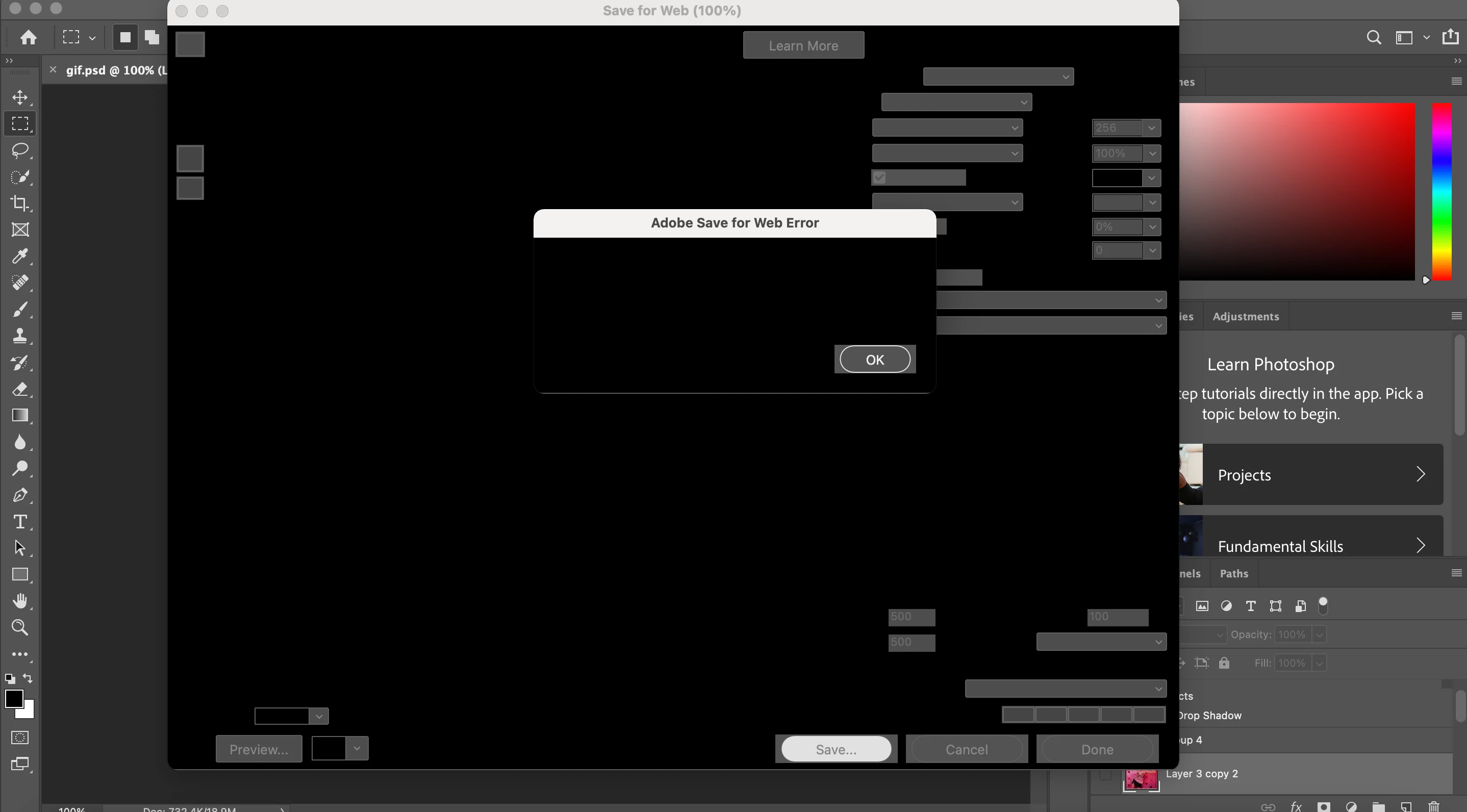
When I go to save an animated GIF the Save for Web & Devices screen is black?? The functionality is there but I can't see the preview and when I click save it says Adobe Web Save error but the screen is black so it doesn't even say any text. I've looked in other forums and nothing similar is addressed. It's not the size of the GIF, I tried reducing this multiple times but I get the same error. I reset preferences and that doesn't work either! I'm using Adobe Photoshop 2019 CC on a Mac. Please let me know if you know how to fix this!!
 

This topic has been closed for replies.

1 reply

Sahil.Chawla
Adobe Employee
Adobe Employee
February 5, 2021

Hi there,

That shouldn't be happening as the Save for Web dialog is black, could you please try deselecting "Use Graphics Processor" located in Photoshop's Preferences > Performance, then relaunch Photoshop and let us know if it helps? 

https://helpx.adobe.com/photoshop/kb/troubleshoot-gpu-graphics-card.html


Also, please try updating to the latest version of Photoshop through the Creative Cloud desktop application and let us know how it goes.

Regards,
Sahil

Participant
February 5, 2021

Thanks for replying Sahil,


I followed your instructions but alas it did not work, the screen is still black. My Mac and Photoshop are both up to date. Is there any other reason for this error?