Sorry, but as a matter of principle I never download from unknown sources. Nothing personal.
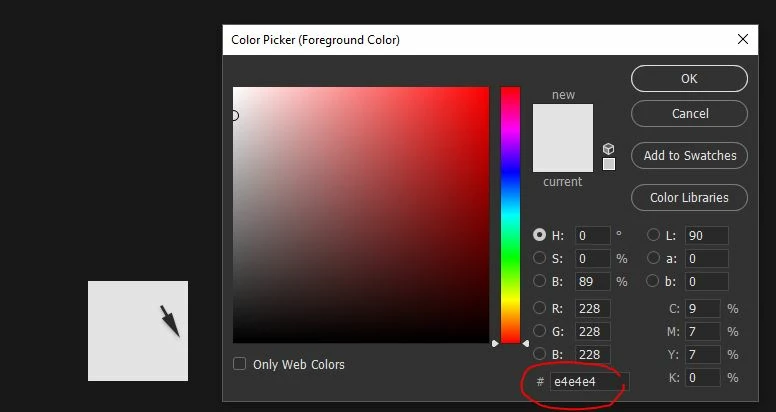
But there's no need. This is the color you want:

This patch is a PNG file with sRGB embedded, and can be used as a reference. Right-click, save as, and open it in Photoshop.
Now, it's important you realize that e4e4e4 (228-228-228) produces this particular color in the sRGB color space, specifically. If no icc profile is embedded in the file, those numbers are undefined and will produce different colors on different devices.
If this file was in a different color space, like Adobe RGB, or your monitor's native color space, those exact same numbers would result in a different color. And vice versa.
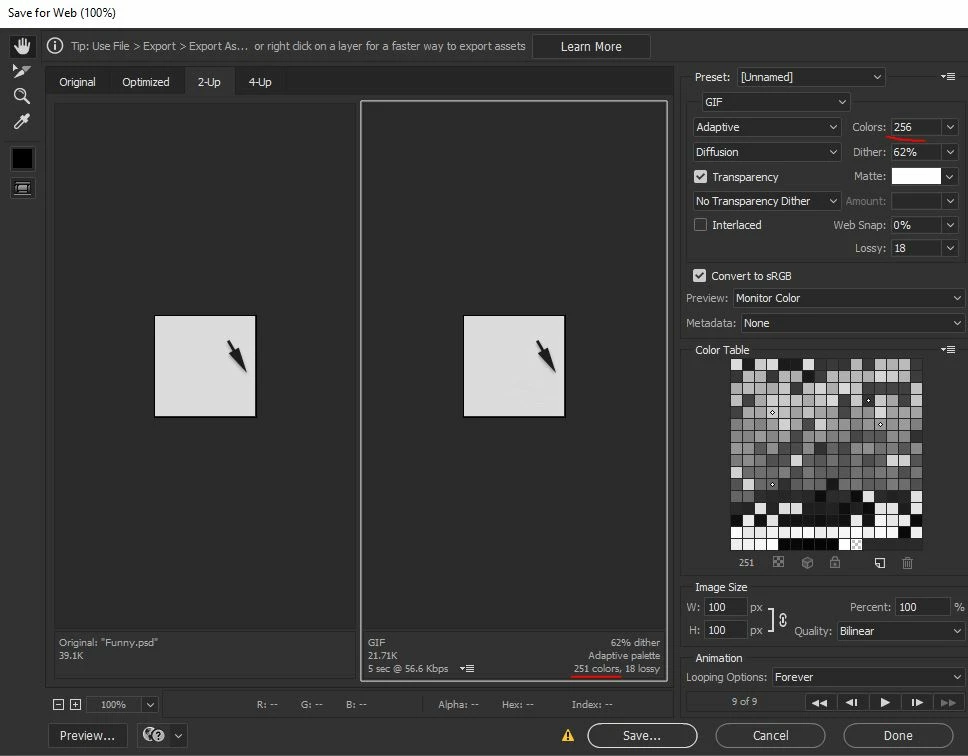
As I've pointed out, GIF doesn't support icc profiles or color management. But Photoshop displays as if it did, by always defaulting to the working space if no profile is present. So as long as your working space is sRGB, Photoshop will display GIFs consistently.



 AdChoices