
Stuck In A Cave
Participant
November 5, 2016
Question

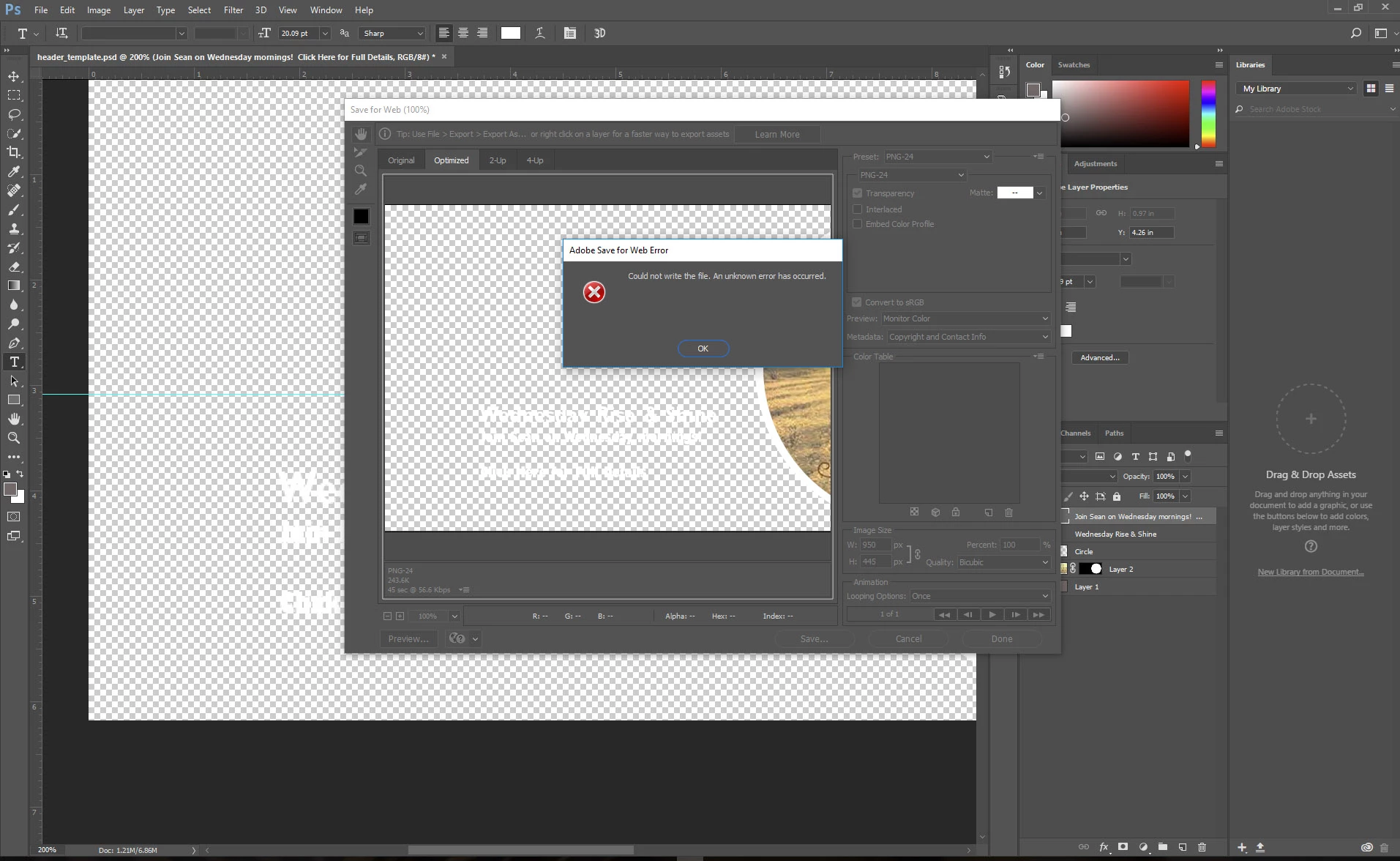
Save for Web Error (Could not write the file)

  • November 5, 2016
  • 2 replies
  • 4529 views

I am extremely frustrated at this point due to this error.

I edit the image, go to save for web (PNG24, with transparency) and get this error no matter what I do.

I've tried saving it without transparency, different file formats, I've rebooted the program and my computer. I've closed all other programs, forced updates, uninstalled PS CC and then rebooted computer and reinstalled it. I've changed fonts, tried to save to different folders and hard drives. Nothing is working.

And to top it all off? I've lost my image template file due to file corruption, I've rebuilt it, then, lost it again.

Having only had CC since the start of this past summer, I'm extremely dissapointed with it's overall sluggishness and now constant errors and file corruptions.

My computer specs: Win10 PC, i7 2.33Ghz, 16 GB Ram, GeForce GTi 760. Everything is up to date.
This topic has been closed for replies.

2 replies

MenziMotsa
Participant
April 5, 2018

This happened to me as soon as I updated my photoshop. I am doing bulk exporting of assets using some script... this is really a knock on my team's progress. any pointers please

gener7
Community Expert
Community Expert
November 5, 2016

This is the Windows version and I wonder if you get better results by going to your Photoshop.exe, right-clicking on it and trying "Run as Administrator"?

gener7
Community Expert
Community Expert
November 5, 2016

Also one thing I do not see in your troubleshooting list is deleting the settings file.

This file keeps track of your preferences and is not eliminated during uninstalls and re-installs.

If it gets corrupted, it causes all kinds of performance problems with Photoshop.

Stuck In A Cave
Participant
November 8, 2016

Thanks for the suggestion, but it did not work. Same problem as before. And yes, I am on a PC, running it in Win10.