
Answered
Save RAW as JPG in original folder script
Hi,
1.
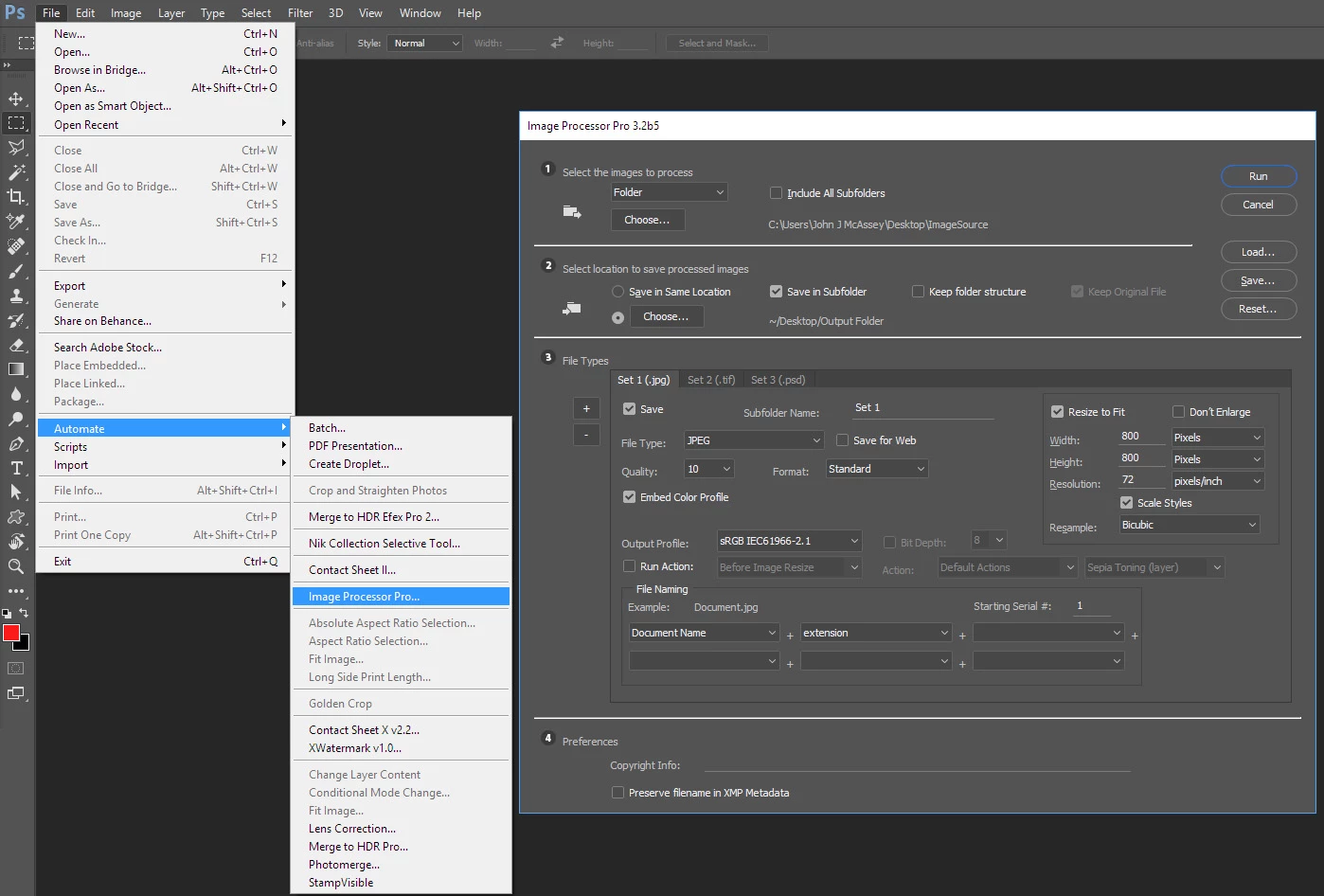
I'm looking for advice to script the following process.
- Make changes to a series of RAW-images (multiple files located in multiple folders)
- Save each series of RAW-files as JPG in subfolders within the original folders. (plan B - it's ok just to save in the original folders)
- Close Photoshop
2.
Is there a way to apply a script when images are added to a directory or something like that, so that I can trigger the script in some way?
Best, and thank you in advance,
/Andreas 🙂
 AdChoices