

SAVE TIF of activeDocument and make activeDocument the TIF I've just saved
Hello everyone,
I have this NEF file, and I want to save it as tif.
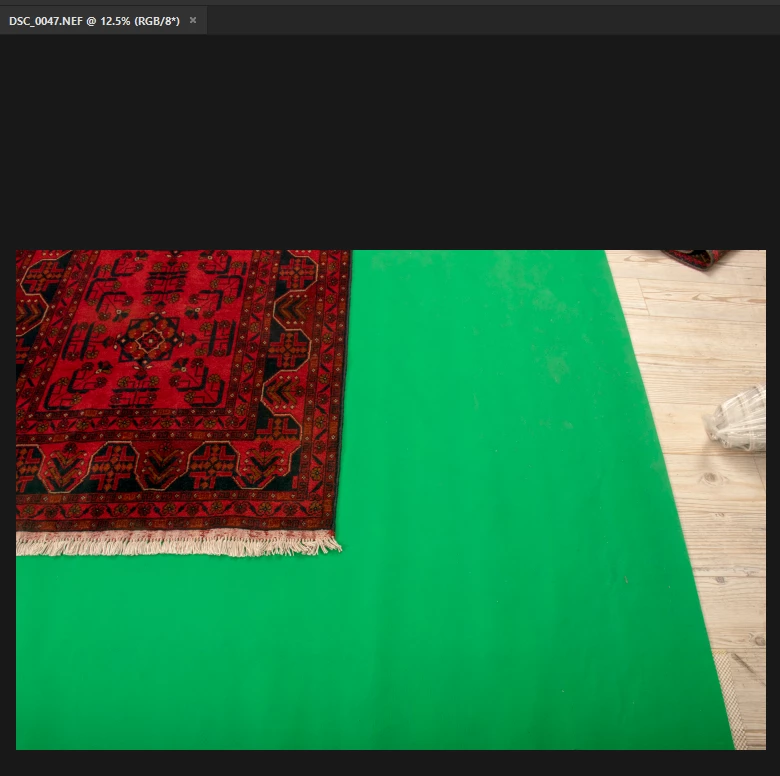
so I use this script:
#target photoshop
var Name = app.activeDocument.name.replace(/\.[^\.]+$/, '');
try
{
var savePath = activeDocument.path;
}
catch(e)
{
alert("You must save this document first!\nTo establish a save path...");
savePath = Folder.selectDialog("select folder");
}
var fileList= savePath.getFiles(Name +"*.tif").sort().reverse();
var saveName = File(savePath + "/" + Name)
SaveTIFF(saveName);
//////////////////////////////////////////////////////////////////////////////////////////////////
function SaveTIFF(saveFile){
tiffSaveOptions = new TiffSaveOptions();
tiffSaveOptions.embedColorProfile = true;
tiffSaveOptions.alphaChannels = true;
tiffSaveOptions.layers = true;
tiffSaveOptions.imageCompression = TIFFEncoding.NONE;
//tiffSaveOptions.jpegQuality=10;
activeDocument.saveAs(saveFile, tiffSaveOptions, true, Extension.LOWERCASE);
}
After I save the file I do have the tif file in my folder, but I want that the activeDocument will be the tif file.
THIS IS WHAT I WANT:
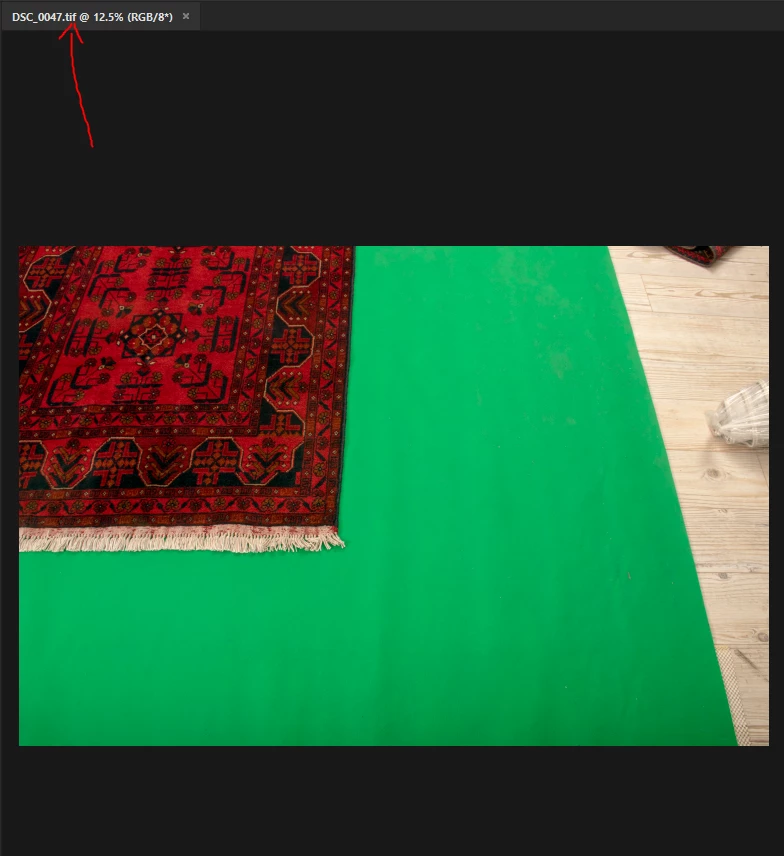
I know that I can close the activeDocument and the open the tif file,
but in order to save time, I want the activeDocument will change like when you Save As in photoshop using Ctrl+Shift+S and afterwards the file changes from NEF to TIF automatically.
How do I do that please?
 AdChoices