Participant
January 5, 2021
Question

Saved as PDF but text getting cut off

  • January 5, 2021
  • 2 replies
  • 10738 views

I am so confused. 


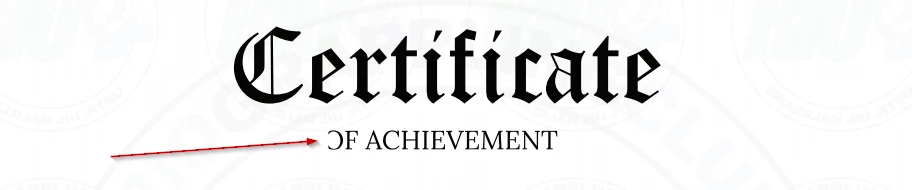
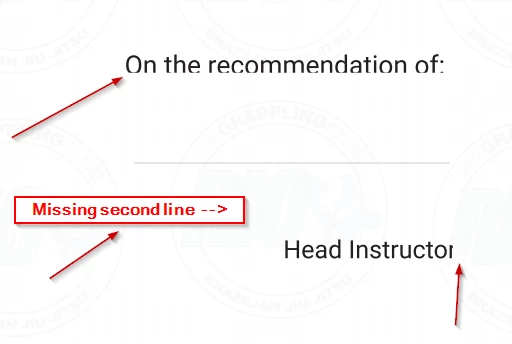
I've been breaking my brain for the last few hours trying to save as PDF but I keep seeing text or lines either cut off or missing. 


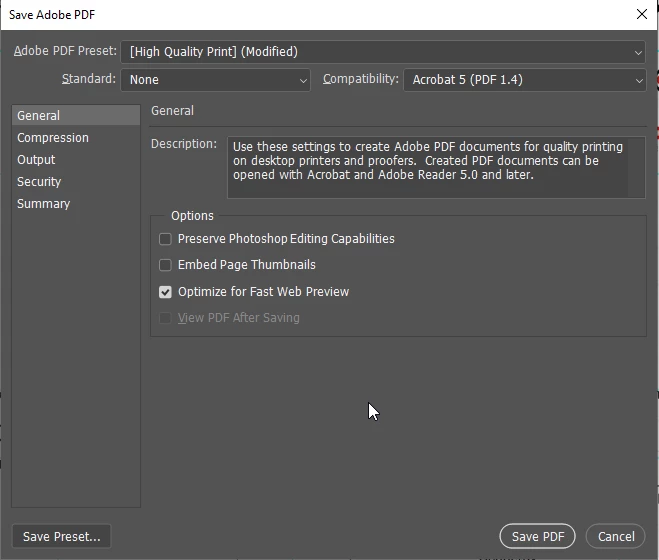
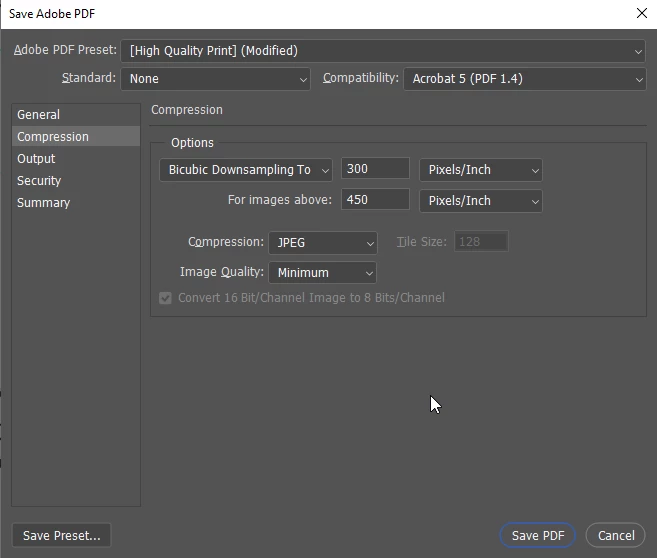
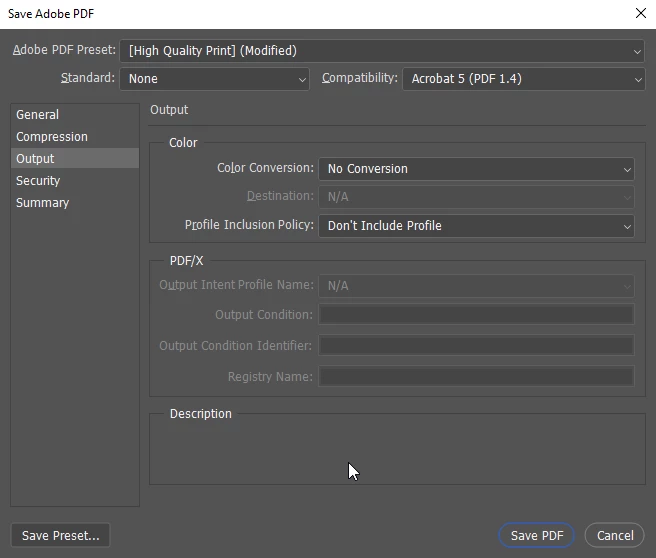
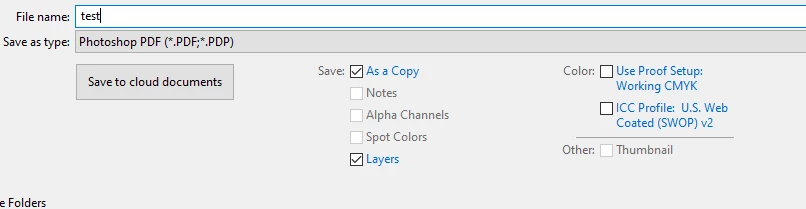
Here's my settings, and the results. I screenshotted areas within the PDF after I saved it and this keeps happening. This is all mostly within the center of the document also. 


This topic has been closed for replies.

2 replies

Participant
December 22, 2023

In My experience, I found that sometimes problems are caused by:
- applying layer style to the text (But not all layer styles will cause this problem, in my case only Drop shadow did)

- your text is larger than what it limited (Don't know what exactly it is), by reducing text size I got it fixed

An easy fix would be to convert your text to a Smart object or convert it to shape. I Recommend "convert to shape" for high-resolution output.

c.pfaffenbichler
Community Expert
Community Expert
January 5, 2021

This has come up occassionally in the past; I don’t know about a proper solution, but there is a work-around you could try:

Convert the Type Layers to Shape Layers (Type > Convert to Shape).