



Saving and exporting alpha channels
- July 6, 2020
- 3 replies
- 19120 views
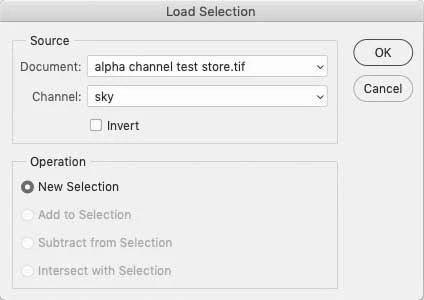
Apparently it is not possible in Photoshop to save an alpha channel as an external document and load that channel into another Photoshop file for use there. This seems to me to be a most egregious defficiency. This problem arose when I took a sequence of 900 photos and wanted to run an action on all of them to adjust exposure and do color correction before importing them into Adobe Premiere Pro. The sky needed different adjustment than the foreground, so I made a complex selection of the sky and saved it as an alpha channel, planning to use it as part of an action in the Image Processor for all of the shots. However, according to a chat with Adobe Help, no can do.
I did think of a work around, however, which is to open the alpha channel, selct it, copy it, and paste it into a new layer in the Layers panel. Then Export Layers to Files, load the saved layer into a new Photoshop file, and copy and paste it into a new channel in the Channels panel. I could then perform all of my adjustments and merge the layers. I could build an action to do all of this and run the Image Processor on all 900 files.
Please let me know if I am on the right track or if anyone has a better idea.
 AdChoices