Known Participant
July 11, 2017
Question

Saving file with multiple blend modes

  • July 11, 2017
  • 4 replies
  • 958 views

Hello,

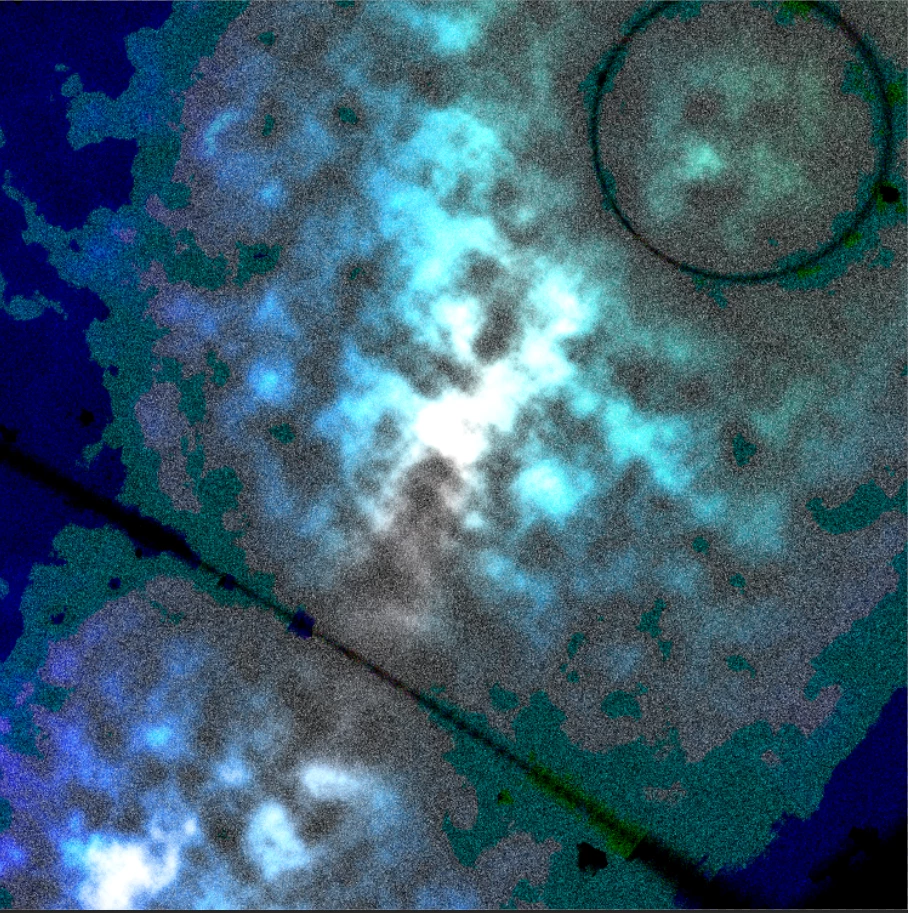
I am working on a file that has multiple blend modes on the layers. Everything looks fine while it is in .tif format, however, when I try to save it as a jpg,  I lose all the subtleness created by the blending modes. I have tried using Shift/Alt/Control E to create a stamp, however, it all ends up as the same result.

What am I doing wrong here?

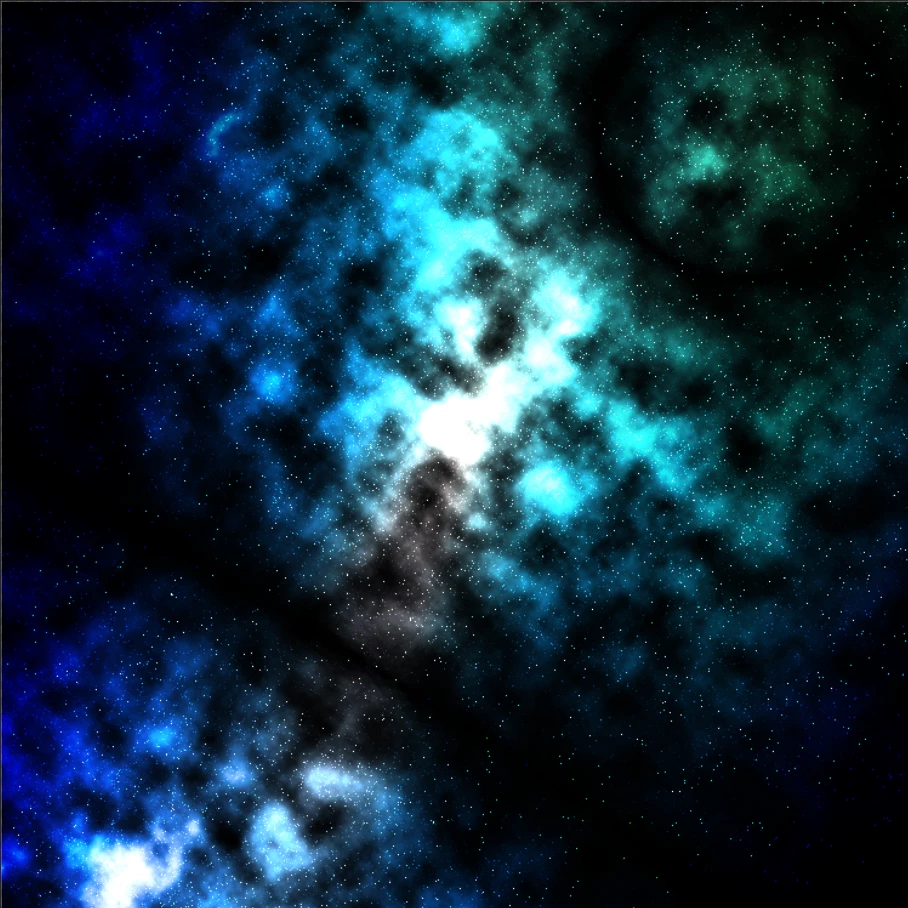
This is the file in .tif format:
Same file when you try to flatten/save/stamp/etc:
This topic has been closed for replies.

4 replies

Bob_Hallam
Legend
July 11, 2017

I'd love to provide a clean solution but I've seen this issue many times over the years.   It's is a known bug that is outstanding (as of the current PS beta), and has not been able to be fixed for years.  Something to do with the graphics card drivers.   A poor solution is to screen grab the layered image if you have the landscape space on your monitor to get enough resolution and the final use is relatively low res. 

A poor solution is to screen grab the layered image if you have the landscape space on your monitor to get enough resolution and the final use is relatively low res.  If you dont have sharpness to deal with then just upscale your screen grab. 

ICC programmer and developer, Photographer, artist and color management expert, Print standards and process expert.
c.pfaffenbichler
Community Expert
Community Expert
July 11, 2017

It's is a known bug

As far as I can tell it is a deliberate and long-known performance-related decision, not a bug.

mbenton75Author
Known Participant
July 11, 2017

I understand. I appreciate your help!

c.pfaffenbichler
Community Expert
Community Expert
July 11, 2017

Does a change occur when you flatten the image at View > 100%?

mbenton75Author
Known Participant
July 11, 2017

Actually,

I just created a smaller file version of it.

When I zoom out to 66% it looks fine, when I zoom out to 100% it starts to look the same, all pixelated/without the effects.

c.pfaffenbichler
Community Expert
Community Expert
July 11, 2017

View > 100% is the relevant one, period.

JJMack
Community Expert
Community Expert
July 11, 2017

It would be better if you upload your layered file and post a link to it so we could download it and look at it to see what we can see. Did you create the stamp visible layers layer in top of the stack?

JJMack