stephaniec31559531
Participant
February 9, 2021
Question

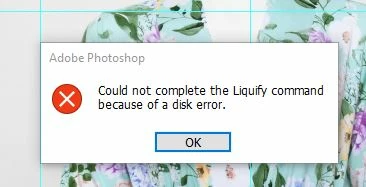
Scratch Disk Error with Liquify tool

  • February 9, 2021
  • 2 replies
  • 2004 views

I posted yesterday but didn't hear anything. 

So here it is again,

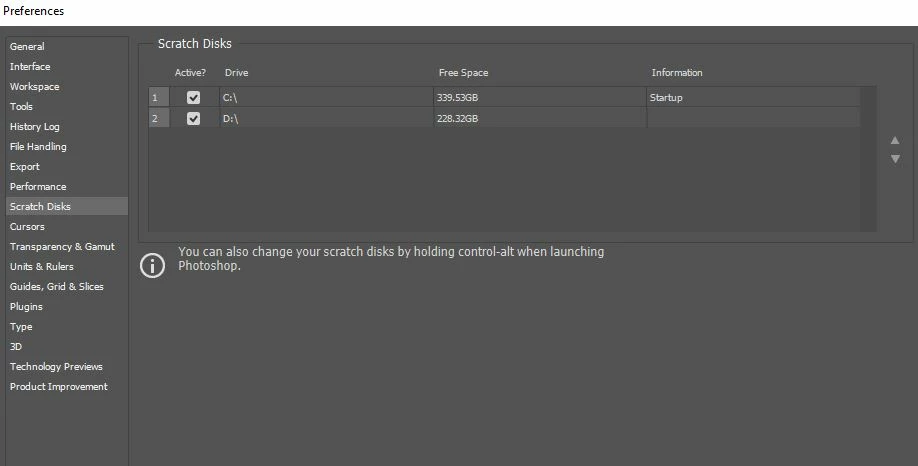
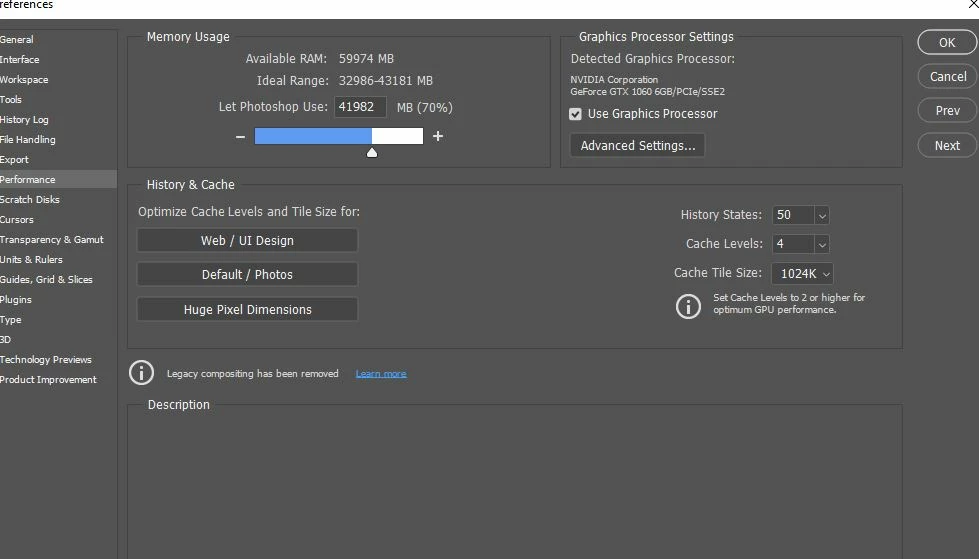
I am workng on a Windows 10, with Photoshop version 22.11. I am running into the issue of the Liquify tool, giving me a message saying "could not complete the liquify command because of a disk error photoshop" I have checked my scratch disk space, and I have plenty of room on both of my hard drives, I have 64gb of ram, and all 70% usages to Photoshop. I for the life of me, can no figure out what the issue is.


Things I have tried;


Cleared space on both hard drives

cleared my temp files
switched scratch disks on start up

unintalled photoshop, reinstalled it

moved photoshop from one hard to another

Checked to make sure my hard drives where running properply (they are)

Checked to make sure windows was running properply (it is)


I have been on so many fourms, help posts, and I can't figure out the issue. I will attach screen shots. Please help, I work in Photoshop every day, and I need the Liquify tool to work properly.  
   

This topic has been closed for replies.

2 replies

stephaniec31559531
Participant
February 10, 2021

I am not using an external drive.

Bob_Hallam
Legend
February 10, 2021

In your screen shot ther are 2 drives selected for scratch space.   One of them is not usable due to a very small size available or corruptions.  What is the second drive selected for scratch space?

ICC programmer and developer, Photographer, artist and color management expert, Print standards and process expert.
stephaniec31559531
Participant
February 10, 2021

I have over 339 gb available on one, and 228gb on the other, that's not enough space? I have tried using either or, and both, and I still have the issue regardless if I have one checked, or both.

Bob_Hallam
Legend
February 9, 2021

I have seen this happen in the case of external drives with some bad sectors.   Try formatting the external drive and re-assigning it as a scratch disk.  

ICC programmer and developer, Photographer, artist and color management expert, Print standards and process expert.
aphster.
Participant
February 9, 2021

That is what I did when having this issue, it fixed my problem.