Participant
July 17, 2017
Question

"Scratch disks are full" - without beeing full

  • July 17, 2017
  • 1 reply
  • 336 views

Hello everyone.

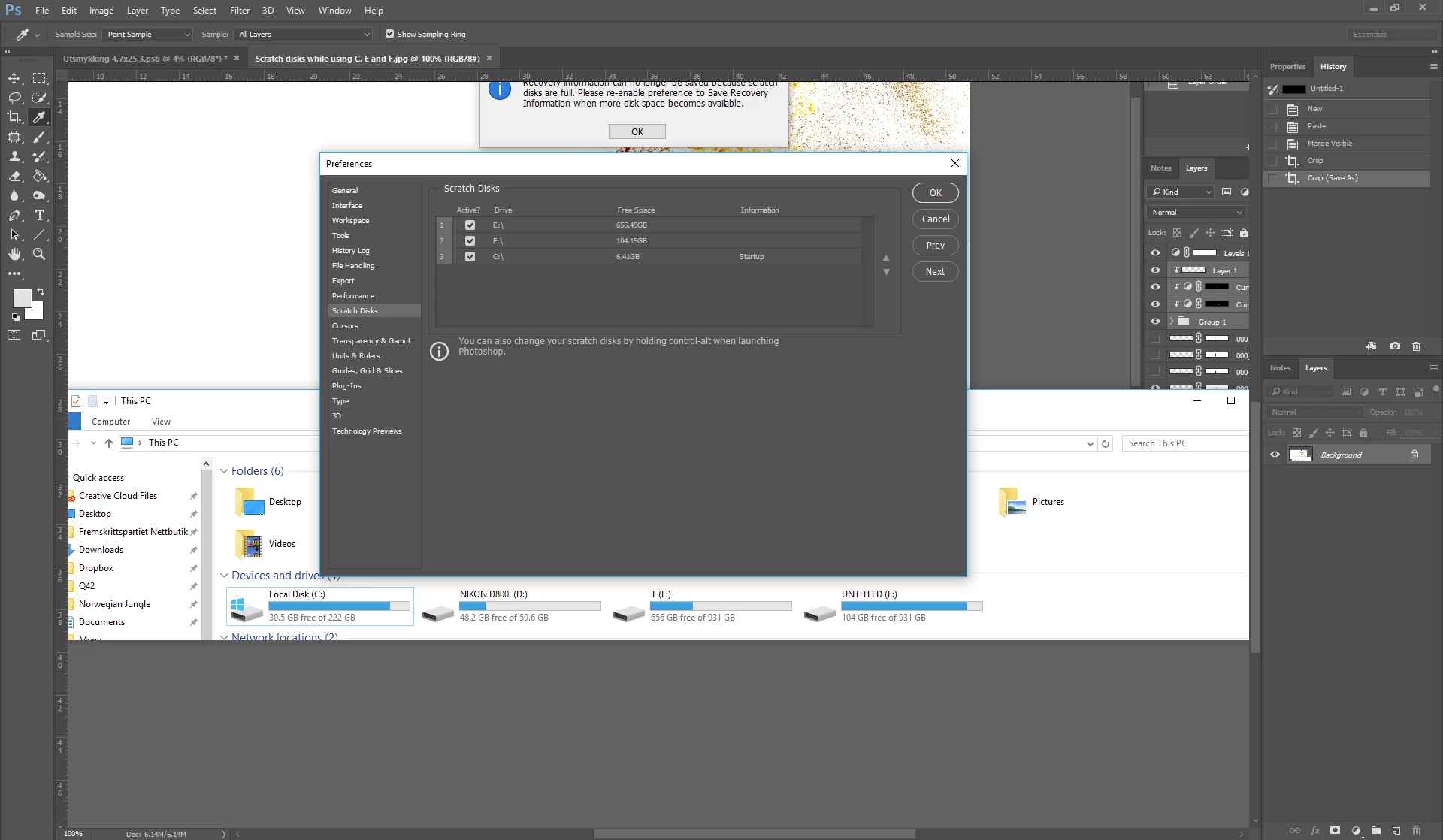
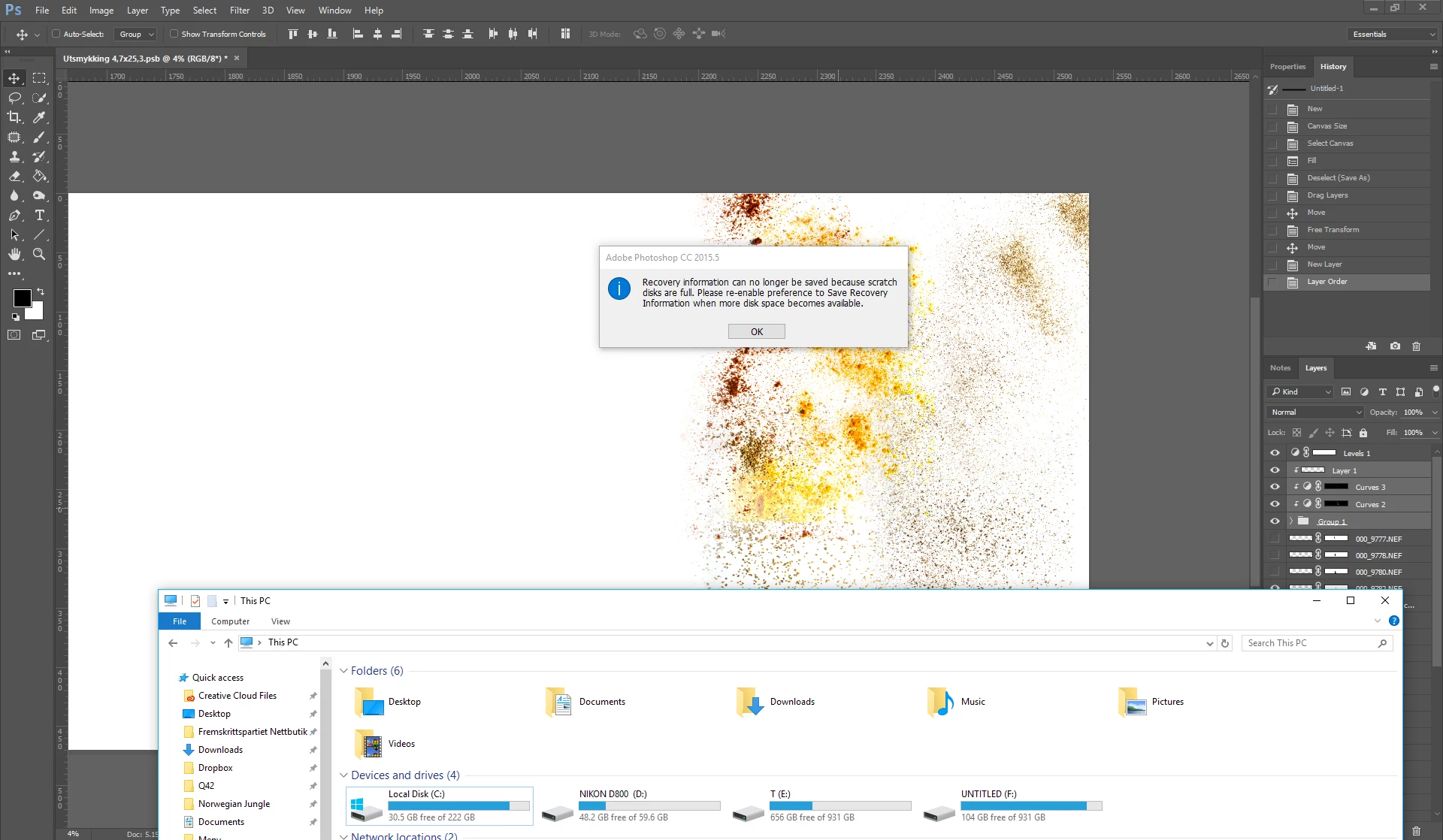
I am currently experiencing issues with "The scratch disks are full.." error, as well as the error on the screen shot,

showing that the disks I allow Photoshop to use have 30GB, 656GB and 104GB free.

With the current document, the scratch disks "are so full" they won't let me save.

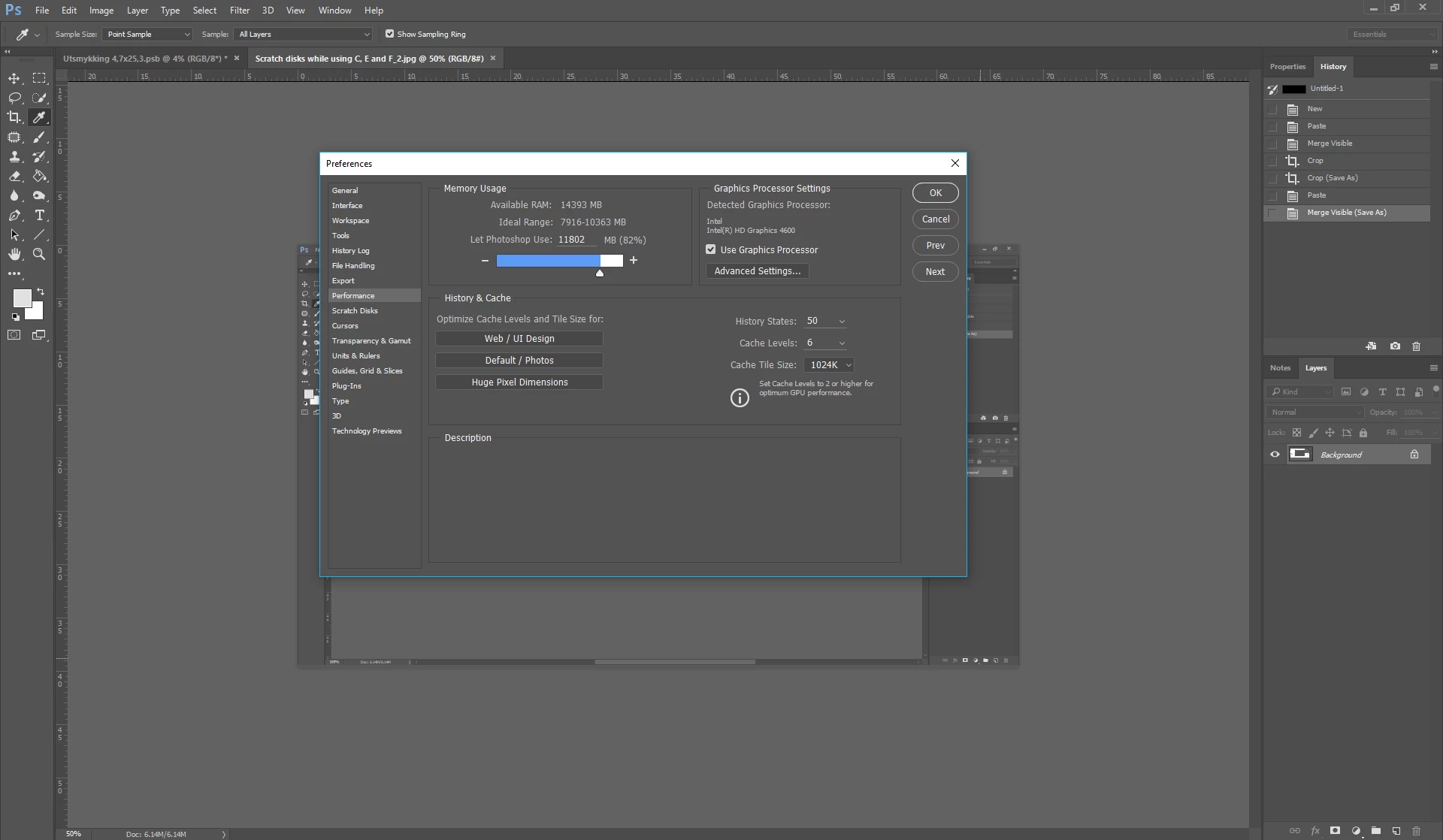
Check out my screenshots, and see if you can help me out.

Best regards,

Magnus.
This topic has been closed for replies.

1 reply

Akash Sharma
Legend
July 17, 2017

Hi Magnus,

This issue occurs when Photoshop have issues accessing your Scratch disk because it might be full or have error.

  • Close Photoshop.
  • Hold down CTRL+ALT(PC) / CMD+OPTION(Mac) as soon as Photoshop starts to get this menu:

  • Select another disk with enough disk space.
  • Click OK

Let us know if that helps

Thanks,

Akash

Fo2graf1Author
Participant
July 17, 2017

Negative, sir, but thanks for the tip.

I have allready tried this, and did it again. There is loads of space on the selected disk, and the other disks are deactivated.

- Magnus.

Akash Sharma
Legend
July 17, 2017

Please restore Photoshop preferences. Check out this link for instructions Preferences in Photoshop

~Akash