Screenshot/Transparency issues in Photoshop CC 2019!! (PLEASE HELP)
Hi All,
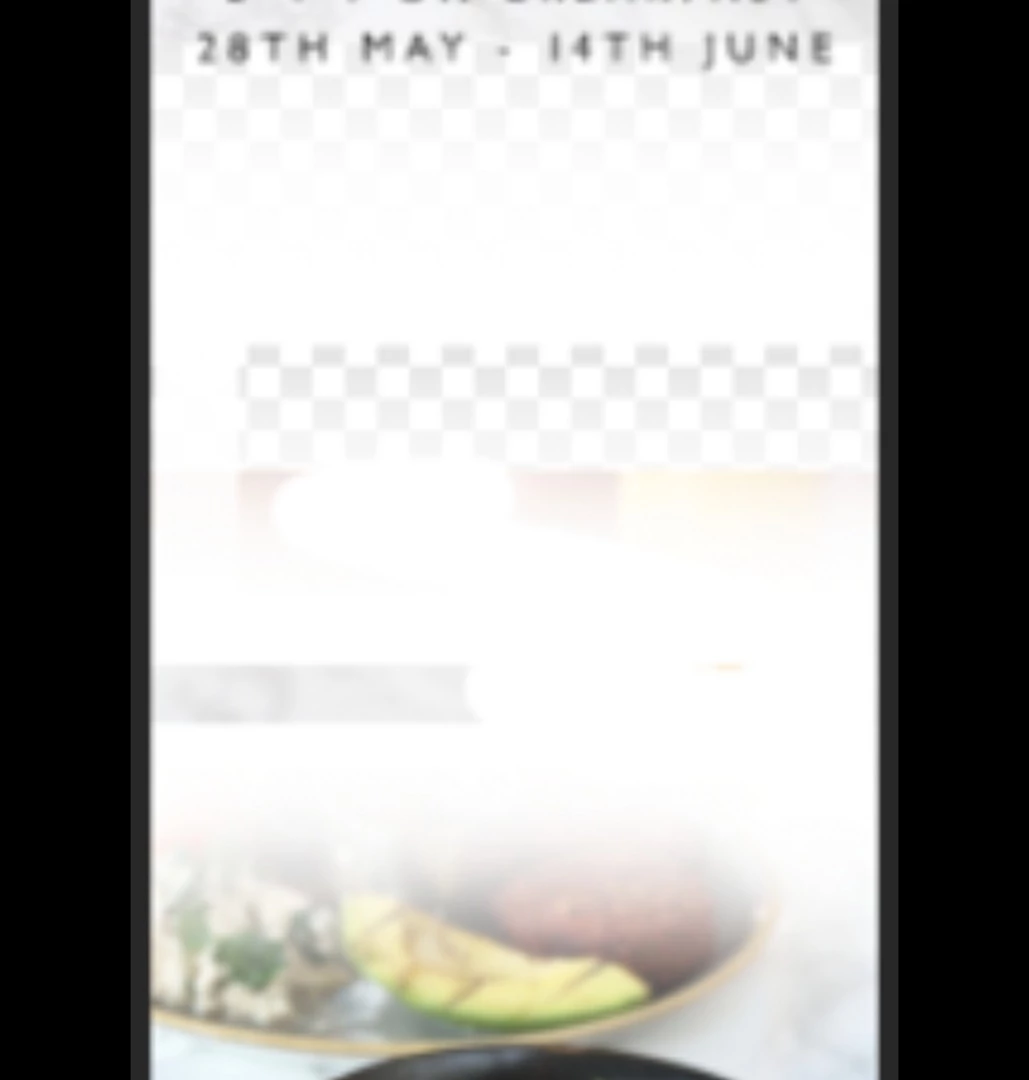
I have been working on a file in Photoshop applying some white brush strokes to blend imagery and also radial gradients. (See below - sorry about the quality!)
The file looks how it should on my screen - all blended nice and evenly however every time I screenshot it and send to a colleague he is seeing everything other than my blended brush/gradient layers!?!
I have checked all through the forum and can only find posts explaining similar issues but nothing exact! Most 2019 posts refer to transparency issues however I can't find anything related to screenshots in particular since back in 2018 and 2016 and even then nothing's still matching the issue I'm encountering.
- Could it be my colour profile settings don't match on my screenshot software, PS or Monitor?
- Is it a transparency bug/glitch in Photoshop that only becomes apparent once Screenshotted?
- Are the background settings (transparent or white) of PS not being picked up when screenshot?
I'm using Photoshop CC 2019 with a mac mini 2014 running on High Sierra. I'm Screenshotting using the built-in function of CMD+Shift+4 and clicking and dragging the selected area I want to screenshot.
Any help on this would be an unbelievably appreciated!
Thanks in advance.
 AdChoices