
Question
Screenshots from InDesign & Acrobat creating artifacts
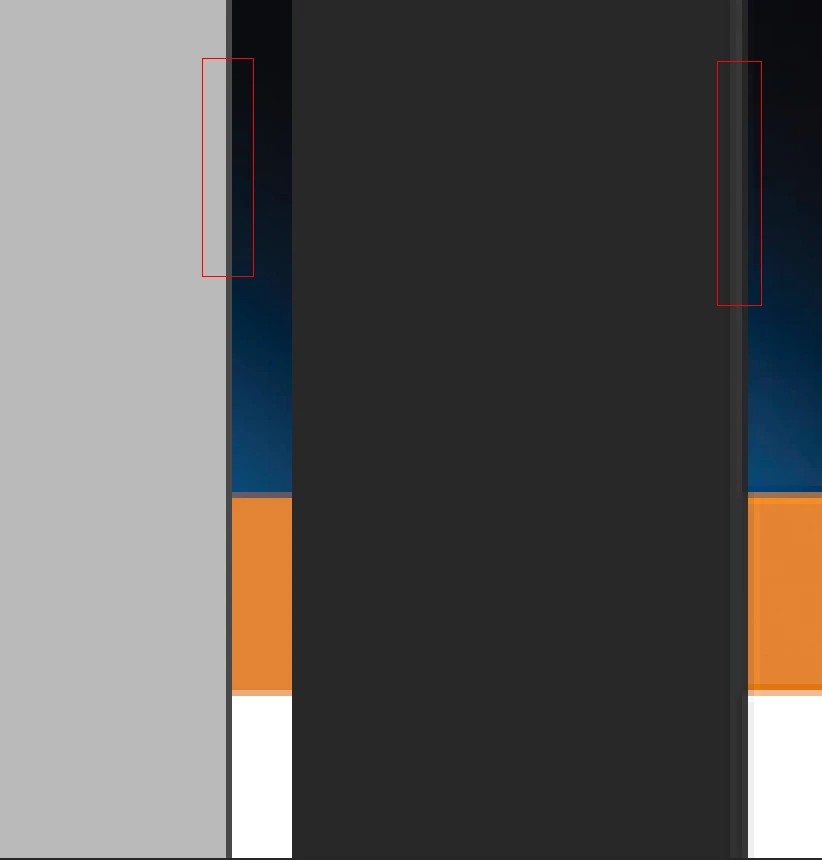
I just found that if I take a screenshot from InDesign (in Preview mode) or Acrobat, then paste into Photoshop, it's creating artifacts along edges. In this case, it's creating gray lines/edges along straight lines.
Here are screenshots from ID and Acrobat (ID on the left). Any idea what's going on?
 AdChoices