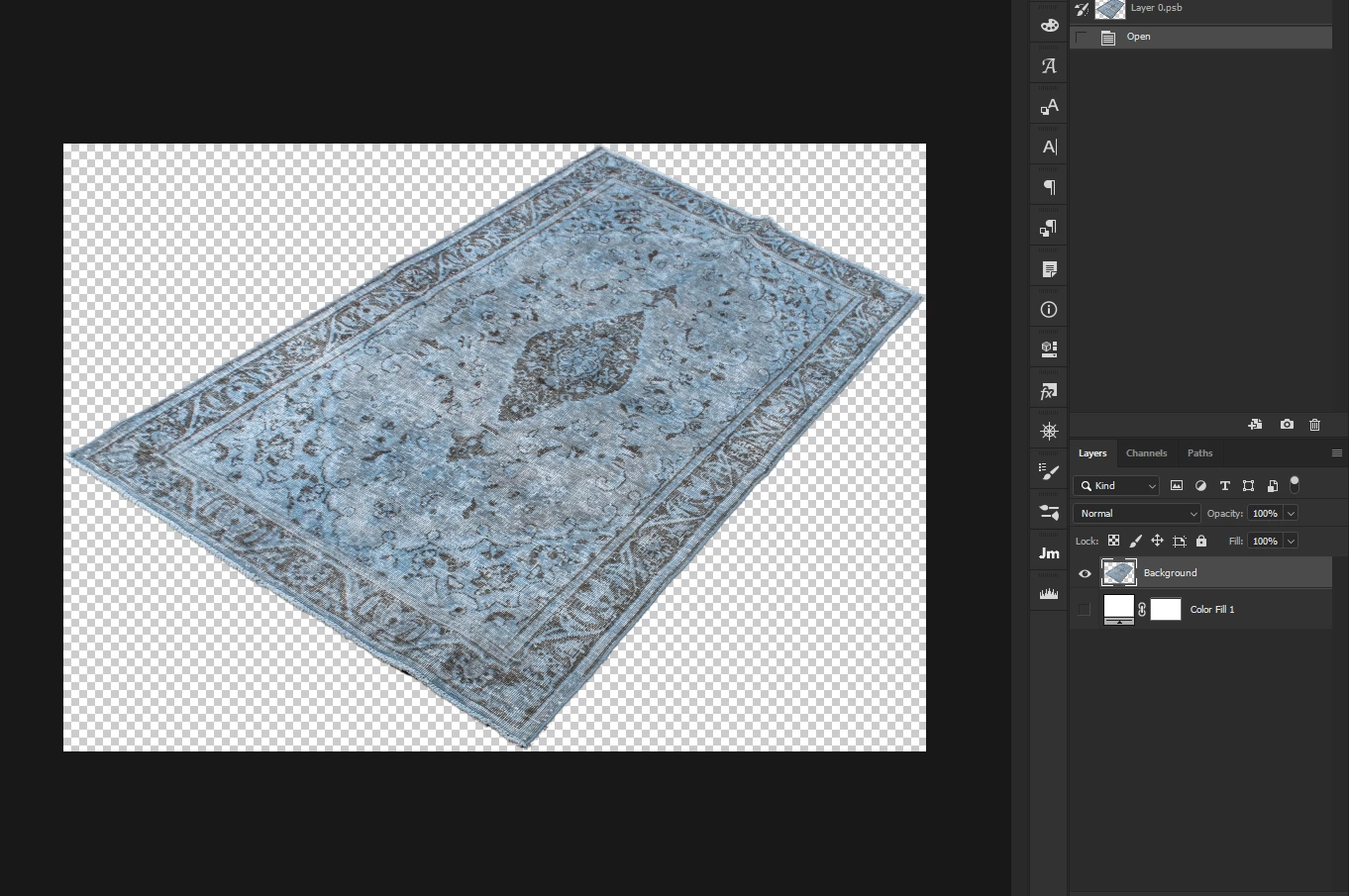
I forgot that a histogram will only get the pixels of a selection also. So this should work, as long as it's on a layer that doesn't have a layer mask.
#target photoshop
var doc = activeDocument
var curLay = doc.activeLayer
getSelc ();
var his = doc.histogram
var hisCount = 0
for (var i=0;i<his.length;i++){
hisCount+= his
}
var perc= hisCount/(doc.width.value*doc.height.value)
doc.selection.deselect()
alert (perc);
function getSelc(){
var idsetd = charIDToTypeID( "setd" );
var desc7 = new ActionDescriptor();
var idnull = charIDToTypeID( "null" );
var ref5 = new ActionReference();
var idChnl = charIDToTypeID( "Chnl" );
var idfsel = charIDToTypeID( "fsel" );
ref5.putProperty( idChnl, idfsel );
desc7.putReference( idnull, ref5 );
var idT = charIDToTypeID( "T " );
var ref6 = new ActionReference();
var idChnl = charIDToTypeID( "Chnl" );
var idChnl = charIDToTypeID( "Chnl" );
var idTrsp = charIDToTypeID( "Trsp" );
ref6.putEnumerated( idChnl, idChnl, idTrsp );
desc7.putReference( idT, ref6 );
executeAction( idsetd, desc7, DialogModes.NO );
}

 AdChoices