ChristianK-Fr
Inspiring
September 27, 2023
Question

Script or IA to adjust multiple images from target image

  • September 27, 2023
  • 1 reply
  • 250 views

Hi all, 

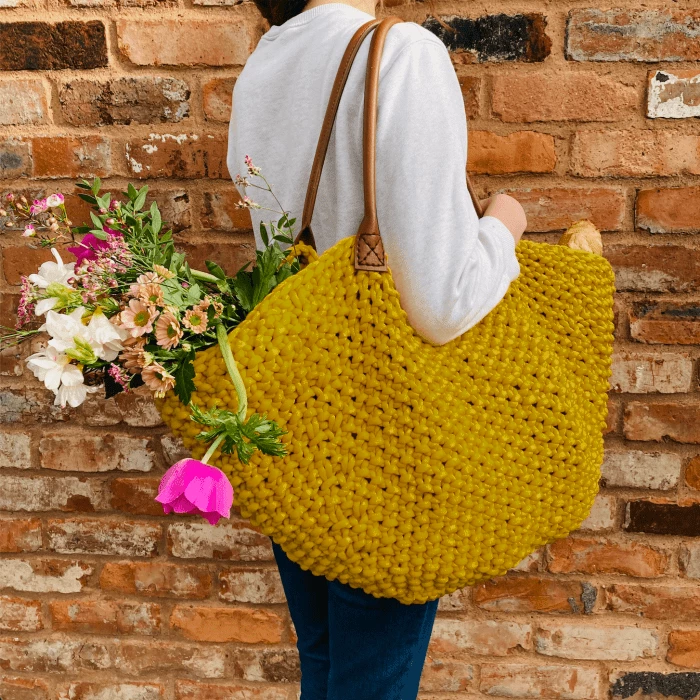
Did you know if there's a way to adjust automatically images from a target image in batch or with a script or IA module ? Example : here is the target : the yellow bag is ok
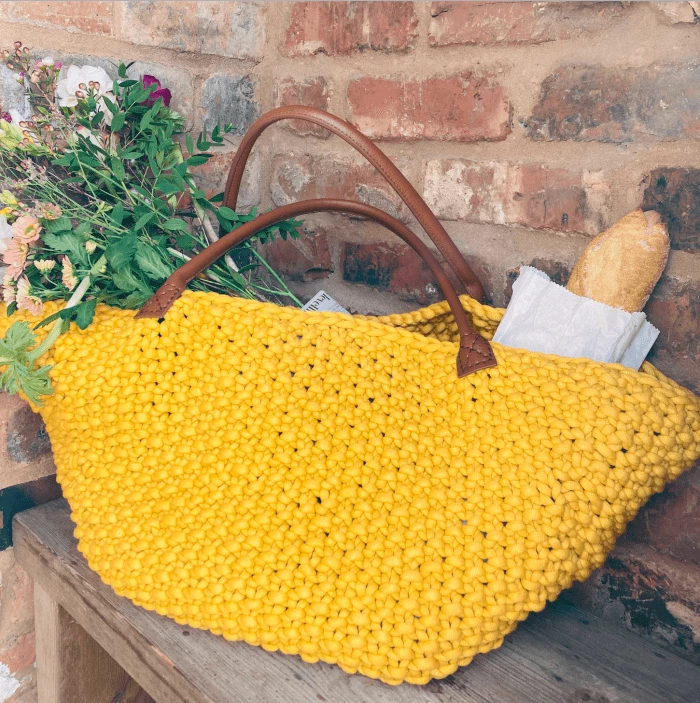
These 2 others images nedd to be adjusted automatically : it can be done with Photoshop and scripting ?

the bag could be selected with a existing path
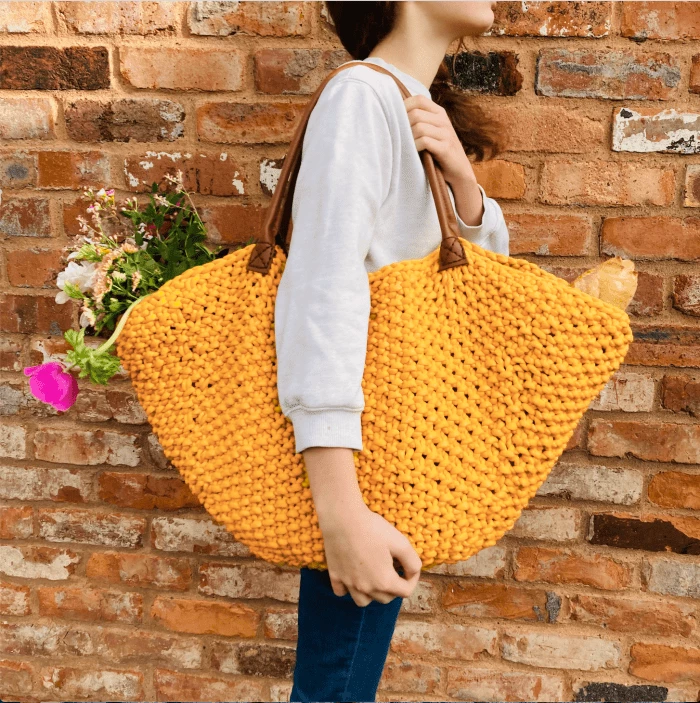
I see some filetres or app that could adjust images but it made adjustment on all image, and apply some filters, etc... not what I'm looking... I dont want to change the target image, but something like copy the values of the selected aera of the bag ( with path or selection saved) and the reports theres values to other images in their selected aera. Something like that


Thanks in advance

Christian

This topic has been closed for replies.

1 reply

c.pfaffenbichler
Community Expert
Community Expert
September 27, 2023

Image > Adjustments > Match Color 

might be close to what you are looking for (with appropriate masks) but I would not recommend it. 

Edit: That refers to the recoloring, not the processing of multiple images … 

ChristianK-Fr
Inspiring
September 28, 2023

Thanks for your answer, effectively I know it but I'm looking to do it with a script or actions. Thanks for your help, I continue to looking some tips to do it !! Regards, Christian

c.pfaffenbichler
Community Expert
Community Expert
September 28, 2023

What do you work with exactly? Are the elements masked/pathed in all the images already? 

How do you want to automate/streamline the process? 


Please provide sample images.