

Script to Straighten-and-crop to shapes
Hello everyone,
I edit carpet NEF files of carpets (adjust to the correct colors, remove the background, straighten the carpet, and add watermark)
.png)
I want to better automate my straightening of the carpet. I use Camera Raw's upright option but the features there work just sometimes:
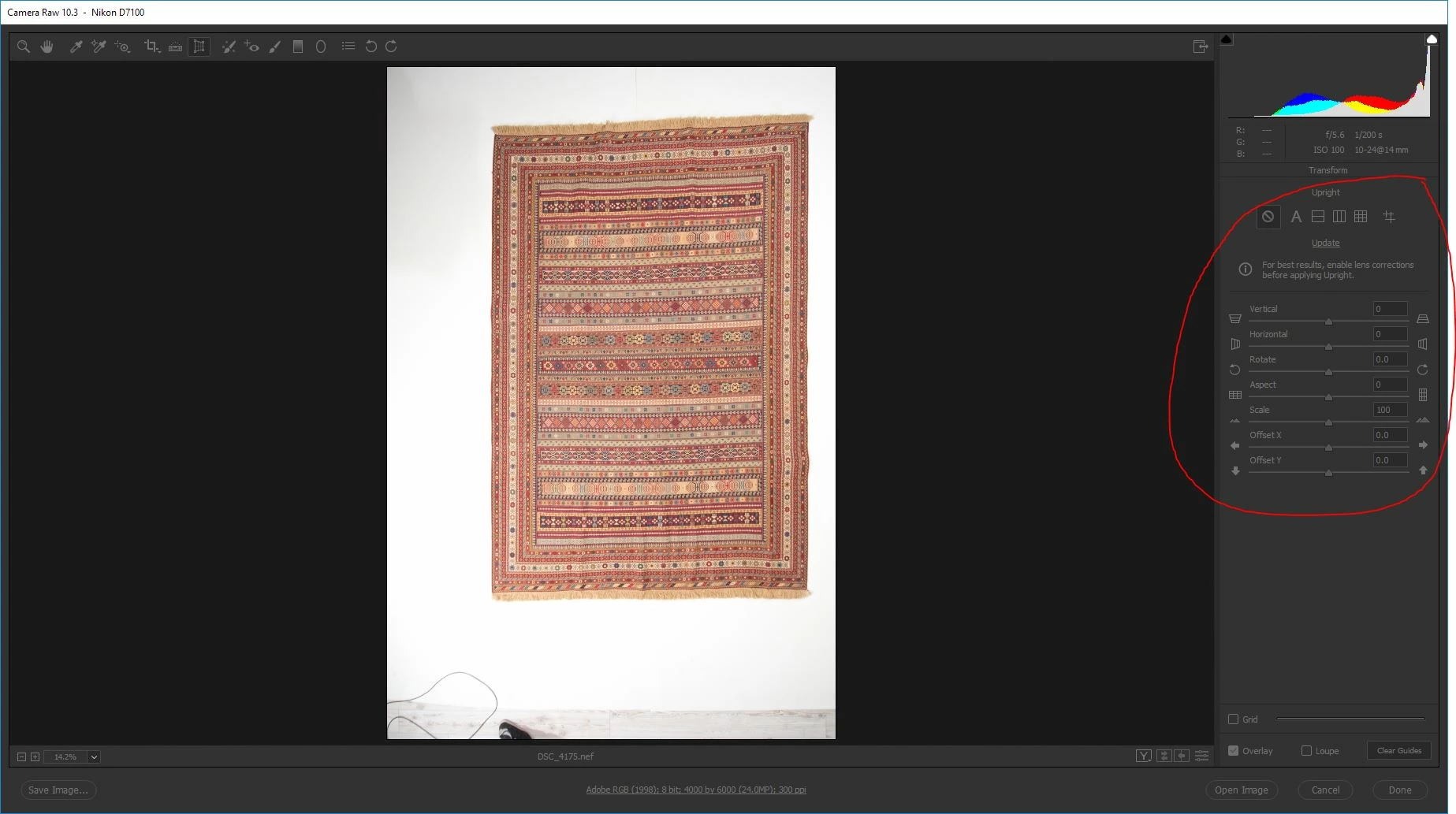
since i get 7-9 pictures of each carpet from a photographer not every carpet is the same, let's say that angle from above of the carpet as a rectangle, i want to automate probably by a script the process of Straightening-and-cropping.
I saw like 5 scripts to auto crop but none of them served me well.
I would probably need a script that works inside photoshop (work on opened tabs and not on a folder) via a script or action. sometimes straightening the carpet requires Free Transform > Distort and sometimes Free Transform > Warp and sometimes even both.
example to distort:
Before:
.png)
take the top right corner and move it a bit right, and take the bottom right and move it a bit left:
After:
.png)
Example to Wrap Tool:
.png)
i wish i could define a shape like rectangle in this situation that the carpet will try to mimic and have the same structure, using both wrap and distort
does anyone can think of an idea where i can start?
 AdChoices