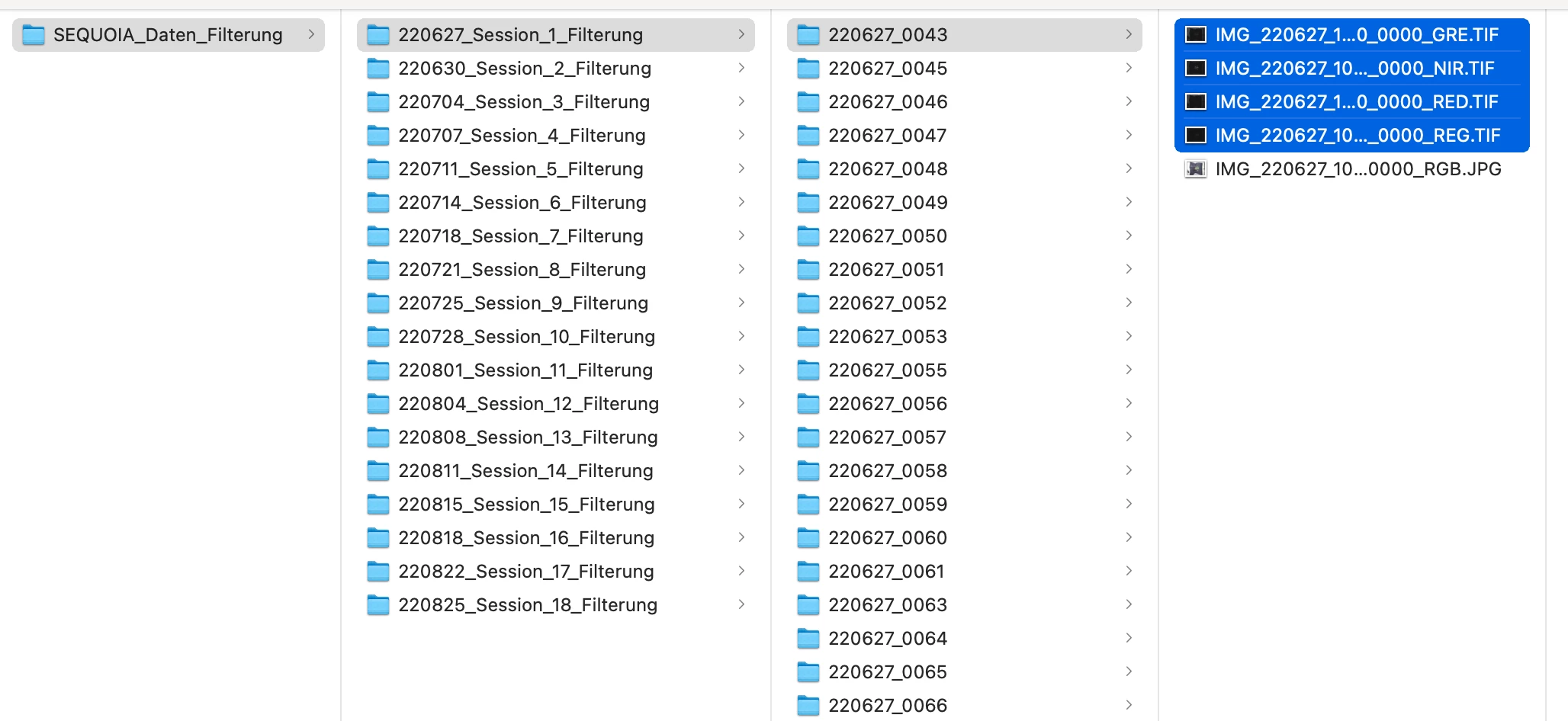
Some time ago I wrote a batch processing script for myself. Among other functions, it has one specifically for this case - the ability to simultaneously open all files located in a subdirectory:
In short:
- Start recording the action
- Open 4 files from any folder
- Create a new document and sequentially put the contents of 4 open files into it (simulating the transfer of files into stack).
- In the resulting document, select all the layers and do the alignment
- After that, make a crop by checking the "dialog mode" mark in the action - this will allow us to execute it manually
- Copy the layers from this document to the source files.
- Close the created document, leaving on the screen 4 source documents that currently contain new content.
Since my script is a typical batch processor, it is mean that the action will be repeated for EVERY open file (and this will lead to an error, since the action we wrote only needs to be executed 1 time for 4 files), but we can trick it:
- write another action in which add the condition "document has unsaved changes", then do nothing.
Run my script, set it up as in the video (select TIF files from the list of extensions, indicate that you need to open all files at once grouped by subdirectories, specify our additional action with a condition (which will launch the main action only once for all files), set up saving parameters without forgetting to specify the path to the new directory and setting the option to save the file structure) and run.
If you did everything correctly, then a copy of the original directory with all subdirectories will be created, containing the processed files.



 AdChoices