Select and mask function refine edge brush not working
 Windows 10/64 updated, Core i7 3.5, 16g RAM, NVIDIA GTX 980 video card, driver up-to-date, Photoshop 22.3.1
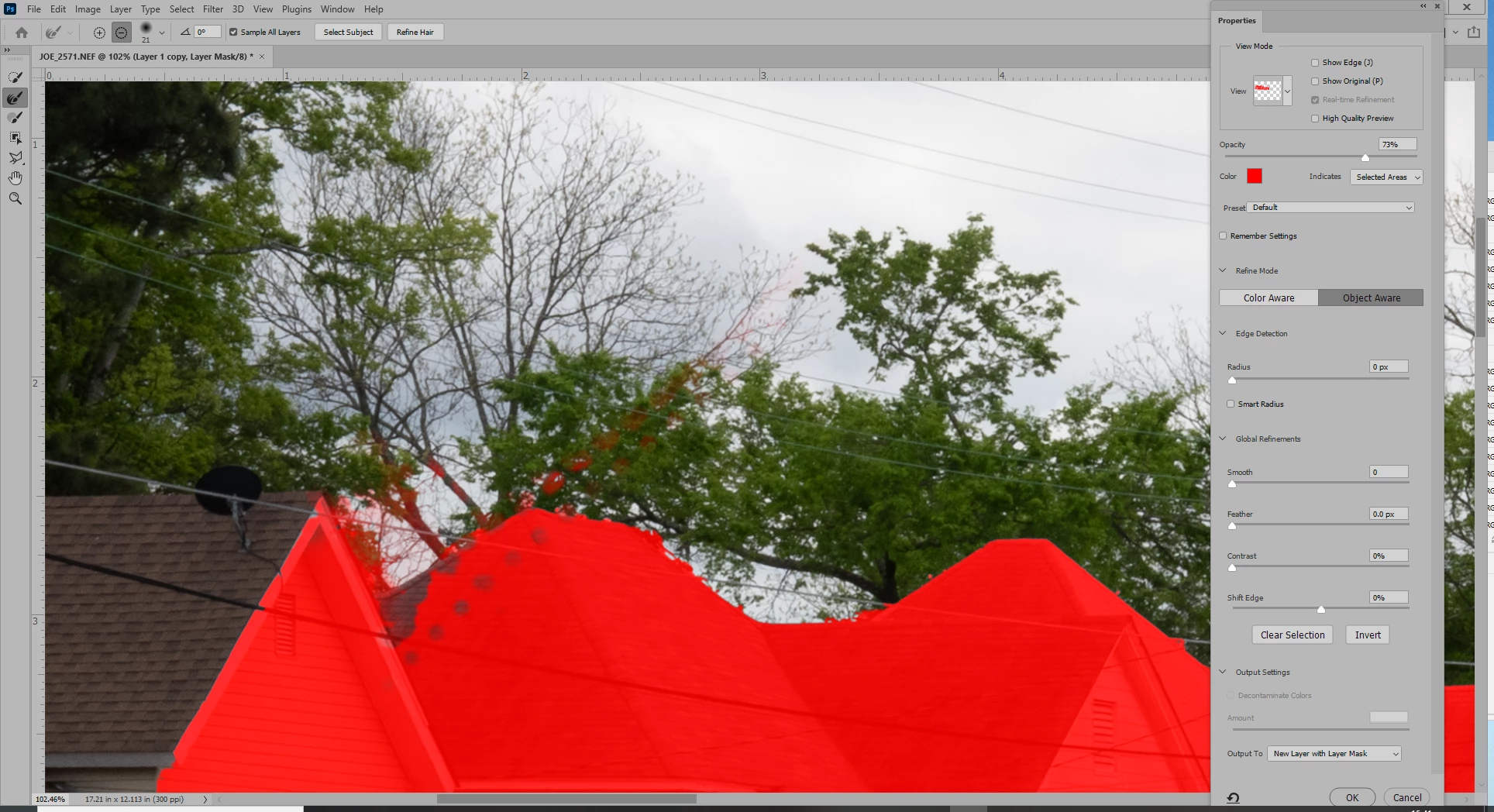
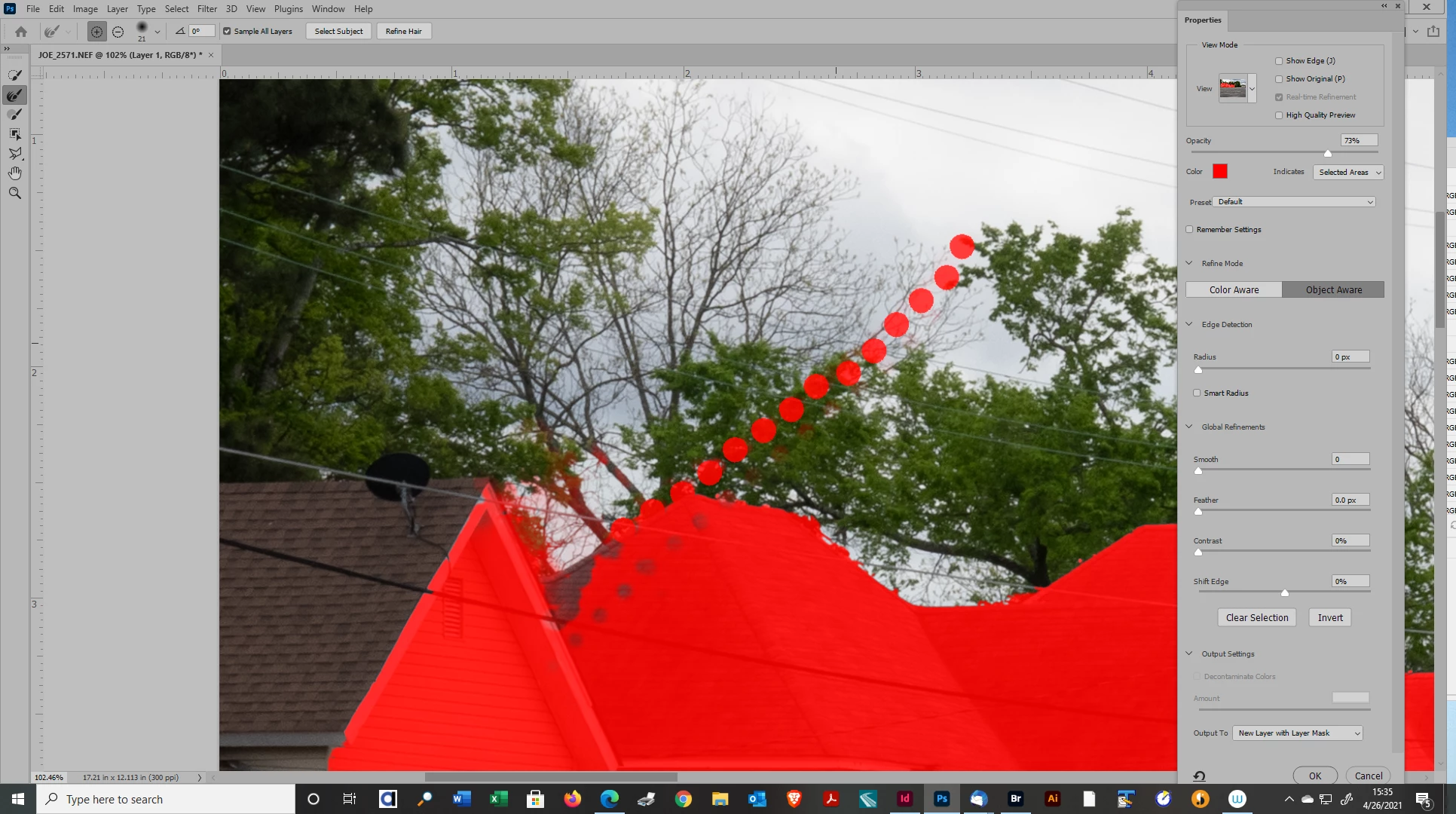
For some reason the refine edge brush on my select and mask function panel is not working. Previously, it worked flawlessly, grabbing small details as I painted over them. Now, it either does nothing or leaves a blob where it should be masking details.
I use photoshop every day and that function has become an essential part of my workflow, so any I will deeply appreciate any help.
004-26-2021 Added two screen shots. The one with the dots is the behavior of the refine edge brush when I dragged it throught the picture, The dots quickly dissappear leaving the screen looking like the one w/o dots.
Thanks,
Joe
Thanks to those who know more than me,
Joe
 AdChoices